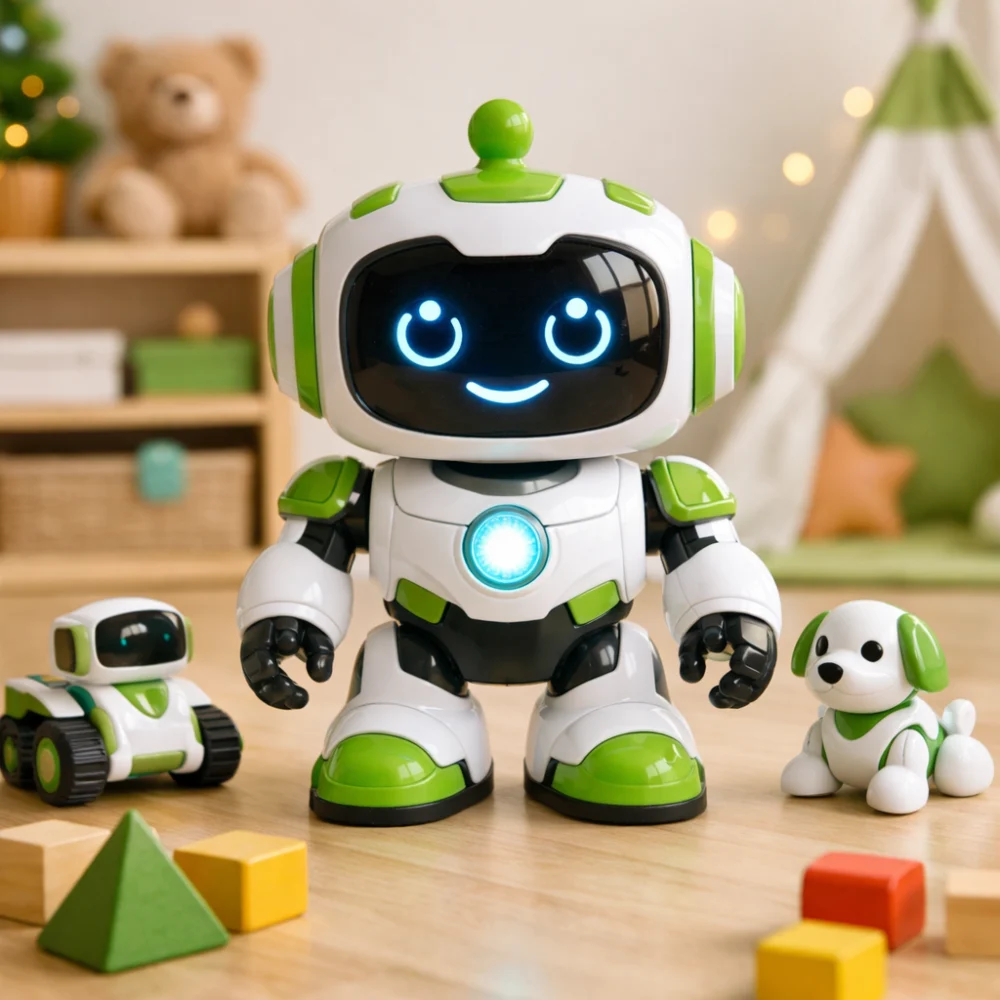
Kids’ robots range from toys controlled with a handset or gestures to interactive and creative play options. The right choice depends less on the word “robot” and more on what the child will enjoy doing with it.
Use this guide to compare the style of play, control method, setup and care involved. A robot toy is not necessarily programmable or a formal learning kit, so check the individual product details if educational features are important.
Which kids’ robot is the right fit?
Start with the kind of play the child wants: direct control, interaction, or a creative activity such as drawing. Check that the stated age guidance and controls suit the intended child, and consider whether an adult will need to help with setup. More features can create more ways to play, but may also mean more components or setup to manage.
Compare the main buying factors
| Feature | What it means | Why it matters | What to check |
|---|---|---|---|
| Style of play | The main activity, such as controlling movement, interacting with the toy or making drawings. | Helps match the toy to the child’s interests and preferred way to play. | Read the product description to see what the child actually does with it. |
| Control method | Controls may involve a remote, gestures, buttons or another stated method. | Different methods can feel easier or more engaging for different children. | Check what controls are included and whether they are clearly explained. |
| Setup and components | Some options may involve separate cards, pens, accessories or assembly. | Extra parts can add activities, but also require organisation and possible adult help. | Check what is included and whether anything else is required. |
| Power | Power arrangements can differ between products. | This affects initial setup and what may need replacing or recharging later. | Look for the stated power source and whether batteries or charging equipment are included. |
| Age guidance | The maker’s stated suitability information for the product. | It helps assess whether the play style and components are appropriate for the intended child. | Read the age guidance and any warnings on the individual product page. |
Decision criteria that matter most
Choose the kind of play first
A remote-controlled robot can suit a child who enjoys making a toy move on demand. An interactive robot may appeal if responses or themed play are the draw. A drawing-focused robot makes sense when the activity itself is part of the appeal. Check the described functions rather than assuming every robot offers the same kind of interaction.
Check how the child will control it
Consider whether the child is comfortable using a handheld control, following gestures or working with another stated input. A simpler control approach may be easier to pick up, while a more involved one may offer a different play experience. Product descriptions should explain the control method and any setup it needs.
Look at what the activity asks of the child
Some toys are mainly for immediate play; others may involve following prompts or handling additional materials. Think about whether the child prefers open-ended play or an activity with a clearer structure. Where cards, pens or other pieces are mentioned, check whether they are included and how they are intended to be used.
Account for setup and power
A toy that needs assembly, pairing or charging may require more preparation than one that is ready for straightforward play. Specifications vary by model, so always check the individual product page before buying. Confirm the stated power arrangements and whether any required batteries or accessories are supplied.
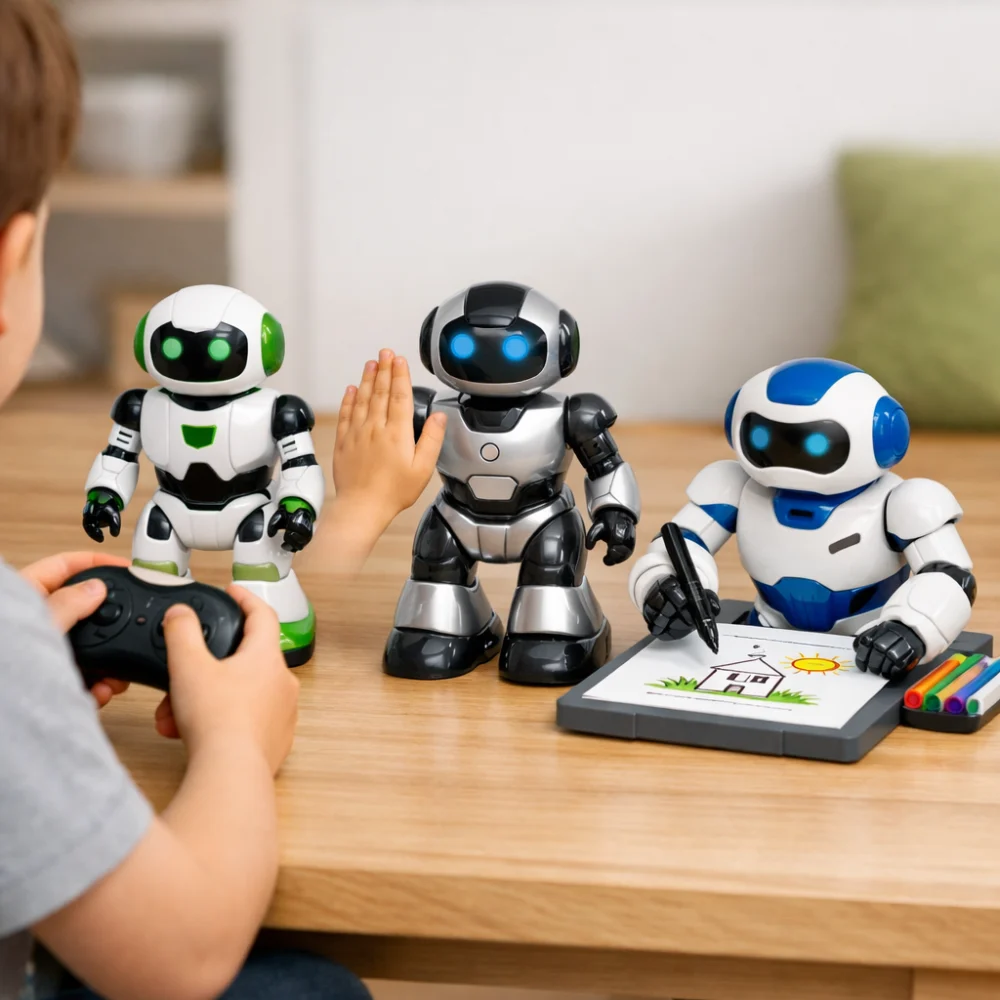
Illustration of different kids’ robot play approaches, with generic control, interaction and drawing examples.
Types of kids’ robots
- Remote-controlled robots: suited to children who enjoy directing a toy’s movement. The experience depends on the stated controls and actions, so do not assume every model moves in the same way.
- Interactive robots: may focus on responses, sounds or other forms of engagement. Check which interactions are described and whether they suit the child’s interests.
- Creative or activity-based robots: may centre on a task such as drawing or using activity materials. They can suit children who like making something, but may require extra components or adult assistance.
Choose for the child’s needs
For a first robot toy, prioritise clear information about the controls, setup and age guidance over a long list of features. If the child enjoys hands-on control, focus on how the toy is operated. If creative activities are more appealing, check the activity materials and what is included. For a gift, also consider whether there is space to play and store any separate pieces.
Mistakes and misunderstandings to avoid
- Assuming every robot is programmable: “robot” can describe many kinds of toy. Look for explicit details about programming if that is essential.
- Choosing by feature count alone: extra functions are only useful if they suit the child’s interests. Compare the main activity and controls first.
- Overlooking what is included: a pictured or described accessory may not necessarily be supplied. Check the product details for included items and any requirements.
- Ignoring the stated age guidance: check the maker’s suitability information rather than guessing from the toy’s appearance.
Safety and suitability
Read the individual product’s age guidance, warnings and information about small parts or moving components. Consider the child’s ability to use the controls and any adult involvement indicated by the product information. Suitability can vary between toys, so do not treat one robot’s guidance as applying to all others.
Care, power and storage
Check whether the product uses replaceable batteries, rechargeable power or another stated arrangement, and whether the necessary items are included. For toys with separate accessories or activity materials, consider how these will be kept together between play sessions. Follow the product’s care information, since cleaning and storage needs can differ.
A practical buying process
- Decide what kind of play the child is most likely to enjoy.
- Narrow the choice by control method and the amount of setup involved.
- Compare the stated activities, included components and power requirements.
- Balance added features against simplicity and the child’s interests.
- Check age guidance, warnings and individual product details before deciding.
Kids’ robot buyer checklist
- Does the main activity suit the child?
- Is the control method clear and appropriate?
- Are setup needs and included components stated?
- Have you checked the power arrangement and what is supplied?
- Does the product’s age guidance and safety information fit the intended child?
- Is there a practical place to play with and store the toy and its parts?
Frequently asked questions
Are kids’ robots always educational?
No. Some focus on play or interaction, while others may include creative or learning-oriented activities. Check the described activity rather than relying on the category name.
Do all kids’ robots need a remote control?
No. Control methods differ, and some products may use gestures, buttons or another stated approach. Check the individual product details to see how the toy is operated.
Should I look for a programmable robot?
Only if programming is part of the experience you want. The term “robot” alone does not confirm that a toy can be programmed, so look for an explicit description of that feature.
Are batteries included?
That depends on the product. Check the power information and included-items list before buying, including whether any charging equipment or batteries are required.
How do I choose a robot as a gift?
Start with the child’s interests and the maker’s age guidance. Then consider the controls, setup, power needs and any separate components so the gift suits both the child and the household.