
Computer Power Strips and Extension Leads
Computer power strips and extension leads are essential components of a safe and efficient workstation, whether you’re powering a single PC or managing an entire home office. Since 1988, we’ve supplied customers with high-quality power solutions that combine safety, performance, and convenience. From basic extension leads to advanced surge-protected strips with USB charging and individual switches, our range is designed to help you power your tech securely and smartly.
Whether you’re working, gaming, studying, or creating, the right power strip or extension lead keeps your setup organised, protected, and ready to perform.
- Computer Power Strips and Extension Leads
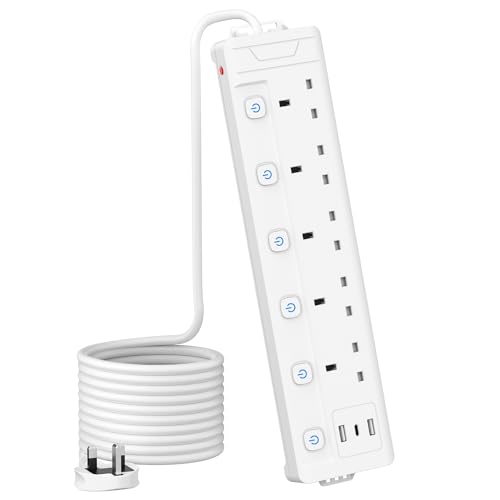
Mscien 5M 4 Gang Extension Lead with 4 USB Slots (1 Type-C and 3 USB-A), MSCIEN, Extension Cords with LED Indicator Switch, Wall Mounted Power Strip, Long Extension Cable for Home Office Dorm, White
Original price was: £22.99.£19.77Current price is: £19.77. *View On Amazon* - Computer Power Strips and Extension Leads
3M 5 Gang Extension Lead with 3 USB Slots, Individually Switched Extension Lead with White 3 Metre, For Home Dorm Office Multi Plug
£24.99 *View On Amazon* - Computer Power Strips and Extension Leads
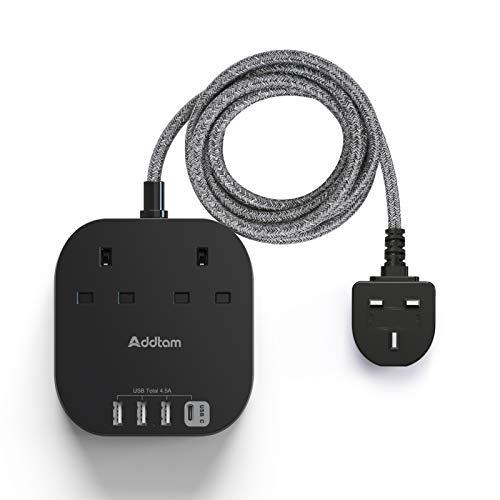
Extension Lead with USB Slots, Power Strips with 2 Way Outlets 4 USB(4.5A, 2 Type C and 2 USB A Ports) Surge Protection Plug Socket with 1.8 Meter Braided cord for Home/Office
Original price was: £16.99.£13.98Current price is: £13.98. *View On Amazon* - Computer Power Strips and Extension Leads
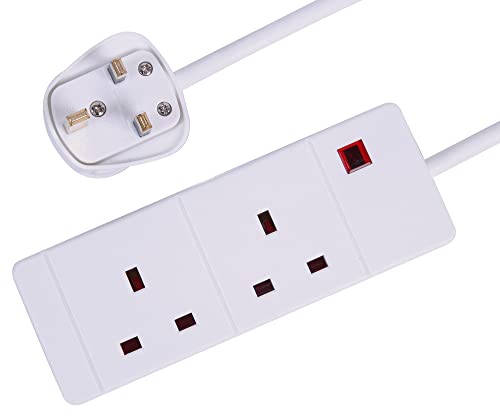
PRO ELEC PELB1912 2 Gang Extension Lead 1m, White
Original price was: £5.44.£4.20Current price is: £4.20. *View On Amazon* - Computer Power Strips and Extension Leads
TOPREK 4 Plug Extension Lead with Ultra Wide Socket, Individual Switch 2 USB-A, 1 USB-C Extension Cable, 10m Extension Lead with USB Slots for Wall Mounting
£31.99 *View On Amazon* - Computer Power Strips and Extension Leads
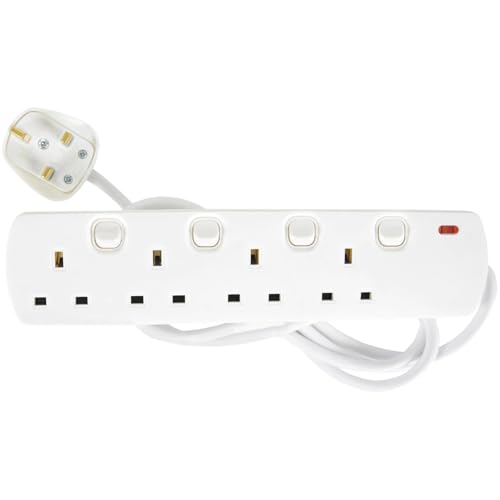
Mercury Extension Lead with Switches, 2 Metre 4 Gang Extension Lead with Individual Switches, UK Switched Extension Cable, Wall Mountable Power Strip with Fused Plug, White
Original price was: £9.99.£6.49Current price is: £6.49. *View On Amazon* - Computer Power Strips and Extension Leads
hotimy Tower Extension Lead 4M, Plug Extension Tower 8 Outlets and 6 USB (2 Type C & 4 USB Ports) with Widely Spaced Outlets 13A 3250W & Long Extenion Cable 4-Metre for Home, Office, Kitchen – Black
Original price was: £25.99.£22.99Current price is: £22.99. *View On Amazon* - Computer Power Strips and Extension Leads
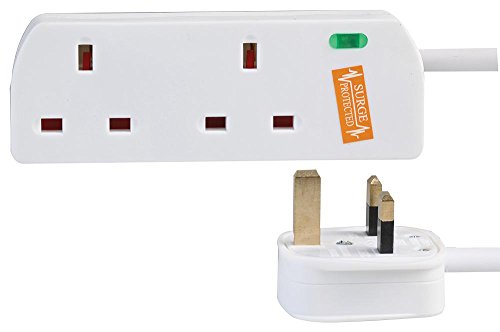
PRO ELEC PELB1950 2 Gang Surge Protected Extension Lead White, 5m
£13.29 *View On Amazon* - Computer Power Strips and Extension Leads
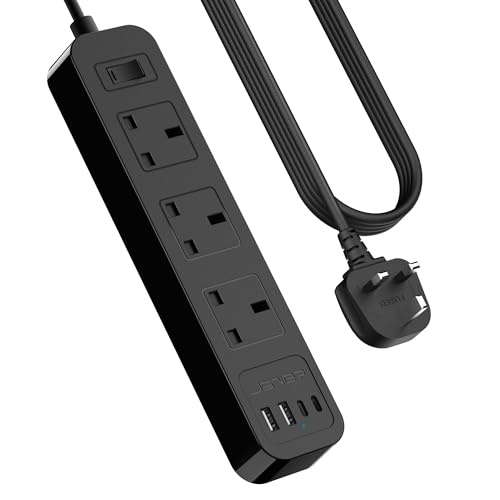
JSVER Extension Lead with USB C Slots, Desktop Power Strip 3M Cord with 3 Way Outlets and USB C Fast Charger(5V 3.4A), Power Socket with Switch for Home, Office-Black
Original price was: £15.99.£13.59Current price is: £13.59. *View On Amazon* - Computer Power Strips and Extension Leads
Black Extension Lead with 4 USB Slots(2 USB C), 4 Way Plug Extension Socket with Individual Switches, 1.8M Extension Cable, Desk Power Strip for Bedroom Office Accessories
Original price was: £18.99.£15.99Current price is: £15.99. *View On Amazon* - Computer Power Strips and Extension Leads
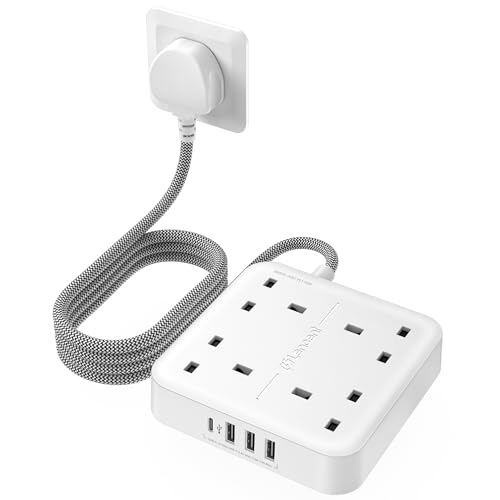
LENCENT Extension Lead with 4 Way Outlets, 3250W 13A Power Strip, 1.8M Braided Extension Cord, 1 USB-C and 3 USB Slots, Multi Power Plug Extension for Home and Office, White
£17.99 *View On Amazon* - Computer Power Strips and Extension Leads
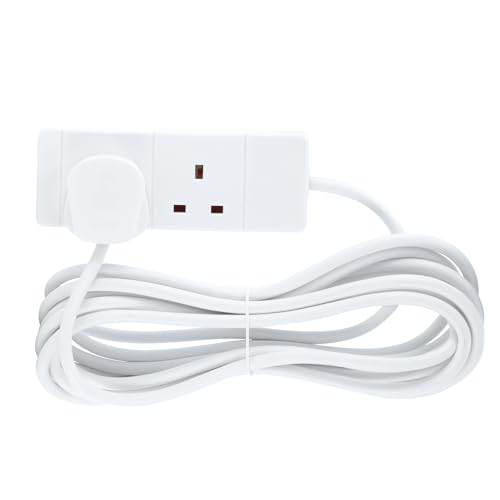
PRO ELEC PELB1900 2 Gang Extension Lead 3m, White
£9.48 *View On Amazon* - Computer Power Strips and Extension Leads
Hulker Extension Lead with USB C Ports Power Strip with 3 Way Outlets 5 USB Slots (1 PD 20W Type-C, 1 QC 18W Fast USB, 3 USB-A Port), Multi Plug Extension Socket with 2 Meter Power Cord 13A 3250W
Original price was: £21.98.£18.66Current price is: £18.66. *View On Amazon* - Computer Power Strips and Extension Leads
Masterplug Four Socket Extension Lead, 2 Metre Cable, Unswitched, 4-Way Plug Extension Cable, Power Strip, Basic Power, White, 13A, 4G, 2m, BFG210N
£8.50 *View On Amazon* - Computer Power Strips and Extension Leads
STATUS Multi Plug Extension | 4 Socket Extension Cable | 1m Extension Lead | S4W1MS12 White
£4.98 *View On Amazon* - Computer Power Strips and Extension Leads
Masterplug Four Socket Extension Lead, 1 Metre Cable, Unswitched, 4-Way Plug Extension Cable, Power Strip, Basic Power, White, 13A, 4G, 1m, BFG110N
£5.75 *View On Amazon* - Computer Power Strips and Extension Leads
TISDLIP 1 Way Extension Lead 1M Sturdy Single Socket Extension, Travel Use Short Power Cord
Original price was: £11.99.£9.99Current price is: £9.99. *View On Amazon* - Computer Power Strips and Extension Leads
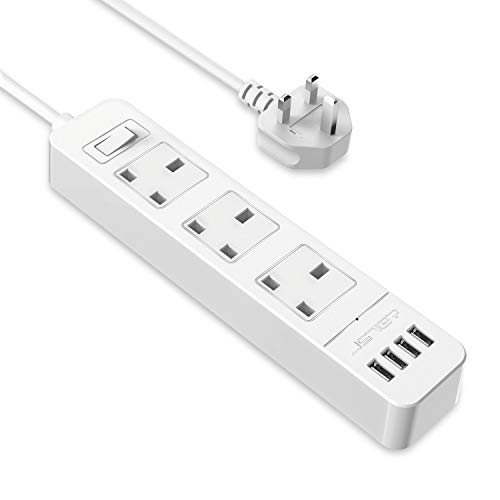
JSVER Extension Lead USB, Power Socket with 3 Outlet 4 USB Charging Station Power Strip USB with 2m Power Lead-White
£11.99 *View On Amazon* - Computer Power Strips and Extension Leads
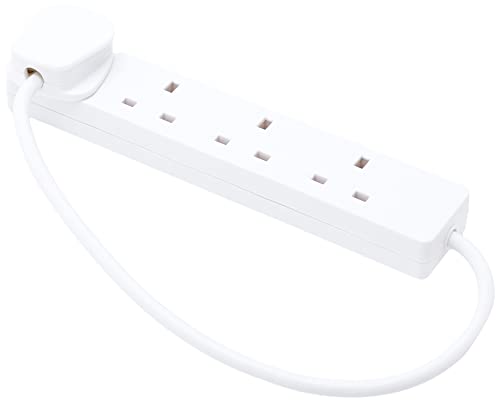
PRO ELEC PELB1901 4 Gang Extension Lead 0.5m, White
£7.99 *View On Amazon* - Computer Power Strips and Extension Leads
5M Extension Lead 5 Way Individually Switched,Mscien Surge Protected Extension Cord with 5 Meter Long Cable-White/Random Switch Color
£23.99 *View On Amazon* - Computer Power Strips and Extension Leads
STATUS 2 Socket Extension Lead, 2m Cable 13A Power Strip for Home, Office or School, White (2WS2MCP20)
£10.99 *View On Amazon* - Computer Power Strips and Extension Leads
4 Way Extension Lead 3M UK Plug Extension Socket, 3 Metre Electric Extension Cable, Multi Plug Power Strip Extension Cord – Wall Mountable UK Socket Extensions Mains Strip
£10.95 *View On Amazon* - Computer Power Strips and Extension Leads
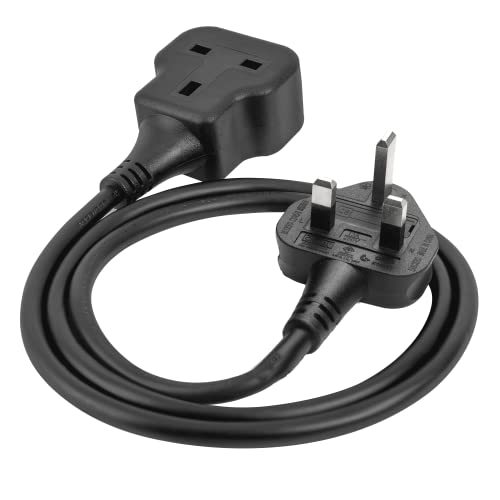
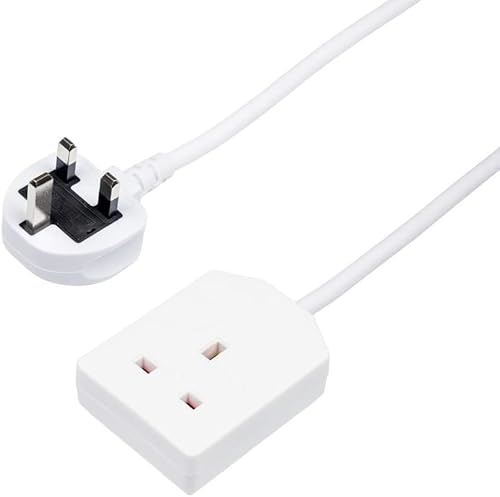
Extension Lead 1 Way Gang 2 Meter Single Socket Mains Power Extension Cord 13A Fused Strip 3Pin UK Plug Power Cable Ideal For Multiple Appliances Of Home & Office (White)
£9.99 *View On Amazon* - Computer Power Strips and Extension Leads
Benross 45220 1 Gang 5 Metre 13 Amp Extension Lead Cable
£9.99 *View On Amazon*









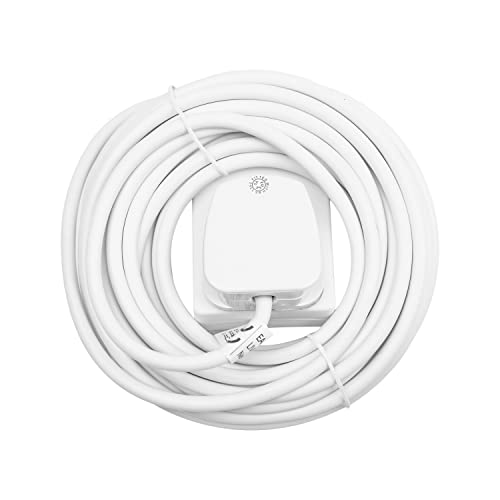
Why Use a Power Strip or Extension Lead for Computers?
Modern setups often include multiple devices: a computer, monitor, speakers, printer, phone charger, external drives, and more. A high-quality power strip or extension lead:
Expands the number of accessible outlets
Provides surge protection for sensitive equipment
Reduces clutter and improves cable management
Offers built-in USB charging ports for phones and tablets
Enhances safety with overload protection and switched outlets
💡 Standard extension leads are NOT the same as surge protectors. For sensitive electronics like computers, always choose a surge-protected power strip.
Buying Guide: How to Choose the Right Power Strip or Extension Lead
1. Decide on the Number of Outlets You Need
| Number of Outlets | Best For |
|---|---|
| 4-6 outlets | Basic home or small desk setups |
| 8+ outlets | Gaming rigs, multiple monitors, office or studio equipment |
| Tower-style strips | Vertical power access in tight spaces |
✅ Count your devices and always allow for future additions or upgrades.
2. Choose the Right Features for Your Needs
| Feature | Description |
|---|---|
| Surge Protection | Guards against voltage spikes; essential for computers and electronics |
| USB Charging Ports | Charge phones, tablets, or peripherals without using AC outlets |
| Individually Switched Sockets | Control power to each device to save energy and improve safety |
| Master Switch | Turn off all connected devices at once |
| Overload Protection | Automatically cuts power if overloaded — prevents fire risk |
| Cable Length | Common sizes range from 1m to 5m; choose based on room layout |
| Wall Mountable / Under Desk Mount | Keeps your workspace tidy |
| Right-Angle Plug | Ideal for tight spaces behind desks or furniture |
3. Check Power Ratings
Amperage: Most UK power strips support 13A — sufficient for most computer and office setups
Wattage: Don’t exceed the total wattage rating (e.g. 3250W at 13A, 230V)
USB Output: Look for 2.4A per port or USB-C PD for faster charging of modern devices
Top Types of Computer Power Strips and Extension Leads
Standard Extension Leads (4–6 Way) – Basic power expansion
Surge-Protected Power Strips – Essential for desktops, gaming PCs, and servers
USB Extension Leads – Charge and power devices without bulky adapters
Individually Switched Extension Leads – More control and energy efficiency
Tower Power Strips – Vertical design saves space on or under desks
Under-Desk Power Mounts – Discreet, fixed positioning for neat setups
Heavy-Duty Extension Reels – For temporary setups or areas without wall sockets
Smart Power Strips – Wi-Fi or app-controlled for automation and smart home integration
Expert Tips: Safe and Efficient Use of Power Strips
Never daisy-chain (i.e. plug one extension into another) — this is a fire hazard
Avoid overloading — know your total wattage and keep high-draw appliances separate
Keep cables untangled and off the floor to reduce tripping and wear
Label sockets if you’re managing multiple devices
Use surge protection for computers, monitors, printers, and anything valuable
Switch off unused sockets to save energy and prevent phantom power draw
Check for BS 1363 certification (UK safety standard) to ensure product quality
Recommended Picks by Setup
| Use Case | Suggested Product | Key Features |
|---|---|---|
| Basic PC Setup | 4-Gang Surge-Protected Extension Lead | 1.8m cord, overload protection |
| Home Office | 6-Gang USB Power Strip | 2 USB-A + 1 USB-C port, master switch |
| Gaming Desk | 8-Gang Tower Surge Protector | Space-saving vertical design, individual switches |
| Creative Studio | 10-Gang Flat Extension Lead | Wide spacing for large plugs, 3m cable |
| Work From Home + Charging | USB Extension Strip with Fast Charge | Quick charge USB-C, 5 AC sockets |
| Shared Office Space | Under-Desk Mounted Power Bar | Fixed installation, clutter-free setup |
FAQ: Computer Power Strips & Extension Leads
What’s the difference between a power strip and an extension lead?
The terms are often used interchangeably, but a power strip typically refers to a block of multiple sockets, while an extension lead refers to a longer cable that extends your power reach. Many products combine both.
Do all power strips offer surge protection?
No, only surge-protected models do. Look for a joule rating and surge indicator light to confirm protection is included.
How many amps can I run through one power strip?
Most UK extension leads are rated for 13 amps or 3250 watts total. Never exceed this or plug high-power devices like kettles into the same strip as your computer.
Is it safe to plug a power strip into another power strip?
No. This is called daisy-chaining, and it’s a serious fire hazard. Always plug extension leads directly into a wall socket.
Are USB ports on extension leads safe for phones and tablets?
Yes, as long as they meet modern charging standards. Look for 2.4A output per port or USB-C PD (Power Delivery) for devices like iPads and modern smartphones.
How long should an extension lead be?
Choose the shortest length that works for your setup; long cables can tangle and create trip hazards. Common sizes are 1m, 2m, 3m, and 5m.
When should I replace a power strip?
Replace if you notice frayed cables, loose sockets, worn switches, or if the surge protection indicator goes out.
Power Your Setup Safely and Efficiently
Since 1988, we’ve helped customers create workspaces that are not only functional but protected. Our computer power strips and extension leads are carefully selected to meet high safety standards and modern needs, with options for students, professionals, gamers, and IT teams.
Browse our full range today, and power your tech with confidence, safety, and style.
Looking for more options?
Browse our full range of Computers and Accessories for other great choices to suit your space, goals, and budget.
 Getting ready for Summer? View our Home and Garden Products

Heading outdoors this winter? Take a look at our Outdoor Clothing.