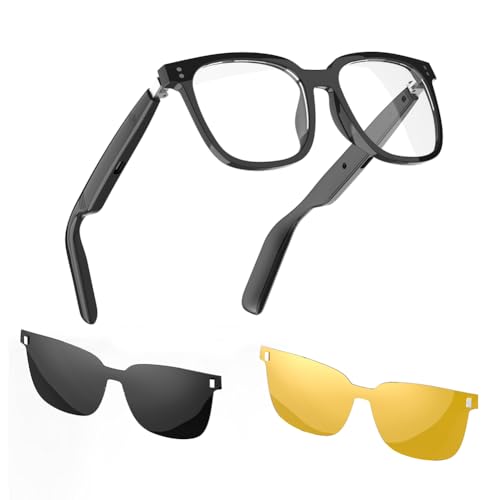
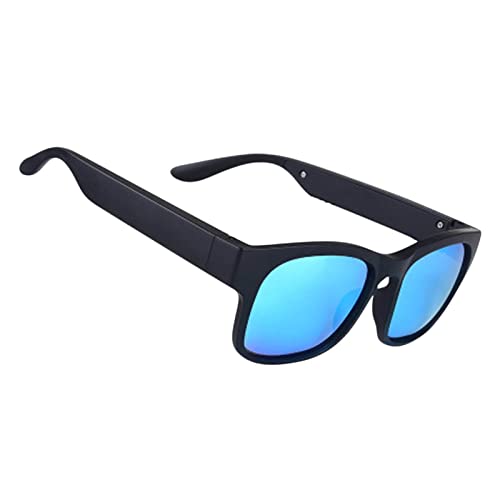
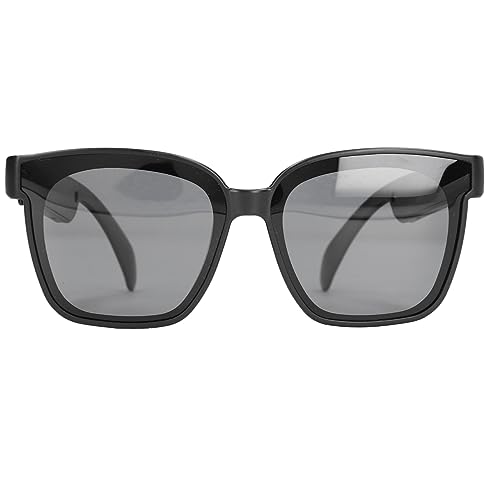
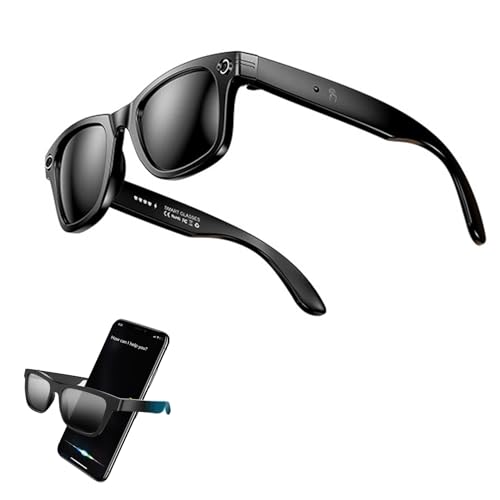
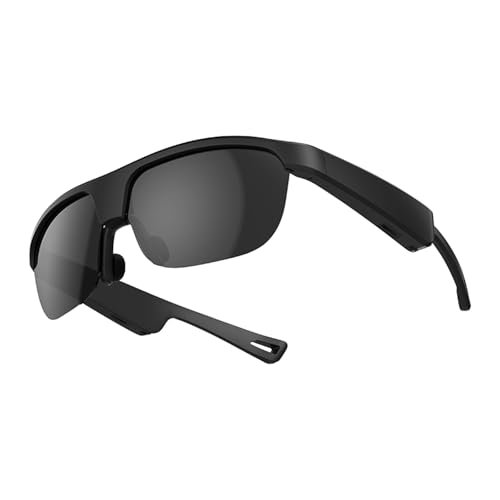
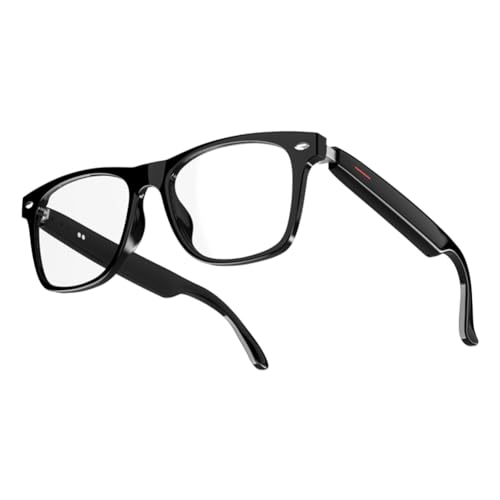
Smart Glasses
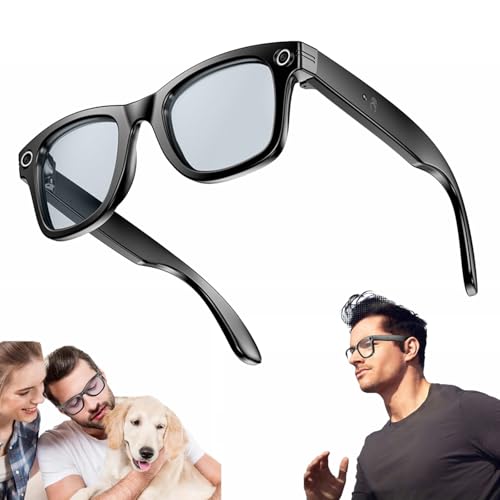
Smart Glasses are wearable technology products designed to combine eyewear with digital features such as audio, cameras, displays, app controls or connected functions where listed. Whether you are looking for hands free calling, music, travel support, content capture, productivity tools or simply a more convenient way to use connected tech, the right smart glasses should suit your device, comfort needs and daily routine.
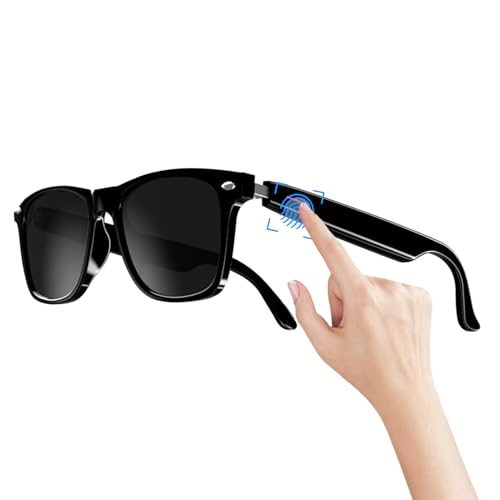
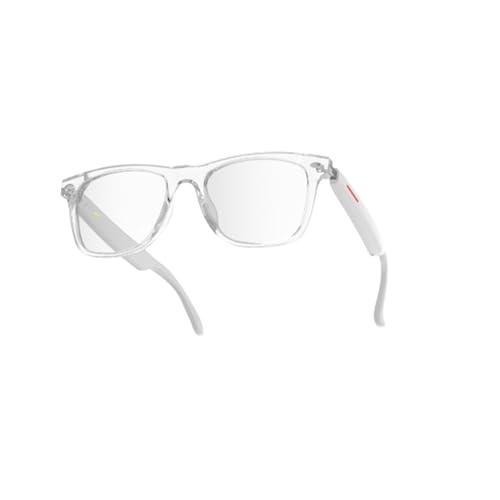
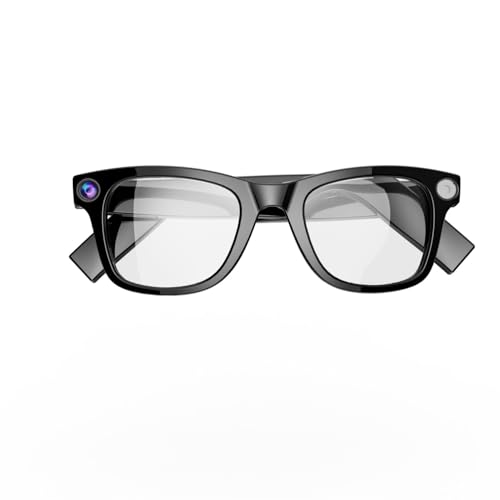
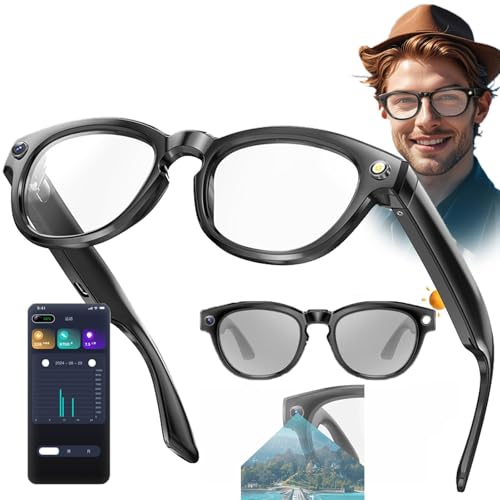
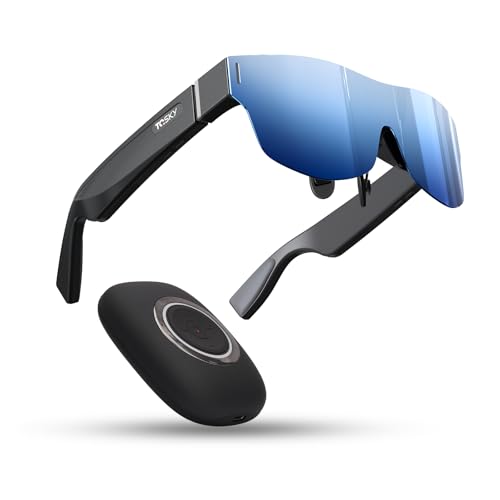
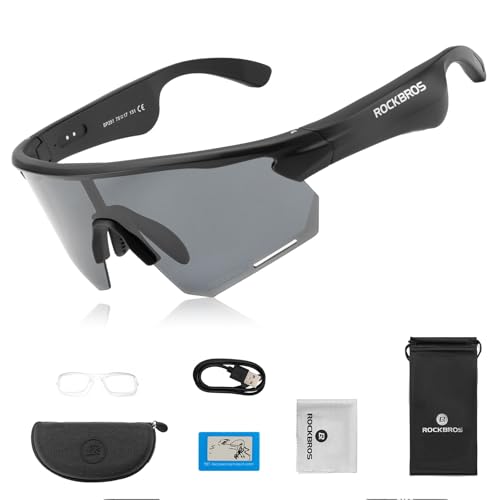
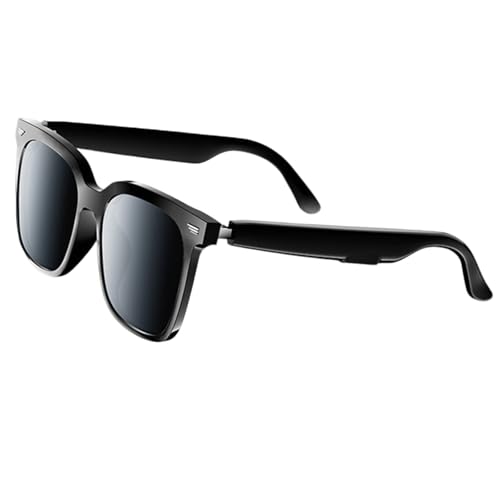
This category includes smart glasses in different designs, features and use cases. Depending on the product, you may find Bluetooth smart glasses, audio glasses, camera glasses, display glasses, augmented reality glasses, sunglasses style smart glasses and wearable tech eyewear with touch controls, microphones, speakers or app support where listed.
What Are Smart Glasses?
Smart glasses are eyewear style devices that include electronic features. They may look like regular glasses or sunglasses, but can include technology such as wireless audio, voice control, microphones, cameras, small displays, notifications or app based functions depending on the product.
Not all smart glasses do the same thing. Some focus on listening and calling, some focus on video or photo capture, some provide visual display features, and others may connect to phones, computers or apps for specific tasks where compatible.
The best choice depends on what you want the glasses to do and whether they work with your existing devices.
What Smart Glasses Are Used For
Smart glasses can be used for hands free calls, listening to audio, navigation prompts, recording content where listed, viewing information, remote work, travel, fitness, outdoor use, learning, accessibility support and general connected convenience.
For everyday use, audio smart glasses may be useful when you want open ear listening without wearing traditional headphones. For content creators, camera features may be useful where listed. For productivity or specialist use, display features or app compatibility may matter more.
Smart glasses can also be useful when you want technology that feels more wearable and less intrusive than holding a phone, but suitability depends heavily on the product and setting.
How To Choose The Right Smart Glasses
Start with the main feature you need. If you want music and calls, look for audio, microphone and Bluetooth details where listed. If you want visual information, check display features, compatibility and supported apps. If you want recording, check camera functions, storage and privacy controls where listed.
Next, check device compatibility. Smart glasses may need a compatible smartphone, app, operating system, Bluetooth connection, USB charging port or account setup. Do not assume every pair works with every device.
Finally, consider comfort. Smart glasses are worn on the face, so weight, frame shape, nose bridge fit, temple comfort and lens style all matter. A feature rich pair is less useful if it feels uncomfortable after a short time.
Key Features To Compare
Connectivity is one of the first features to compare. Many smart glasses use Bluetooth, while some may require a dedicated app, cable or other connection method where listed.
Audio features may include built in speakers, microphones, call controls or voice assistant support where compatible. Check whether the sound style suits your environment, as open ear audio can behave differently from earbuds or headphones.
Display features should be checked carefully where listed. Some smart glasses may show simple information, while others may offer more advanced visual functions. The device, software and use case all affect how useful these features are.
Battery life and charging method are also important. Smart glasses need power, and real use can depend on brightness, audio volume, calls, recording, display use and connection type.
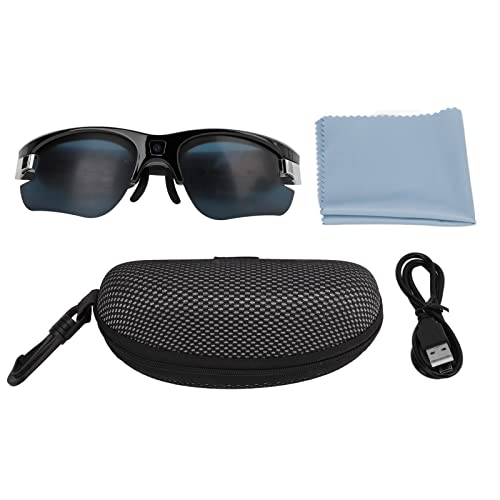
Other useful features to compare include lens type, frame size, controls, camera functions, storage, app support, prescription compatibility, water resistance where listed, carrying case and included accessories.
Smart Glasses Compared With Normal Glasses
Normal glasses are usually chosen for vision correction, sun protection or everyday eyewear style. They do not include connected technology unless they are specifically designed as smart eyewear.
Smart glasses add digital features, but they may also need charging, setup and compatibility checks. They can offer extra convenience, but they are usually more complex than ordinary glasses.
The trade off is simplicity against function. If you only need eyewear, standard glasses or sunglasses may be enough. If you want connected features in an eyewear format, smart glasses are worth comparing.
Smart Glasses Compared With Wireless Earbuds
Wireless earbuds are mainly designed for listening and calls. They sit in or around the ear and can be compact, portable and easy to use.
Audio smart glasses may offer a more open ear listening experience where listed, allowing you to hear your surroundings more naturally than some earbuds. This can be useful for walking, working or casual use, depending on the environment.
The trade off is privacy and sound isolation. Earbuds may be better for private listening, while smart glasses can feel more convenient if you prefer not to wear something in your ears.
Smart Glasses Compared With Smartwatches
Smartwatches sit on the wrist and are often used for notifications, activity tracking, calls, apps and quick controls where supported.
Smart glasses place technology closer to your eyes and ears. They may be better for hands free audio, visual prompts or camera functions where listed, while smartwatches may be better for quick wrist based controls and fitness tracking.
The right choice depends on how you want to interact with technology. Some users may prefer one device, while others may use both for different tasks.
Smart Glasses Compared With VR Headsets
Smart glasses are usually designed to be lighter, more wearable and more suitable for everyday or practical use. They may include simple displays, audio or connected features where listed.
VR headsets are usually more immersive and cover more of the face. They are often used for gaming, simulation, training or virtual environments where compatible.
The trade off is immersion against portability. Smart glasses are generally easier to wear for everyday tasks, while VR headsets are more focused on fully immersive experiences.
Beginner Regular User And Experienced Buyer Guidance
Beginners should focus on simple features, comfort and device compatibility. A pair that handles calls, audio or basic smart functions clearly may be more useful than a complex product with features you will rarely use.
Regular users may want to compare battery life, control layout, app experience, microphone quality, speaker style and how easily the glasses fit into daily routines.
Experienced buyers often look more closely at display type where listed, field of view, latency, app ecosystem, camera quality, prescription support, firmware updates, privacy controls and how the glasses work with phones, laptops or other devices.
Use Cases By Activity
For commuting, smart glasses may support calls, audio, navigation prompts or notifications where compatible. Comfort, battery life and awareness of surroundings are important.
For travel, smart glasses can be useful for listening, translation features where listed, navigation, content capture or hands free convenience. Charging and storage should be considered before packing.
For work and productivity, some smart glasses may support calls, meetings, display functions, remote assistance or note taking workflows where listed. Compatibility with work devices and software is important.
For walking and casual outdoor use, audio smart glasses may be useful if you want to hear music or calls while keeping ears open. Always stay aware of traffic, people and surroundings.
For content creation, camera or video features may be useful where listed. Privacy, permission and storage should be considered carefully.
For accessibility or support use, check product details carefully for features such as voice control, text display or hearing related functions where listed.
Fit Sizing And Wearing Comfort
Smart glasses should fit comfortably on the face. They should sit securely on the nose and ears without pinching, sliding or feeling too heavy.
Frame shape, lens size, nose pads, temple length and weight can all affect comfort. If the glasses include electronics, they may feel heavier than ordinary eyewear.
Think about how long you plan to wear them. A pair that feels fine for a quick test may feel different after an hour of calls, travel or outdoor use.
If you wear prescription glasses, check whether the smart glasses support prescription lenses, inserts or lens replacement where listed. Do not assume prescription compatibility unless the product clearly states it.
Lens Type And Eye Comfort
Lens details matter because smart glasses are still eyewear. Some products may include clear lenses, tinted lenses, sunglasses lenses, blue light style lenses or interchangeable lenses where listed.
If UV protection is important, check the product details carefully and only rely on features that are clearly stated. Smart glasses are not automatically sunglasses, safety glasses or protective eyewear.
If you need glasses for driving, work safety, sport or prescription use, check suitability carefully. Technology features do not replace proper eyewear requirements.
For display glasses, consider brightness, viewing comfort and whether the display style suits your intended use where listed.
Connectivity Apps And Device Compatibility
Smart glasses often rely on a compatible device, app or wireless connection. Check whether the glasses work with your phone, tablet, laptop or operating system where listed.
Bluetooth features may allow calls and audio, but advanced functions may need an app. Some glasses may need firmware updates, account setup or permissions for microphone, camera, location or notifications where compatible.
If the glasses connect to multiple devices, check how switching works where listed. If they are used for work, check whether workplace devices or security settings allow the required app or connection.
Compatibility should be confirmed before buying, especially for older phones, locked down work devices or less common operating systems.
Battery Charging And Everyday Use
Smart glasses need charging, so battery life is a practical consideration. Real use can vary depending on audio volume, calls, display brightness, recording, notifications and connected features.
Check charging method where listed. Some glasses may use USB C, magnetic charging, charging cases or specialist cables. If the charger is unique, keeping it safe matters.
For all day use, consider how often you can recharge. For travel, a power bank or spare cable may be useful where compatible.
Battery powered eyewear should not be left in extreme heat, damp conditions or under heavy pressure. Follow the product guidance for charging and storage.
Privacy Recording And Social Considerations
Smart glasses with cameras, microphones or recording features should be used responsibly. Always follow local laws, venue rules and privacy expectations when recording photos, video or audio.
In shared spaces, workplaces, schools, events or public areas, people may not expect to be recorded. Clear indicators, permissions and respectful use are important where recording features are present.
Microphones may also capture conversations, so app permissions and mute controls should be checked carefully. If privacy matters, compare physical camera covers, recording indicators, mute controls or privacy settings where listed.
Smart glasses can be useful, but they should be used with awareness of people around you.
Safety And Practical Considerations
Smart glasses should not distract you during activities that need full attention. Avoid using display features, recording controls or notifications in situations where distraction could be unsafe.
For driving, cycling, road walking or operating equipment, only use features that are safe, legal and suitable for the situation. Audio or display prompts should not reduce awareness of surroundings.
Smart glasses are not automatically protective eyewear. They should not be used as safety glasses for work, sport, shooting, cycling, industrial tasks or hazardous environments unless clearly listed as suitable.
Keep cables, chargers and small accessories away from young children and pets. If the glasses become damaged, overheat, swell, spark or behave unusually, stop using them.
Care Cleaning And Storage
Smart glasses should be cared for like both eyewear and electronics. Clean lenses with a suitable soft cloth and follow the product guidance. Avoid using harsh cleaners unless the instructions allow them.
Keep the glasses dry unless water resistance or splash resistance is clearly listed. Even then, follow the product limits carefully.
Store them in a case where provided, especially when travelling or carrying them in a bag. Avoid leaving them loose with keys, tools or heavy items that could scratch lenses or damage electronics.
Do not expose smart glasses to unnecessary heat, damp or heavy pressure. Keep charging contacts clean and dry where applicable.
Useful Accessories To Consider
Useful accessories for smart glasses may include protective cases, lens cloths, charging cables, power banks, USB adapters, prescription inserts where compatible, replacement nose pads, carry pouches and travel organisers.
For audio use, you may also want to compare headphones, earbuds or computer microphones depending on where and how you communicate. For display or productivity use, laptop computers, tablets, USB C cables and compatible adapters may also be useful.
For travel, a hard case and compact charger can help protect the glasses and keep them ready to use.
Why Buy From YPC?
At YPC, we understand active lifestyles and the need for practical products that work in real use. Smart glasses should be chosen for compatibility, comfort, battery life, privacy features and the way they will actually fit into your daily routine.
YPC brings together a wide range of electronics, lifestyle and activity products so you can compare available smart glasses by use, feature type, fit, device support and practical suitability. Browse the Smart Glasses category to compare the range and choose the right wearable tech for calls, audio, travel, productivity, content capture or everyday connected use.
FAQs
What are smart glasses used for?
Smart glasses are used for connected eyewear features such as audio, calls, notifications, cameras, displays, navigation prompts or app based tools where listed. The exact use depends on the product.
Are smart glasses the same as normal glasses?
No. Smart glasses include electronic features, while normal glasses are usually used for vision correction, sun protection or style. Smart glasses may still need lens and fit checks like ordinary eyewear.
Do smart glasses need a phone?
Many smart glasses need a compatible phone, app or Bluetooth connection where listed. Some features may not work without the right device or software support.
Can smart glasses play music?
Some smart glasses include built in speakers or audio features where listed. Check sound features, Bluetooth support and battery life before buying if audio is important.
Do smart glasses have cameras?
Some smart glasses may include cameras where listed, but not all do. If photo or video capture matters, check camera details, storage, controls and privacy features carefully.
Can smart glasses be used with prescription lenses?
Some smart glasses may support prescription lenses or inserts where listed, but not all models do. Always check prescription compatibility before buying.
Are smart glasses suitable for driving?
Only use smart glasses while driving if the features are safe, legal and suitable for that use. Avoid anything that distracts your attention or blocks your vision.
How should I care for smart glasses?
Clean the lenses with a suitable soft cloth, store the glasses in a protective case, keep them dry unless water resistance is clearly listed, and follow the product charging and care instructions.
Getting ready for Summer? View our Home and Garden Products
Heading outdoors this winter? Take a look at our Outdoor Clothing.