

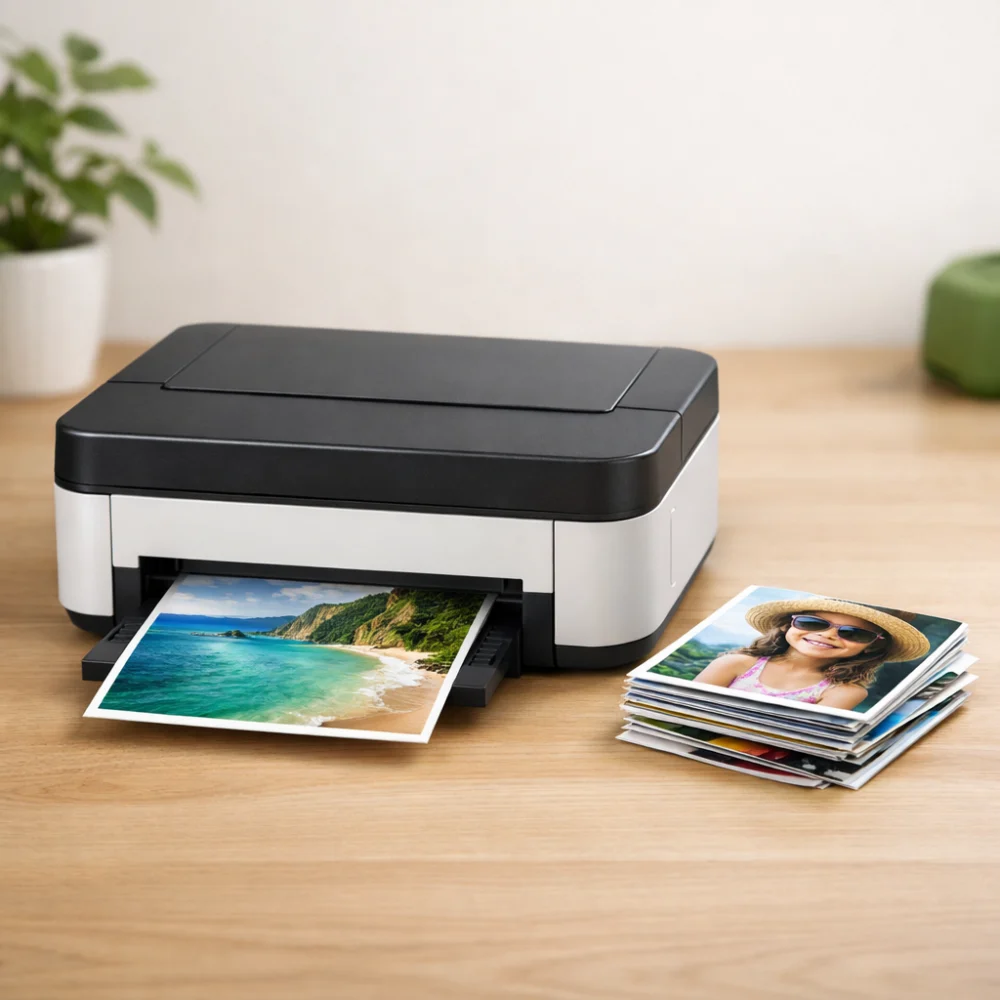
A photo printer can be a compact way to make prints from a phone or camera, or a more home-based option for printing a wider range of photographs. The right choice depends on what you want to print, how often you expect to print and where you plan to use the printer.
Before comparing features, decide on the print size you need and check what paper or print media each printer requires. A small portable printer may suit occasional prints on the go, while a larger device may make more sense if you want different sizes or a regular home printing routine.
What should you look for in a photo printer?
Start with the print size and media, then check that the printer’s connection and app or computer support fit your devices. Consider the cost and availability of compatible supplies as well as the printer’s purchase price. Portability, print process and expected print volume can help break a tie, but none is a substitute for checking that the printer suits the photographs you want to make.
Photo printer features compared
| Feature | What it means | Why it matters | What to check |
|---|---|---|---|
| Print size and format | The dimensions and format of prints the printer is designed to make. | Determines whether the output suits albums, display or small keepsake prints. | Supported print sizes, aspect ratio and whether borders or cropping are involved. |
| Print process and media | The printer’s method of producing an image and the paper or other media it uses. | Different processes use different supplies and may suit different print routines. | Required media, compatible packs and whether ink or other consumables are needed. |
| Connection and software | How the printer receives images, and which app or software is used. | A convenient workflow depends on support for your phone, camera or computer. | Connection options, device and operating-system compatibility, and app requirements. |
| Portability and power | The printer’s size and how it is powered. | A smaller device may be easier to carry; a home printer may prioritise a stationary setup. | Dimensions, weight, power arrangements and whether any battery is included or optional. |
| Ongoing supplies | The paper, cartridges or other media needed for printing. | Supply cost and availability affect the cost and convenience of repeated use. | Compatible consumables, pack yield where stated, and the cost per print you expect. |
Choosing the features that matter
Print size, shape and image cropping
Think about where your prints will go. Small prints can be convenient for sharing or keeping in a wallet-sized collection, while a larger format may suit framing or a display. Check the supported dimensions and aspect ratio against the images you take: a mismatch can mean cropping or empty borders, depending on the printer and print settings.
Print process and compatible media
Photo printers use different print processes, and the supplies are not necessarily interchangeable. Some models use ink and photo paper; others use a dedicated media pack or a different inkless printing process. Check the exact media type and compatible supply names before buying, rather than assuming that similarly sized paper will work.
Specifications vary by model, so always check the individual product page before buying.
Print quality and intended use
Consider how you will view the results: a small casual print has different priorities from a photograph intended for a larger display. If a product page gives resolution or image-quality information, use it as one point of comparison, not as a guarantee of how every photograph will look. The source image, print size, media and settings can all affect the result.
Connection and workflow
If you mainly print from a phone, check the required app, supported devices and connection method. If you use a camera or computer, confirm that the printer supports the workflow you intend to use. A printer that depends on an app may be less convenient if you would rather print directly from another device.
Cost per print and supply access
Look beyond the printer’s upfront cost. Check the price of compatible paper, ink or media packs, and use a stated pack yield to estimate the cost per print if that information is provided. If you print frequently, recurring supplies can matter more than they do for occasional keepsake prints. Also consider whether you can readily identify the correct replacement media when you need it.
Types of photo printer
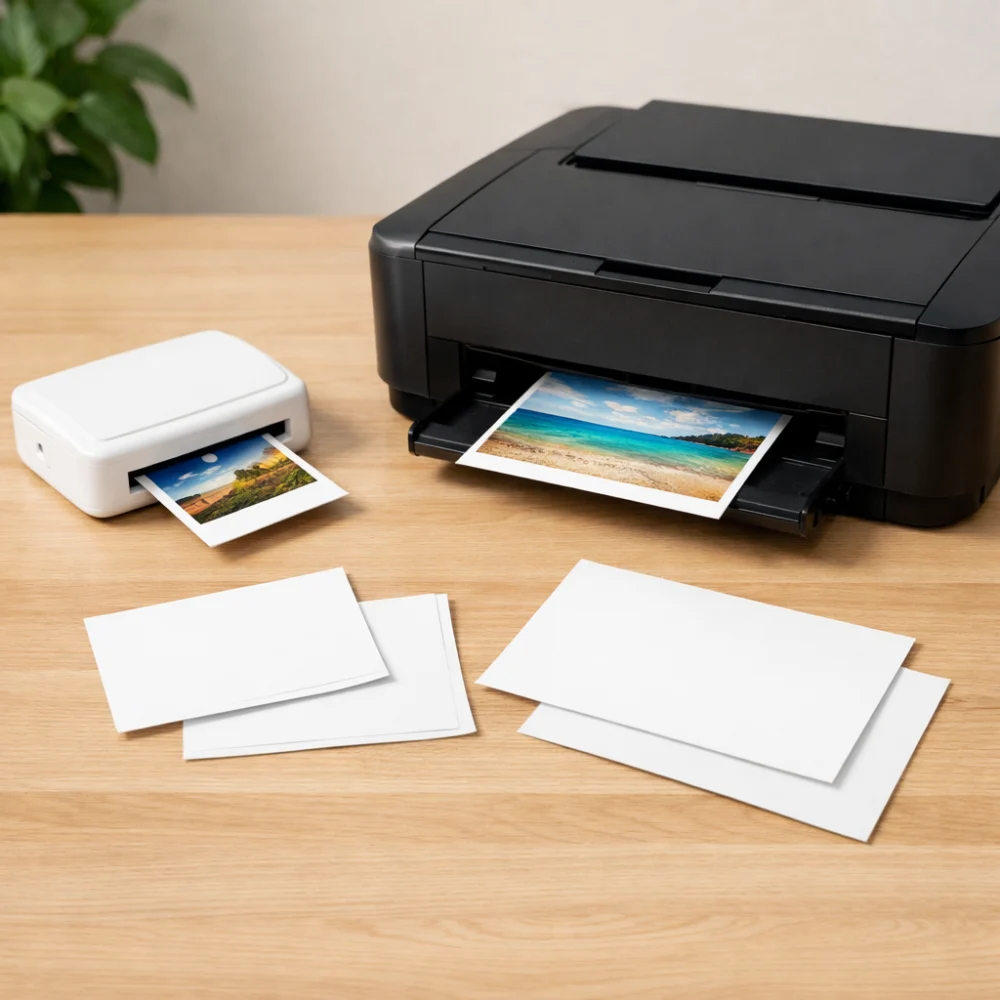
Portable instant photo printers are designed around compact prints and a convenient carry-around format. They may suit phone photos and occasional sharing, but their print sizes and compatible media can be more limited than those of larger home printers.
Dedicated dye-sublimation printers use a specific printing process and matching media. They can suit buyers looking for a dedicated photo-printing workflow; check the supported print format and the supplies required for that particular model.
Photo-focused inkjet printers may suit buyers who want a home setup with different print-size options. They can take up more space and require compatible ink and paper, so check the device’s actual supported formats and ongoing supply requirements.
Inkless or ZINK-style printers use specially designed media rather than conventional ink cartridges. The term does not mean that any paper will work, so confirm the exact compatible media and its cost before choosing one.
Which photo printer may suit your needs?
- For occasional prints from a phone: Prioritise a straightforward phone connection, supported app and a print size you will actually use. A compact printer may be convenient, but check the per-print supply cost.
- For printing while away from home: Compare size, weight and power arrangements, then confirm how images are sent to the printer. Portability is useful only if the required media and power setup also suit your plans.
- For regular home printing: Compare the print formats, media choices and ongoing consumable costs. A larger printer may offer a different workflow from a pocket-sized model, but check its actual capabilities rather than assuming it supports every photo size.
- For gifts or shared use: Check that the intended users can connect their devices and obtain the correct media. A simple-looking setup can still depend on particular app or device compatibility.
Common photo printer buying mistakes
- Choosing by printer size alone. A compact body may be handy, but it does not tell you whether the print format, app or supply costs suit your needs. Compare these before deciding.
- Assuming all photo paper is compatible. Printers often require a specific media type or pack. Check the recommended supplies for the individual model.
- Focusing only on the upfront price. Paper, ink or other print media can add recurring costs. Estimate the cost per print where reliable pack-yield information is available.
- Overlooking cropping and aspect ratio. Your photos may not match the printer’s format. Check how the printer handles different image shapes and whether the finished print can have borders.
- Assuming a phone connection will be effortless. Connection options and app support vary. Confirm compatibility with the devices you actually use.
Safety and suitability
Choose a printer and its supplies for the intended setting and users. Follow the manufacturer’s guidance for the device, power supply and print media, and check any stated suitability information if it will be used by children or in a shared space. Avoid assuming that a small or inkless printer has no supply or power considerations.
Supplies, care and storage
Plan space for the printer and its compatible paper or media, and check how supplies should be stored on their packaging or in the product information. If the printer uses cartridges or dedicated packs, keep the exact supply type to hand when comparing future costs. For a portable model, also consider where the printer and its media will be kept between uses.
A practical buying process
- Decide what you will print, how often and where you will use the printer.
- Choose the print size and format that fit those photographs and their intended use.
- Narrow the options by print process, media requirements, portability and power.
- Compare device compatibility, connection method and the ease of sourcing supplies.
- Check ongoing costs and all model-specific information before making a decision.
Photo printer buyer checklist
- Does it make the print sizes and formats you want?
- Will it work with your phone, camera or computer and the required app or software?
- What exact paper, ink or other media does it need?
- Are the supplies and their likely cost suitable for your expected print volume?
- Do the printer’s size, weight and power arrangements suit where you will use it?
- Have you checked the individual product information for any model-specific limits?
Frequently asked questions
Can I print directly from my phone?
Some photo printers are designed for phone-based printing, but the connection method and app support differ. Check that the stated compatibility covers your phone and operating system, and note whether printing depends on a particular app.
Are photo printer supplies interchangeable?
Usually, supplies should be treated as model-specific unless the product information confirms otherwise. Match the printer to its stated paper, cartridge or media type before buying replacements.
Does a higher resolution always mean better photo prints?
Not by itself. Print size, the source image, media and settings also affect the result, and resolution figures may not be directly comparable across different print processes. Consider the overall fit for your intended print size.
Is an inkless photo printer the same as any thermal printer?
No. Printer terms can describe different processes and media, and an inkless label does not establish that supplies are interchangeable. Check the specific printing process and required media for the model.
How can I estimate the cost of each print?
Use the price of compatible supplies and their stated yield, where provided, to estimate a per-print cost. Treat the result as an estimate, since actual usage and the media required can vary.
Should I choose a portable or home photo printer?
Choose based on where you will print, the formats you need and how often you expect to use it. A portable model may reduce the space needed, while a home-focused printer may suit a different range of formats or routine; verify the individual model’s details before comparing them.


