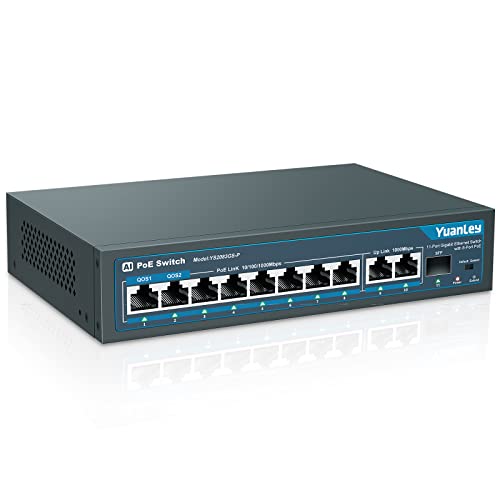


Quick Summary
The Binardat 10 Port Gigabit Ethernet Switch is an unmanaged network switch with 8 x 100/1000Mbps ports and 2 Gigabit uplink ports. It supports port VLAN through a dipswitch, and all ports support 10/100/1000Mbps rates.
For buyers who want a simple wired network expansion, the plug and play design means it is set up by connecting the power cord and Ethernet cables directly, with no configuration needed.
Who It Is Best For
This switch suits buyers who need a 10-port gigabit Ethernet unit for a desktop, weak current box or cabinet. It also fits situations where port isolation is wanted through VLAN support.
Key Details
| Detail | Verified information and buyer relevance |
|---|---|
| Brand | Binardat, so the product identity is clear. |
| Port count | 10 ports in total, with 8 main ports and 2 uplink ports. |
| Port speed | All ports support 10/100/1000Mbps rates for gigabit networking. |
| VLAN support | Port VLAN is supported through the dipswitch, with ports 1-8 isolated from each other when enabled. |
| Management type | Unmanaged and plug and play, so no configuration is needed before use. |
| Case | Metal case, which is part of the stated product build. |
| Indicators | LED indicators show device and port operation status. |
Why Buyers Choose It
- 10 ports, including 2 uplink ports, give a clear layout for connecting several wired devices.
- Port VLAN support through the dipswitch adds a simple isolation option for ports 1-8.
- Plug and play operation reduces setup steps because no configuration is needed.
- LED indicators provide visible device and port status checks.
How It Works
- Connect the power cord.
- Connect Ethernet cables directly to the switch and the devices you want to link.
- If port VLAN is needed, use the dipswitch to open it.
- When VLAN is enabled, ports 1-8 are isolated from each other and only communicate with uplink ports 9-10.
- Check the LED indicators for device and port operation status.
Real World Use
The metal case and fanless design make this switch suitable for desktop placement, weak current boxes and cabinets. It is described as being widely used in IP cameras, Wireless Access Point, Home and Office Networks.
What To Know Before You Buy
Confirm that you need 10 ports in total and that the 8 main ports plus 2 uplink ports match your setup. If you want port isolation, check that the VLAN function via dipswitch suits your network layout. Review your intended installation space before ordering, especially if you plan to place it on a desktop, in a weak current box or in a cabinet.
Common Buyer Questions
Does it need configuration?
No, it is unmanaged and plug and play, so you connect the power and Ethernet cables directly.
What does the VLAN function do?
When enabled by the dipswitch, ports 1-8 are isolated from each other and only communicate with uplink ports 9-10.
What speed do the ports support?
All ports support 10/100/1000Mbps rates.
Where can it be installed?
It is described as suitable for desktop, weak current box and cabinet placement.
Final Buying View
Choose this switch if you need a 10-port unmanaged gigabit Ethernet unit with VLAN support and a metal case. Before ordering, confirm that the 8 main ports, 2 uplink ports and dipswitch VLAN setup suit your network plan.