Quick Summary
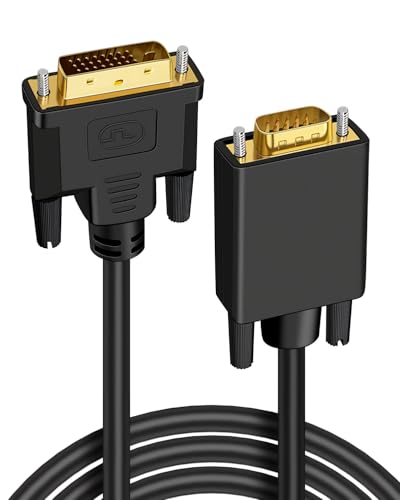
The CableDirect Dual Link DVI cable is a 3 m digital DVI-D monitor cable with 24+1 connectors and ferrite cores. It is presented for linking a monitor or projector to a PC graphics card, with support for dual-link use and digital signal transmission.
If you are comparing options for a DVI connection, the main checks are the connector type, the required cable length and whether your equipment needs digital DVI-D or a different DVI format.
Key Details
| Detail | Verified information and buyer relevance |
|---|---|
| Brand | CableDirect – useful for confirming the exact product family. |
| Product type | Dual Link DVI cable – intended for digital DVI connections between compatible devices. |
| Length | 3 m – check the distance between your devices before choosing a cable. |
| Connector format | DVI-D / 24+1 – match this to the ports on your equipment. |
| Signal type | Digital DVI cable – not suitable for analogue DVI-A signal transmission. |
| Ferrite core | Ferrite core included in the cable design – a useful detail when comparing connector and cable construction. |
What to Compare Before Buying
- Connector format: This cable is DVI-D / 24+1. Check that both devices use a compatible DVI connection.
- Cable length: The length is 3 m, so measure the route between devices and allow for tidy cable routing.
- Signal type: It is a digital DVI cable and is unsuitable for analogue DVI-A transmission.
- Display requirement: The title states support up to 2560×1600 at 60Hz or Full HD/1080p. Compare that with the resolution you want to use.
What Else You May Need
Audio is not carried by this cable, so a separate cable is required if you need sound as well as the picture connection.
Before You Decide
Confirm that your devices use the right DVI format, check that 3 m is the right length for your setup and remember that audio needs a separate connection. If you need analogue DVI-A transmission, this is not the right cable.