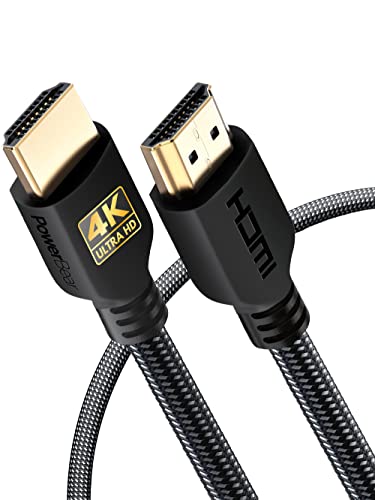
Quick Summary
The CableDirect HDMI to DVI adapter cable is a 1 m bi-directional monitor cable for connecting an HDMI device to a DVI monitor or projector, or a DVI output device to an HDMI screen. It uses male to male connectors and is described as supporting Full HD video up to 1920 × 1080 (1080p).
The cable is also described as suitable for single-link or dual-link DVI ports, DVI-D/24+1 or DVI-I/25+5, and it states that a separate cable is required for audio transmission.
Key Details
| Detail | Verified information and buyer relevance |
|---|---|
| Brand | CableDirect, which helps identify the exact cable range. |
| Length | 1 m, useful when checking the distance between connected devices. |
| Connection direction | Bi-directional, so it can be used from HDMI to DVI or from DVI to HDMI. |
| Connector type | Male to male connectors with 24+1 pin wording in the product name. |
| Video support | Stated support for Full HD/1080p, including 1920 × 1080. |
| Audio | Separate cable required for audio transmission. |
What to Compare Before Buying
- Connection direction: This cable is bi-directional, so confirm whether you need HDMI to DVI or DVI to HDMI use.
- Port type: Check that your device uses a matching HDMI or DVI connection, including the stated DVI-D/24+1 or DVI-I/25+5 wording where relevant.
- Cable length: The 1 m length suits shorter connections, so compare it with your setup before ordering.
- Audio needs: If you need sound as well as picture, plan for a separate audio connection.
Choosing the Correct Version
For this cable, the main choice is the connection format and length. Confirm that you need a bi-directional HDMI to DVI lead rather than a different digital video cable, and check the 1 m length against the space between your devices.
Before You Decide
Check the HDMI and DVI connection types on both devices before choosing this cable. Make sure the 1 m length suits your setup, and remember that audio needs a separate cable. If your display uses a different connection format, a different lead will be needed.