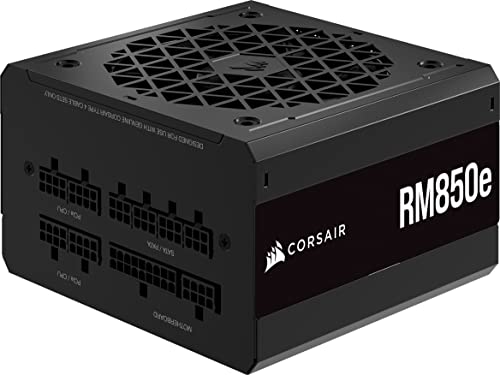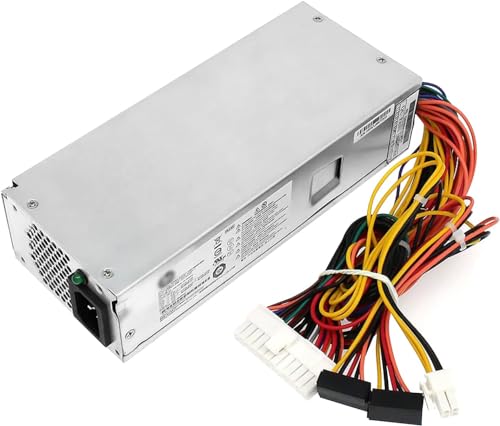


Quick Summary
The MSI MAG A650BN is a 650 W power supply unit with an 80 PLUS Bronze rating, a 12 V single-rail design and a DC-to-DC circuit. It also has a 120 mm fan, active PFC and listed protection functions. Check that its power rating, connections and physical fit suit your PC build.
Key Details
| Detail | Product information and buyer relevance |
|---|---|
| Model | MSI MAG A650BN. |
| Rated power | 650 W. Compare this with the power requirements of the components in your build. |
| Efficiency rating | 80 PLUS Bronze; the product description states up to 87%. This does not establish compatibility with a particular build. |
| Power design | 12 V single-rail design and DC-to-DC circuit. |
| Cooling | 120 mm fan with self-regulating cooling. |
| Other design and protections | Active PFC design with OCP, OVP, OPP, OTP and SCP protections. |
| Warranty | 5-year limited warranty. Check the applicable terms and conditions. |
Key Features Explained
The single-rail design is described as delivering stable output currents under heavy loading. The DC-to-DC circuit is described as reducing output voltage instability to PC components. These design details do not determine whether the unit has the connectors or capacity your particular components require.
The protection abbreviations listed are OCP, OVP, OPP, OTP and SCP. The product description does not give their thresholds or operating conditions, so do not treat the list as a substitute for checking the product documentation.
What to Compare Before Buying
- Power requirements: Check your components’ requirements against the unit’s 650 W rating; do not assume the rating alone establishes suitability.
- Connections: Confirm the exact connectors required by your components and that they are supported by this unit.
- Physical fit: Check the power supply’s dimensions against the space available in your case. Dimensions are not provided here.
- Warranty terms: Review the conditions attached to the 5-year limited warranty.
Compatibility, Size and Fit
The listed power rating and electrical design do not specify connector types, cable configuration or physical dimensions. Confirm these details for the exact unit and compare them with your motherboard, other components and case before selecting it.
Before You Decide
Check the build’s power requirements, required connections and available case space. Also review the limited warranty terms and the product documentation for details relevant to your setup.