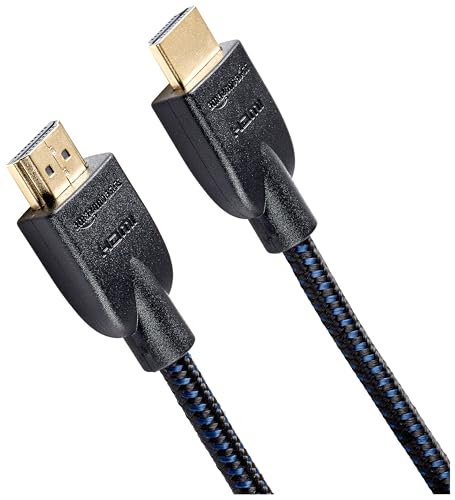
Quick Summary
The Silkland VESA Certified DisplayPort 2.1 cable is a 2 m DisplayPort cable for connecting DisplayPort-enabled desktops or laptops to monitors. The product title and description state 54 Gbps bandwidth support, along with 4K at 144 Hz, 165 Hz and 240 Hz, 8K at 60 Hz, HDR, ARC, DSC 1.2, G-Sync and FreeSync support.
This is a DisplayPort to DisplayPort cable, so the key buying check is whether both devices use DisplayPort connections and whether the 2 m length suits the layout between them.
Key Details
| Detail | Verified information and buyer relevance |
|---|---|
| Product type | DisplayPort cable for linking DisplayPort-enabled desktops or laptops to monitors. |
| Length | 2 m, which matters if the source device and display are separated by a fixed desk or monitor layout. |
| Connection type | DisplayPort to DisplayPort cable. |
| Stated standards and features | VESA Certified, DisplayPort 2.1, 54 Gbps, HDR, ARC, DSC 1.2, G-Sync and FreeSync. |
| Stated resolution support | Up to 4K at 144 Hz, 165 Hz and 240 Hz, and 8K at 60 Hz. |
What to Compare Before Buying
- Connection type: This cable is for DisplayPort to DisplayPort use, so check that both devices have matching ports.
- Length: The stated length is 2 m, so measure the route between devices before choosing an offer.
- Resolution and refresh rate: The cable is stated to support 4K at 144 Hz, 165 Hz and 240 Hz, plus 8K at 60 Hz, so compare those figures with the display setup you plan to use.
- Features: HDR, ARC, DSC 1.2, G-Sync and FreeSync are all named, so confirm which of these matter for your equipment.
Who This Product May Suit
This cable may suit buyers who want a 2 m DisplayPort to DisplayPort lead for a gaming monitor or graphics card setup, with support for the named high-refresh and high-resolution modes. It is also relevant where the buyer wants the stated DisplayPort 2.1 and VESA Certified configuration.
What Else You May Need
You will need compatible DisplayPort ports on both devices. If your setup uses a different video connection, a different cable type will be required.
Before You Decide
Confirm that both devices use DisplayPort, check that 2 m is the right length for your setup, and match the stated resolution and refresh rate against your monitor and graphics card.