Quick Summary
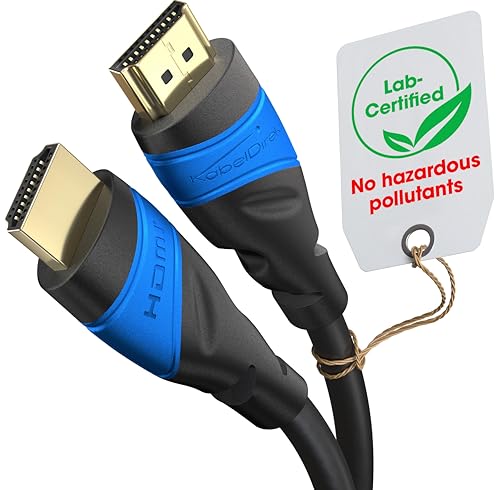
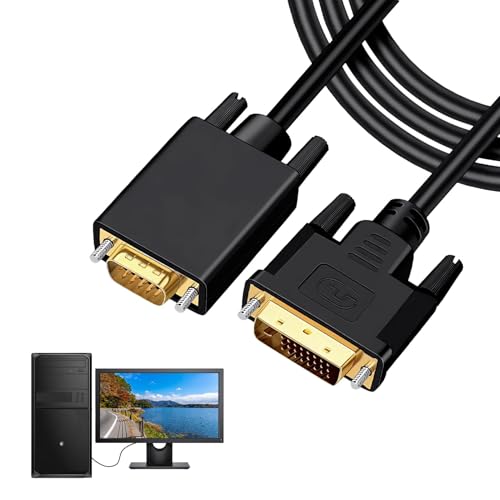
The UANTIN USB-C to HDMI cable is a 1.8 m lead for connecting a USB-C device to a monitor, TV or projector with HDMI input. It supports 4K at 30 Hz and is described as plug and play, with no driver installation required.
Before buying, check that your device’s USB-C port supports DP Alt Mode or, where relevant, Thunderbolt 3/4, since that video output support is the key requirement for this cable to work.
Key Details
| Detail | Verified information and buyer relevance |
|---|---|
| Product type | USB-C to HDMI cable for linking a USB-C device to an HDMI display. |
| Length | 1.8 m, which gives some reach between the device and the display. |
| Video support | 4K at 30 Hz, so the display and device should both match that capability if you want that output. |
| Connection requirement | USB-C devices with DP Alt Mode are stated as supported. |
| Extra compatibility note | Thunderbolt 3/4 compatibility is stated in the product name and description. |
What to Compare Before Buying
- USB-C video output: Check that your device supports DP Alt Mode or Thunderbolt 3/4 video output.
- Display input: The screen, TV or projector needs an HDMI input.
- Resolution support: This cable is stated for up to 4K at 30 Hz, so compare that with the image quality you need.
- Reach: The 1.8 m length should suit the space between your device and display.
Before You Decide
Confirm that your USB-C device supports video output, not just charging or data transfer. Check the HDMI input on the display and make sure the 1.8 m length suits your setup. If you need a different resolution support level, compare that before choosing an offer.
Quick check: This cable is for USB-C devices with DP Alt Mode or Thunderbolt 3/4 video output, used with an HDMI display.