


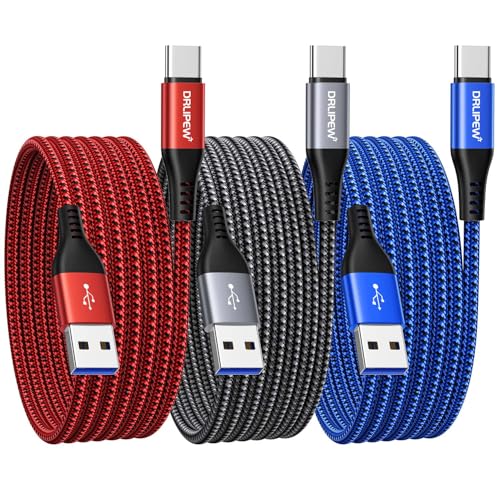
Quick Summary
The UGREEN USB-C to USB-C Charger Cable is a 2 m Type C to C cable for charging and data transfer. It is described as a 100W cable with USB 2.0 data transfer support, and it is listed with compatibility examples including MacBook Pro M4, iPad Pro 2024, iPhone 16 Pro Max, Galaxy S25 Ultra, Dell XPS, Surface Pro 9 and Pixel 9.
For a cable like this, the most important checks are the connector type, the stated power rating, the cable length and whether your device needs video output support or charging and file transfer only.
Key Details
| Detail | Verified information and buyer relevance |
|---|---|
| Product type | USB-C to USB-C charger cable for charging and data transfer. |
| Length | 2 m cable length gives extra reach between a device and charger or port. |
| Power rating | 100W maximum power output is the stated charging figure for this cable. |
| Data transfer | USB 2.0 data transfer support is stated, so it suits file transfer needs rather than high-speed data tasks. |
| Video output | Does not support video output. |
| Compatibility examples | Listed examples include MacBook Pro M4, iPad Pro 2024, iPhone 16 Pro Max, Galaxy S25 Ultra, Dell XPS, Surface Pro 9 and Pixel 9. |
What to Compare Before Buying
- Connector type: This is a USB-C to USB-C cable, so check that both ends of your setup use USB-C.
- Power requirement: The cable is stated as 100W, so compare that figure with the charging needs of your device and charger.
- Length: The 2 m length is useful if you need more reach, but shorter cables may be neater on a desk or bedside table.
- Data use: USB 2.0 is suitable for basic syncing, but not for buyers who need faster file transfer.
- Display needs: It does not support video output, so choose a different cable if you need to carry a display signal.
What Else You May Need
You will need compatible USB-C devices and a suitable charger or power source for charging. If you plan to use the cable for display output, this cable is not the right choice.
Before You Decide
Check that you need a 2 m USB-C to USB-C cable, confirm the 100W charging figure suits your setup, and make sure USB 2.0 data transfer and no video output match the way you plan to use it.


