



Quick Summary
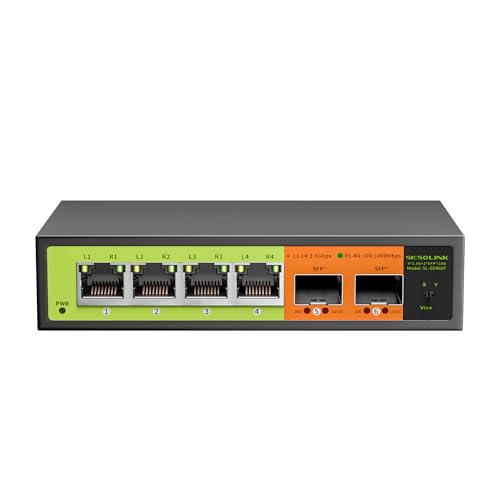
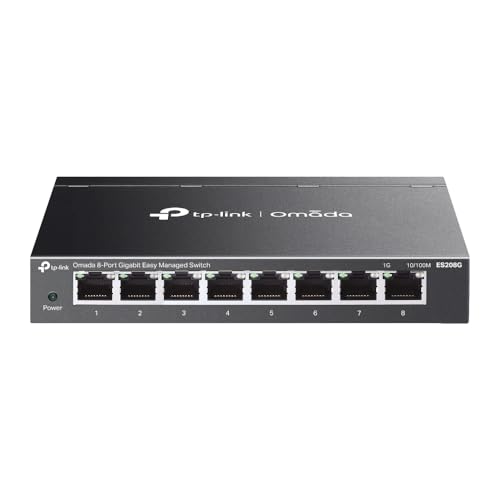
The YuLinca 10 Port Gigabit Ethernet Switch is an unmanaged network switch with 8 x 100/1000Mbps ports and 2 Gigabit uplink ports. It supports VLAN port isolation on ports 1 to 8, and the switch is described as metal and fanless.
It is set up as a plug and play device with no other configuration required, so it suits buyers who want a simple wired network expansion with basic status indicators and flexible mounting options.
Who It Is Best For
This switch is aimed at buyers who need extra Ethernet ports for home or office networks and want an unmanaged unit that connects directly by network cable. It is also relevant if you want VLAN isolation between ports 1 to 8 and uplink access through ports 9 to 10.
Key Details
| Detail | Verified information and buyer relevance |
|---|---|
| Port layout | 8 x 100/1000Mbps ports plus 2 Gigabit uplink ports for connecting multiple wired devices. |
| Switch type | Unmanaged switch with plug and play setup and no other configuration required. |
| VLAN support | Ports 1 to 8 support VLAN port isolation and communicate only with uplink ports 9 to 10. |
| Total bandwidth | 20Gbps total bandwidth is stated for the switch. |
| Indicators | Power and port LED indicators show running status and port rate status. |
| Mounting | Supports desktop or wall mounting, which gives some placement flexibility. |
| Construction | Metal and fanless as stated in the title. |
Why Buyers Choose It
- 8 access ports plus 2 uplink ports give a clear split between device connections and upstream network connections.
- VLAN port isolation on ports 1 to 8 adds a defined separation between those ports and the uplink ports.
- Plug and play operation removes the need for extra configuration before use.
- Power and port LED indicators make it easier to see status at a glance.
- Desktop or wall mounting supports different installation positions.
How It Works
- Connect the power cord.
- Connect your devices and network cables to the relevant ports.
- Use ports 1 to 8 for the stated VLAN-isolated ports, with communication to uplink ports 9 to 10.
- Check the LED indicators for power and port rate status.
Real World Use
The switch is described for use in home entertainment and office networks, and it is also listed for 4K video, gaming PC, NAS, PCIe Adapter, Server and WiFi 6 AP use. The stated mounting options let you place it on a desk or fix it to a wall depending on your setup.
What To Know Before You Buy
Check that you need 8 x 100/1000Mbps ports and 2 Gigabit uplink ports before ordering. If you want port isolation, confirm that ports 1 to 8 and the uplink arrangement match your intended network layout. Review whether desktop or wall mounting suits your installation space.
Pros: The switch combines unmanaged plug and play setup with VLAN port isolation and two uplink ports.
Cons: The source does not provide fuller technical specifications beyond the stated port layout, bandwidth and basic indicators.
Common Buyer Questions
Does it need configuration?
No, it is an unmanaged plug and play switch with no other configuration required.
Which ports support VLAN isolation?
Ports 1 to 8 support VLAN port isolation and only communicate with uplink ports 9 to 10.
Can it be mounted on a wall?
Yes, desktop or wall mounting is supported.
What status information is visible?
Power and port LED indicators show running status and port rate status.
Final Buying View
If you need a simple 10 port Gigabit Ethernet switch with uplink ports and stated VLAN isolation, this YuLinca model gives a straightforward wired network option. Confirm the port layout and mounting style suit your setup before ordering.


