

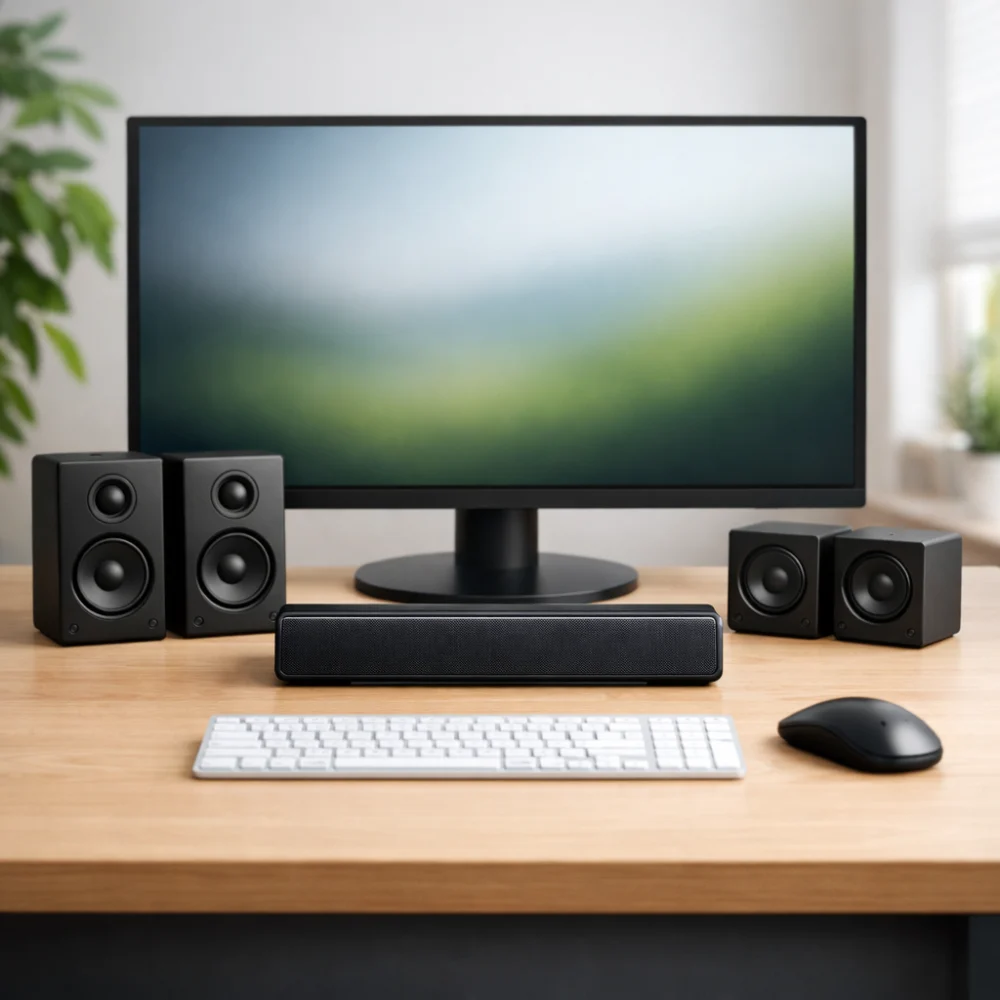
Computer speakers and soundbars provide audio from a desktop or laptop without relying on its built-in speakers. The right choice depends on your workspace, the way you use audio and the connections supported by both the sound system and your computer.
Start by checking where the speakers will sit and what you want to listen to: speech, music, video or games. Then compare layout, connection options and controls rather than choosing on appearance alone.
What should you prioritise when choosing computer speakers?
First confirm that the product can connect to your computer and fit the space available. Choose a soundbar if a single unit suits your desk layout; consider separate speakers if you prefer to position the left and right units apart. Check how the product receives power and audio, then compare the controls and features you will actually use.
Compare the main buying factors
| Feature | What it means | Why it matters | What to check |
|---|---|---|---|
| Form and footprint | A soundbar is one horizontal unit; a stereo set has separate speaker units. | The shape affects where the audio system can sit and how much desk space it uses. | Compare the product dimensions with the space around your screen, stand and other desk items. |
| Audio connection | Models may use a wired audio connection, USB audio, Bluetooth or a combination. | The connection needs to work with the computer and fit the way you use it. | Check which inputs are provided and whether your computer supports the required connection. |
| Power | Power may be supplied separately or through a connection such as USB. | A suitable power source and cable arrangement help keep setup practical. | Check the stated power method and whether it suits the ports and sockets available at your desk. |
| Controls | Volume and other controls may be on the unit, on a cable or handled through the connected device. | Convenient access can matter during calls, video and everyday listening. | Look for the control location and functions you expect to use. |
| Extra features | Some products include features such as lighting or wireless connectivity. | Extras can suit particular preferences, but may matter less than fit and connection. | Check the product details and consider whether each feature is useful to you. |
Features that affect your choice
Connection and compatibility
Do not assume that a USB plug always carries audio: depending on the product, USB may supply power, audio, or both. A separate analogue audio input or Bluetooth may be offered on some models. Check the connection requirements for the speaker and your computer, including whether any required port is available. If you want to switch between devices, confirm how the product handles those connections rather than assuming it can connect to several at once.
Specifications vary by model, so always check the individual product page before buying.
Soundbar or separate speakers
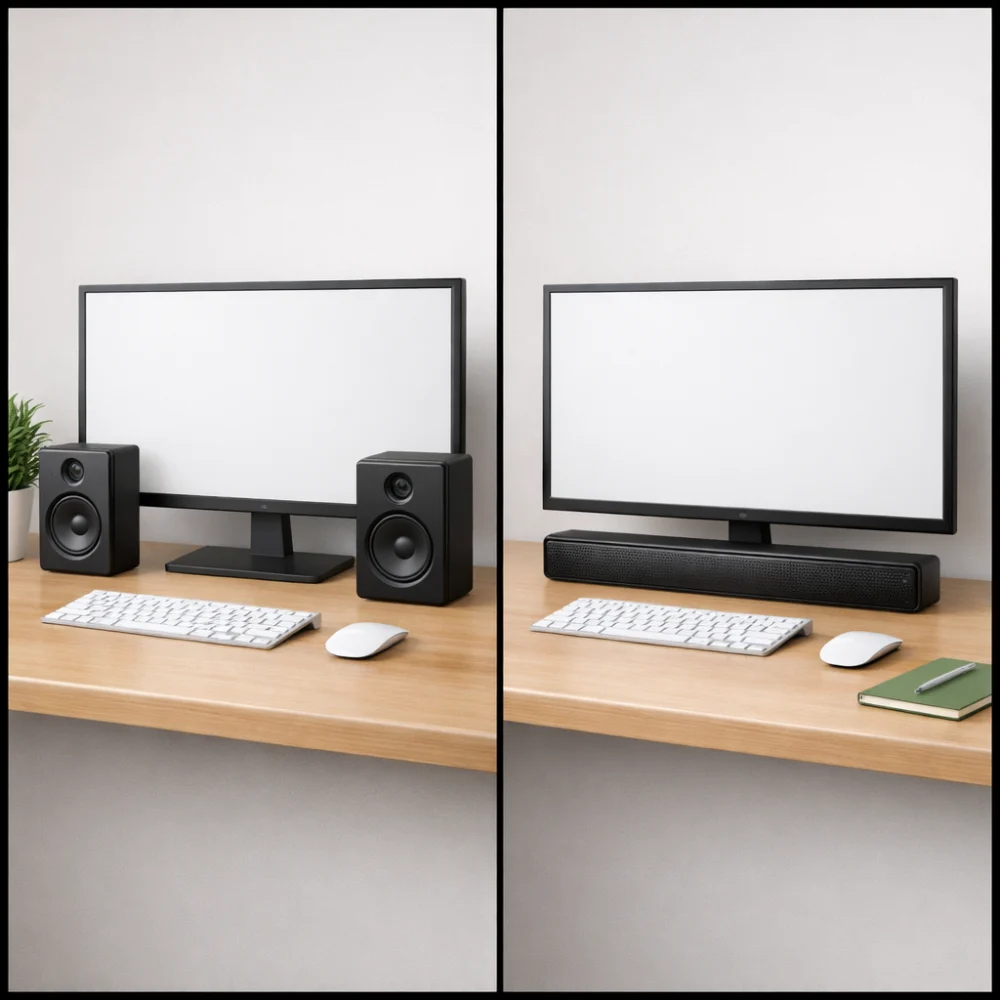
A soundbar keeps the audio hardware in one horizontal unit and may suit a desk where separate speakers are awkward to place. Measure the available width and check whether it will sit beneath or in front of your screen without obstructing the display or controls. Separate speakers can be positioned on either side of the screen, but require room for both units and their cables.
Sound, volume and listening habits
Consider what you listen to and how far you sit from the speakers. Speech-focused use may make clear dialogue and easy volume adjustment priorities, while music or games may lead you to compare the sound characteristics described for each product. Product descriptions do not guarantee that a particular sound will suit your preference, so use any supplied listening or feature information as a guide rather than assuming more features mean a better fit.
Power, cables and controls
Check whether the chosen setup will use a computer port, a mains socket or another stated power source. The number and route of cables can affect desk tidiness and placement. If you regularly adjust volume, look for controls that will be easy to reach from your usual position.
Common types and layouts
- Soundbars: A single bar-shaped unit can keep the desktop arrangement compact. Its width and position still need to suit the screen and available surface.
- Separate stereo speakers: Two units allow placement on either side of a display. They need space for both speakers and may involve more cable routing.
- Wired or wireless-connection models: Wired connections can suit a fixed desk setup; Bluetooth can be useful where a wireless connection is preferred. Check supported connections and device compatibility for the specific model.
Choose for the way you use your computer
- For a crowded desk: Compare the footprint of a soundbar with the space below or beside your screen. Check measurements rather than relying on product photos.
- For calls and spoken content: Prioritise a convenient volume control and a connection that works with your computer. Check whether the product is intended to provide speaker audio; do not assume it includes a microphone.
- For music, video or games: Compare the audio features and connection options that matter to you, while considering whether you want one unit or separately placed speakers.
- For a flexible desk setup: Consider the cable arrangement and any wireless options, then verify how the model connects and whether it suits the devices you plan to use.
Mistakes and misunderstandings to avoid
- Assuming USB always carries sound: USB may be used for power, audio or both. Check the product’s connection details.
- Choosing by appearance without measuring: A bar or pair of speakers can take up more space than expected. Compare dimensions with the actual desk layout.
- Expecting every model to connect in the same way: Connection types differ. Confirm that the computer has a compatible option before buying.
- Paying attention to extras before essentials: Lighting or wireless features may be appealing, but should not take precedence over fit, power and the connection you need.
- Assuming a soundbar is automatically better for every desk: Its one-piece layout can be convenient, but width and positioning still matter; separate speakers may suit a different arrangement.
Suitability and practical checks
Check that the speakers are intended for use with your computer and that their connection and power requirements suit your setup. Make sure the unit can be positioned securely on the intended surface and that its controls remain accessible. Follow the individual product guidance for placement and use.
Care, cables and storage
Before buying, consider whether the cable length and power arrangement will work at your desk and whether you may need to move or store the speakers. For routine care, follow the manufacturer’s cleaning and handling guidance; avoid assuming that every model can be cleaned or stored in the same way.
A simple buying process
- Decide what you mainly listen to and where the speakers will be used.
- Measure the available space and choose between a single soundbar and separate speakers.
- Identify the audio connection and power method that suit your computer and desk.
- Compare controls and extra features against your actual needs.
- Check the individual product information for dimensions, connections, power and placement before deciding.
Buyer checklist
- Will the product fit in the space available?
- Does its audio connection work with the computer you plan to use?
- Have you checked whether USB provides power, audio or both on that model?
- Is the stated power method practical at your desk?
- Are the controls and any extra features suitable for your everyday use?
- Have you checked the individual product details for dimensions and setup requirements?
Frequently asked questions
Are computer soundbars and computer speakers the same thing?
A soundbar is a type of speaker system with a single horizontal form. Computer speakers can also come as separate units, so compare layout and connection requirements as well as the product name.
Can I use any computer speaker with a laptop?
Not necessarily. The speaker needs a connection and power arrangement that work with the laptop and your intended setup. Check the requirements for both devices before buying.
Does a USB connection mean the speakers receive audio over USB?
Not in every case. USB can be used for power, audio or both, depending on the model. Check the product details and connection instructions.
Should I choose Bluetooth or a wired connection?
That depends on how you want to arrange your desk and which connections your computer supports. Compare the specific model’s connection options and confirm how it pairs or connects with your device.
Will a soundbar fit under my monitor?
It depends on the soundbar’s dimensions and the space around your monitor stand. Measure the available width and height, and check whether the product’s position would obstruct the screen or controls.
Do computer speakers include a microphone?
Do not assume they do. Speakers provide audio output, while microphone support is a separate feature; check the product information if you need a microphone for calls.


