

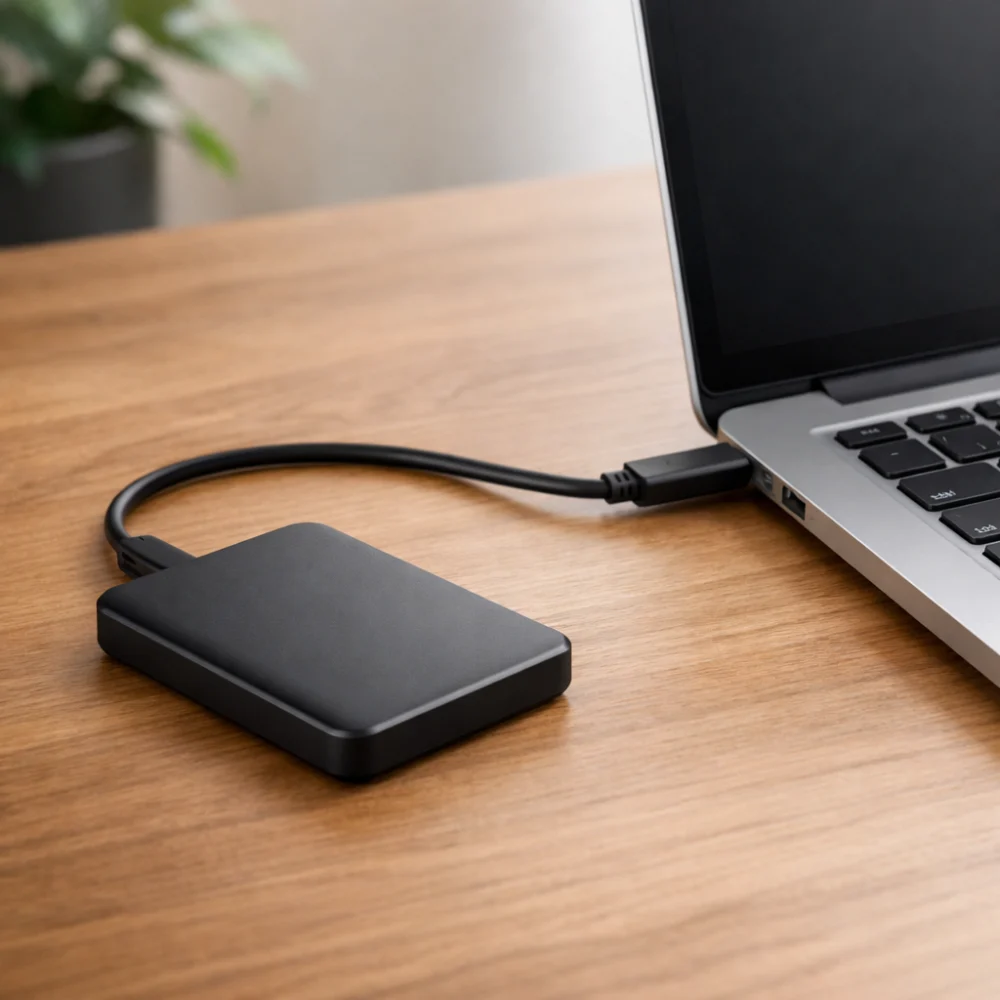
An external SSD is a solid-state storage drive that connects to a computer or another compatible device, making it an option for carrying files or adding storage without fitting a drive inside the device. It may suit people moving large files, keeping a separate copy of important work or taking a personal library between compatible devices.
The right choice depends on more than the capacity printed on the product page. Check how the drive connects, whether your device supports that connection, and whether its capacity and performance suit the way you use it.
What should you look for in an external SSD?
Start with the devices you intend to connect and the files you need to store. Choose enough capacity for those files, then check that the drive’s connector and supported interface work with your devices. Faster interface claims are useful only when the host device and cable can also support the connection, so weigh potential speed against compatibility and cost.
Compare the key buying factors
| Feature | What it means | Why it matters | What to check |
|---|---|---|---|
| Capacity | The amount of storage the drive is designed to provide. | It affects how many files you can keep on the drive before needing to manage or move them. | Compare the stated capacity with the size of your current files and likely additions. |
| Connection and interface | The physical connector and the data-transfer standard the drive supports. | They affect whether the drive connects to your device and the transfer speeds the setup can support. | Check the drive, included cable and host device specifications; a matching connector alone does not confirm matching interface speeds. |
| Transfer performance | How quickly data may be read from or written to the drive under suitable conditions. | It can matter when transferring large folders or working with files directly from external storage. | Read the stated performance information and note any conditions. Your device, cable and workload can affect real-world results. |
| Device and operating-system compatibility | Whether the drive can be used as intended with your computer or other device. | Compatibility can depend on the device’s ports, supported storage formats and intended use. | Check the manufacturer’s compatibility information for each device and use case. |
| Portability and construction | The drive’s form and any claims about its protection or intended environment. | A drive carried regularly may need to suit your bag, workspace and handling habits. | Check the product’s dimensions and any stated protection rating or limitations; descriptive labels alone do not establish a rating. |
| Included accessories | Cables or other items supplied with the individual drive. | The right connection may depend on having a suitable cable or adapter. | Confirm what is included and whether it suits the devices you plan to connect. |
Choosing the specifications that matter
Capacity: allow for the files you will add
Think about the size and type of your existing files, as well as how often you expect to add more. Video, photo and project folders can take up substantial space, while a drive used for a smaller set of documents may not need as much. Leave room for future additions rather than choosing only for the files you have today. The usable space shown by a device may differ from the capacity stated by the manufacturer.
Connection: check the whole chain
Check the port on each device you plan to use, the drive’s connector and the cable supplied. USB-C describes a connector shape, not a guaranteed transfer speed; drives and host devices may support different USB standards. An adapter may help with a physical connection, but it does not necessarily provide the interface speed or functionality you want.
Specifications vary by model, so always check the individual product page before buying.
Performance: match it to your workload
Transfer speed is most noticeable when moving large files or regularly opening and saving work on the drive. For occasional document storage, maximum stated speed may matter less than capacity and reliable compatibility. Stated peak figures do not guarantee the same speed in every setup: the host device, connection, cable, file sizes and other conditions can affect performance.
Compatibility: confirm the intended use
Check the product information for the computers, operating systems or other devices you intend to use. Some devices may require a particular file format or setup, and a drive that works with one device is not automatically suitable for every device. If you plan to move it between systems, check that the intended systems can read and write the drive as needed.
Portability, protection and security
For frequent travel, consider the drive’s size, weight and how it will be carried. If a product describes itself as rugged or water-resistant, look for a specific rating and its stated conditions rather than assuming the wording guarantees protection. Security features such as password protection or encryption should be treated as present only when explicitly listed for that model; consider how you will protect important files independently too.
External SSD types and variants
Most buying decisions are between compact portable drives and models promoted for particular performance or handling needs. A compact design can be convenient to carry, while a performance-focused option may be more relevant for frequent large transfers, provided your device supports its interface. Drives marketed for tougher conditions may appeal to people carrying storage outdoors, but check the stated protection details and limitations rather than relying on a general label.
Some product listings may use similar wording for different connector types, capacities or generations. Compare the exact model details and included accessories, not just the product family name.
Match the drive to the way you will use it
| Use | What to prioritise | Trade-off to consider |
|---|---|---|
| Keeping a separate copy of files | Capacity for the files you want to copy, plus a straightforward connection to your computer. | A drive is only one part of a backup plan; consider whether you need another copy stored separately. |
| Moving large folders between compatible computers | Compatible ports and interface, suitable cable and enough capacity for the folders being moved. | A faster-rated drive may not deliver its potential speed when connected to a slower host or cable. |
| Working with files away from a desk | Portable size, capacity for active work and compatibility with the devices you will take along. | Convenience does not replace checking protection claims or keeping another copy of important work. |
| Adding storage for a console or another specialist device | Confirmation from the device maker that the drive and intended use are supported. | Supported uses and requirements can differ between devices; do not assume an external SSD will serve every purpose. |
Mistakes and misunderstandings to avoid
- Choosing by connector shape alone: Check the supported interface and device requirements as well as the physical connection.
- Buying capacity only for today: Estimate the space needed for existing files and likely additions, with some room to spare.
- Assuming a speed claim applies everywhere: Consider the drive, cable and host device together, and remember that workload can affect results.
- Assuming every device can use the drive immediately: Confirm compatibility and whether a particular file format or setup is required.
- Treating a descriptive protection label as a guarantee: Look for specific ratings, conditions and limitations where protection matters.
- Expecting similar product names to mean identical specifications: Check the exact model, capacity, connection and accessories on the individual product page.
Suitability and safe buying checks
External SSDs are general-purpose storage, but suitability depends on the device and the job. Confirm support for your intended use, especially when connecting the drive to a console, phone, tablet or specialist equipment rather than a standard computer. For important files, do not treat a single portable drive as the only copy; consider whether your storage needs call for a separate backup.
Care, storage and ongoing use
Choose a place to carry and store the drive that suits its stated handling and environmental limits. Keep any supplied cable with it if you will use the drive away from your usual workspace. If the drive will move between devices, consider whether you need to organise files or use a compatible format across those systems. Check any model-specific care guidance rather than assuming all drives have the same protection or requirements.
A practical buying process
- List the devices you plan to connect and what you will use the drive for.
- Estimate the storage needed for current files and likely additions.
- Check each device’s ports, supported interface and compatibility requirements.
- Compare capacity, stated performance, portability and any relevant protection details.
- Confirm the exact model, included cable or accessories, and any limitations on the individual product page.
Buyer checklist
- Is the capacity suitable for my current files and expected additions?
- Does the drive connect to every intended device, with a suitable cable?
- Are the drive and host interfaces compatible with the performance I need?
- Have I checked operating-system, format and specialist-device requirements?
- Are any protection or security features explicitly specified for this model?
- Have I confirmed the exact model details and what is included?
- Do I have an appropriate plan for keeping another copy of important files?
External SSD FAQs
Is an external SSD suitable for backing up files?
It can be used to store a separate copy of files, provided its capacity and connection suit your needs. A single drive should not be assumed to be a complete backup strategy, particularly for files that would be difficult to replace.
Does USB-C mean an external SSD will be fast?
No. USB-C identifies the connector shape, while the drive and connected device may support different data-transfer standards. Check the full interface details and the cable, as all parts of the connection can affect performance.
How much capacity should I choose?
Add up the files you expect to store and allow for future additions. The right amount depends on your files and how you intend to use the drive, so there is no single capacity that suits everyone.
Can I use one external SSD with different computers?
Often, but compatibility depends on the computers, operating systems and drive format. Check that the systems you plan to use can read and write the drive in the way you need.
Can an external SSD work with a console, phone or tablet?
That depends on the device and the intended use. Check its manufacturer’s storage requirements and confirm that the specific drive and connection are supported before buying.
Are external SSDs more durable than other portable drives?
Solid-state storage has no spinning disk mechanism, but that does not make every external SSD immune to damage. Construction and protection vary, so check any specific rating and its conditions if handling or environmental protection matters to you.
Do I need a special cable?
You need a cable that fits the drive and device and supports the connection you intend to use. Check the included accessories and the device’s port specifications; a physical adapter does not necessarily provide a faster interface.


