

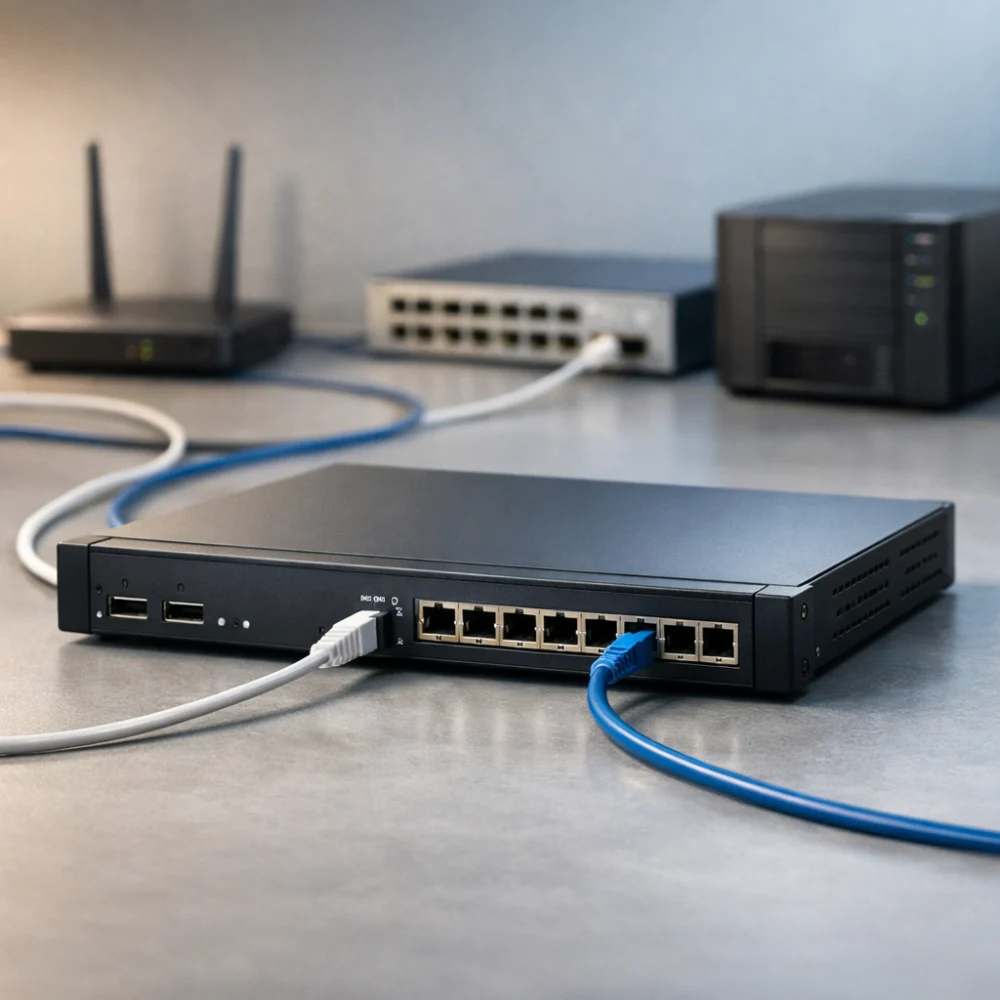
Firewall and security appliances are dedicated devices or hardware platforms used to manage network traffic and apply security controls. The right choice depends on your network layout, the functions you need and the time or expertise available to configure and maintain the system.
This guide focuses on choosing an appliance, not on a particular brand or model. Before comparing products, establish what equipment it must work with, who will manage it and whether any software services or licences are part of the purchase.
Which firewall and security appliance should you choose?
Start with the network role the appliance needs to fill, then check that its interfaces and management approach suit your setup. Compare performance information for the functions you expect to use, rather than relying on a headline figure without context. Check whether the advertised security services are included, optional or time-limited. The main trade-off is between a simpler, more integrated package and a more configurable platform that may demand greater setup and ongoing management.
Compare the main buying factors
| Feature | What it means | Why it matters | What to check |
|---|---|---|---|
| Deployment role | How the appliance fits into the network and which devices or network segments it is intended to serve. | A product that does not suit the intended layout may be difficult to integrate or manage. | Supported deployment modes, network diagram or guidance, and any stated requirements for existing equipment. |
| Performance information | How the manufacturer describes traffic handling, including when security functions are enabled. | Different functions and configurations can affect the performance relevant to your use. | What each published figure measures, which features are active in the stated conditions, and whether the information reflects your expected use. |
| Network interfaces | The appliance’s physical network connections and their intended roles. | Connections affect how it can link to an internet connection, internal network or other equipment. | Interface count and type, whether ports have distinct roles, and compatibility with the devices and cabling in your setup. |
| Security functions and services | Controls or services offered by the appliance, which may differ between configurations. | A feature name alone does not establish what is included or how it is managed. | Included functions, licence duration, renewal terms, and what happens to service access when a term ends. |
| Management and updates | How settings, monitoring and software updates are handled. | Management effort can be as important as hardware choice, especially for a small team or a specialist setup. | Management method, user or administrator requirements, update arrangements and any associated service terms. |
| Hardware and installation | The physical format and the equipment or environment needed to install the appliance. | Space, power and installation constraints can rule out an otherwise suitable option. | Dimensions, power requirements, mounting details and any environmental or installation conditions stated for the specific product. |
Specifications vary by model, so always check the individual product page before buying.
What to check before you choose
Start with the network layout
Identify where the appliance is intended to sit and what it needs to connect to. Consider whether it is for one small network, several segments or a more involved environment, then check the product information for supported deployment roles and connection details. Do not assume that a firewall appliance replaces a modem, router, switch or wireless access point; check which functions are provided by the appliance and which remain part of your existing setup.
Match performance information to your workload
Performance figures are useful only when you understand what they measure. Traffic handling with security inspection or other functions enabled may not be described in the same way as basic throughput. Look for the conditions behind any figures and consider the traffic, users and features you expect to support. If the product information does not explain a figure clearly, avoid treating it as a guaranteed result for your network.
Check ports and connectivity
Count the connections you need and check their stated types and roles. An appliance with several ports is not automatically suitable: ports may have assigned purposes, and your network equipment may have its own interface requirements. Confirm that the proposed arrangement works with your existing modem or gateway, switches and other relevant devices.
Understand licences and ongoing services
Some appliances may be offered with security services or software licences, while other configurations may focus on hardware. Read what is included, for how long and whether renewal is required for the functions you value. Compare the full ownership commitment, not just the initial hardware description, and do not assume that a bundle includes every possible service.
Consider configuration and administration
Check how the appliance is configured and managed, and whether the stated approach suits the person responsible for it. A more flexible platform can offer options that matter to experienced administrators, but may involve more planning and ongoing attention. An integrated package may be more convenient to assess, but confirm that its included functions and management model meet your actual requirements.
Types and configurations
- Integrated security gateway: Combines firewall functionality with other network security features in one appliance. It may suit buyers seeking a consolidated platform; check which features are included and whether they depend on a licence or service.
- Dedicated firewall appliance: Centres on controlling network traffic, with capabilities and management options depending on the particular model. It may suit a defined firewall role, but should be checked against the wider network functions you still need.
- Firewall hardware platform: Provides a physical device intended to run or support firewall software. It may suit a buyer who wants to choose or manage the software environment, but confirm software compatibility, configuration responsibility and support arrangements rather than assuming these are included.
- Appliance bundle: Pairs hardware with one or more software services or licences. It may make the included package clearer, but check the licence term, renewal conditions and what changes if a service expires.
Choose for your network and management needs
| If your priority is… | Give attention to… | Trade-off to consider |
|---|---|---|
| A straightforward, consolidated setup | Deployment guidance, included functions and how the appliance is managed. | An integrated package may offer fewer choices than a platform selected and configured around specific requirements. |
| A more configurable network role | Supported modes, port roles, software environment and configuration requirements. | Flexibility can place more responsibility on the administrator to plan and maintain the setup. |
| An existing network with established equipment | Interface compatibility, network layout and the appliance’s relationship to existing devices. | A device that appears suitable by feature list may not fit the physical or logical arrangement you already use. |
| Security services over time | Which functions are covered, licence length and renewal arrangements. | Services can add ongoing cost or administration; hardware-only and bundled configurations may not provide the same package. |
Common buying mistakes
- Choosing by a single performance number. Check how the figure was defined and whether it reflects the security functions you plan to enable.
- Assuming an appliance replaces all network equipment. Confirm which roles it performs and what other devices your setup still requires.
- Counting ports without checking their roles. Verify the stated purpose and type of each connection against your intended layout.
- Overlooking licence conditions. Check included services, duration and renewal terms before comparing bundled and hardware-only descriptions.
- Buying more configuration than you can manage. Consider who will set up and maintain the appliance, as well as the features it offers.
- Assuming a security label guarantees protection. Product functions do not by themselves guarantee an outcome; suitability depends on the particular product, configuration and use.
Safety and suitability
Choose an appliance for its intended network role and make sure its stated installation and power requirements suit your environment. Security equipment is not a guarantee against every threat, and a product’s presence alone does not establish that a network is suitably protected. If the network supports important business or organisational systems, consider whether qualified network advice is appropriate before selecting and deploying equipment.
Ownership, updates and ongoing care
Before buying, find out how updates are provided and whether access to particular security services depends on an active licence. Consider who will review product notices, maintain settings and manage renewals, where applicable. Check the specific appliance’s stated power, placement and environmental requirements; these can vary, so do not assume that all devices have the same installation needs.
A practical buying process
- Write down the network role the appliance needs to fill and the equipment it must connect to.
- Decide which security functions and management approach are relevant to your use.
- Compare deployment options, port details and performance information in context.
- Weigh the convenience of an integrated or bundled option against the flexibility and administration of a more configurable platform.
- Review the individual product information for compatibility, installation requirements, included services and ongoing terms before deciding.
Buyer checklist
- Does the appliance suit the intended role in your network?
- Are its connection types and port roles suitable for the equipment you already have?
- Do the performance details describe the functions and conditions relevant to your use?
- Are the security functions you need included, and are any licence terms clear?
- Is the management approach appropriate for the person responsible for it?
- Have you checked installation, power and other stated requirements for the specific product?
Frequently asked questions
Is a firewall appliance the same as a router?
Not necessarily. Some network devices combine functions, while a dedicated firewall appliance may have a narrower role. Check the product description and your network layout to establish which functions are provided and which are handled by other equipment.
Do I need a dedicated appliance or an integrated security gateway?
That depends on the network role and functions you need. An integrated gateway brings capabilities together, while a dedicated device may be chosen for a more specific role. Compare the included functions, deployment guidance and management requirements rather than relying on the product label alone.
What does firewall throughput mean?
It is a description of how much traffic a device can handle under stated conditions, but the conditions and measurement can differ. Check whether the published information includes the security functions you intend to use. A headline figure should not be treated as a guaranteed result for every configuration.
Should I choose an appliance with more network ports?
Only if the number and roles of those connections suit your layout. Check the interface details and whether ports have specific purposes. Extra ports do not, by themselves, establish that the appliance is a better fit.
Are security subscriptions always included?
No; the package can vary. Product information may describe hardware, bundled services or a licence with a stated term. Confirm which features are included, how long they apply and whether renewal is relevant to your intended use.
Can a firewall appliance guarantee network security?
No single product description can establish a guaranteed security outcome. The appliance’s functions, configuration, updates and suitability for the network all matter, and no device should be treated as protection against every threat.
Can I use an appliance with my existing modem or router?
That depends on the appliance’s supported deployment modes and the arrangement of your existing network. Check its documentation and interface requirements against the equipment you have. Do not assume that every combination will work in the same way.
What should I check if I am new to firewall appliances?
Begin with the intended network role, connection requirements and who will manage the device. Look for clear deployment and management information, then check the included services and their terms. If the setup is complex or supports important systems, specialist advice may help you assess suitability.


