

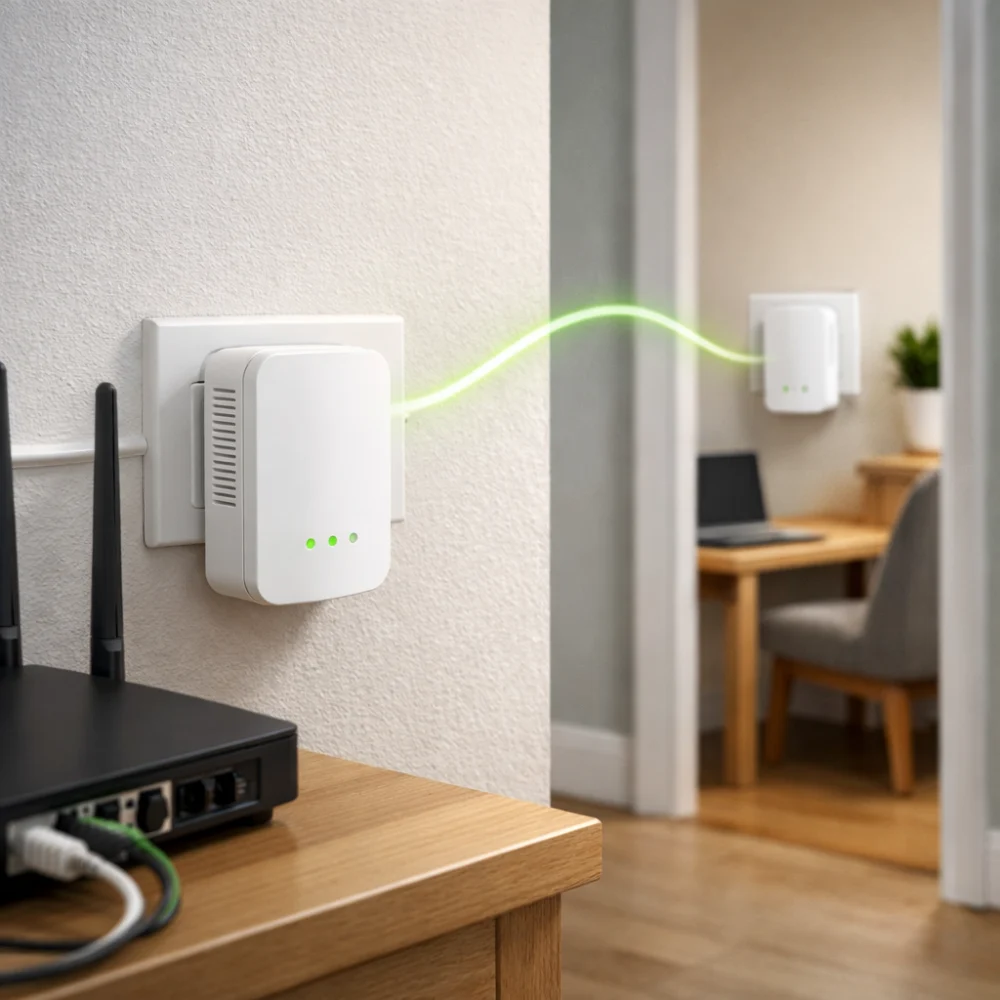
Powerline adapters carry a network connection between rooms using a home’s electrical wiring. A typical setup uses one adapter near the router and another where a wired connection is needed, though the exact kit and setup vary.
They may suit people who want to connect a device away from the router without running a long network cable. The main decision is whether a wired connection is enough or whether you also want Wi-Fi at the far end, while remembering that results depend on the home’s wiring and other conditions.
What should you look for in a powerline adapter?
Start by checking that the adapters are designed to work together and that the kit provides the connection types you need. Then compare whether you need Wi-Fi at the receiving end, an available pass-through socket or more than one Ethernet connection. Treat advertised powerline rates as product figures, not a promise of the speed you will experience.
Compare the key buying factors
| Feature | What it means | Why it matters | What to check |
|---|---|---|---|
| Adapter system and compatibility | The communication technology and generation used by the units. | Adapters need to be compatible to form a working connection; similar-looking products are not necessarily interchangeable. | Check that the kit’s units are intended to work together and whether any existing adapters are explicitly supported. |
| Wi-Fi at the receiving end | Some kits provide wireless connectivity from a remote adapter; others are for wired connections. | Wi-Fi can suit phones and tablets in the destination room, while a wired connection may suit a device with an Ethernet port. | Confirm whether Wi-Fi is included, what setup is required and whether its features meet your needs. |
| Ethernet connections | The number and type of wired network ports on each unit. | This determines how many nearby devices can connect by cable without adding other equipment. | Check the port count and port specification on the individual product page. |
| Pass-through socket | A socket built into an adapter so another plug can use that outlet. | It may help when wall sockets are limited, but the adapter’s size and position can affect how practical the arrangement is. | Check whether the specific unit has pass-through and whether its physical layout suits the intended socket. |
| Advertised powerline rate | A stated theoretical link rate for the adapter system. | It helps distinguish product specifications but does not establish the real-world data rate through a particular home’s wiring. | Compare like with like and avoid treating the headline rate as guaranteed internet or device speed. |
Choosing the right features
Wired connection or Wi-Fi as well?
If the destination device has an Ethernet port and will stay in one place, a wired connection from the remote adapter may be suitable. If you also want wireless access in that room, consider a kit that explicitly includes Wi-Fi functionality. Check what wireless features are provided rather than assuming every powerline adapter broadcasts Wi-Fi.
Understand the rate figures
Headline rates describe the adapter system, not a guaranteed speed for every task. The connection between adapters, the home’s wiring and local electrical conditions can affect performance, and your internet service can also limit online speeds. Specifications vary by model, so always check the individual product page before buying.
Check ports and socket layout
Count the devices you expect to connect at each end and compare that with the number of Ethernet ports. A pass-through socket can be useful if the adapter occupies an outlet you need, but it does not remove the need to check the unit’s dimensions and the space around the socket.
Confirm system compatibility
Do not assume adapters will pair simply because they share a brand, similar appearance or a headline rate. Check the product information for compatibility with the other units you intend to use, especially when adding to an existing setup or combining different adapter systems.
Common powerline adapter types
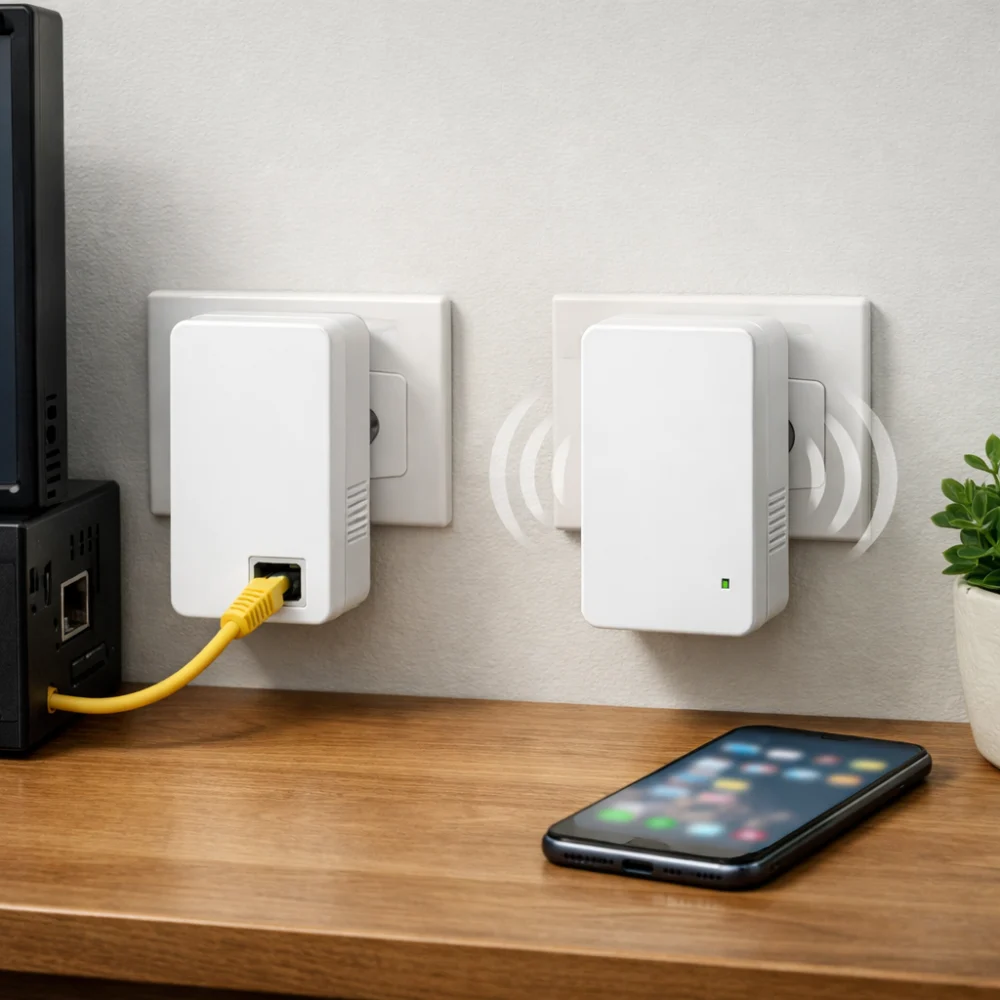
Wired powerline kits provide a network connection through Ethernet at the receiving adapter. They may suit a desktop computer, television or other fixed device with a network port, but do not necessarily provide Wi-Fi for wireless devices.
Powerline kits with Wi-Fi combine the powerline link with wireless connectivity at one or more adapters. They may suit a room where phones or tablets also need a connection, but the wireless coverage and available functions depend on the specific product.
Pass-through models include a socket on the adapter itself. This can help preserve access to an outlet, though it may make the unit larger; check the individual design and intended placement.
These features can appear in different combinations. Compare the actual kit contents and specifications rather than relying on a type label alone.
Which setup may suit your needs?
| Your need | Features to consider | Main trade-off |
|---|---|---|
| Connect one fixed device in another room | A compatible kit with an Ethernet connection at the receiving end. | It provides a wired endpoint but may not serve wireless devices in the room. |
| Connect wired and wireless devices at the destination | A kit that explicitly includes both Ethernet and Wi-Fi features. | Wireless functions and coverage vary by product and home conditions. |
| Use an outlet that is already in demand | A model with a pass-through socket, if its design suits the space. | The adapter may be bulkier than a model without pass-through. |
| Expand an existing powerline setup | Explicit confirmation that the additional unit is compatible with the existing system. | Matching a brand or advertised rate alone may not establish compatibility. |
Common mistakes and misunderstandings
- Expecting the advertised rate in everyday use. Treat it as a stated system rate, not a guaranteed result through your wiring or internet connection.
- Assuming every adapter works with every other one. Check the stated compatibility of the exact units and system before expanding an existing setup.
- Buying a wired-only kit when you need Wi-Fi. Confirm whether wireless connectivity is included at the destination rather than inferring it from the powerline label.
- Overlooking the number of ports. Check how many devices need a wired connection at each adapter and whether the supplied ports are sufficient.
- Assuming powerline will suit every home layout. Wiring and electrical conditions can affect results. Consider whether the product information and your intended setup make this approach a reasonable choice.
Suitability and safety considerations
Choose adapters intended for the type of connection and environment described by the manufacturer, and check any stated suitability or limitations for your home. Electrical installations differ, so do not assume that a powerline system will perform the same way in every property. If you have concerns about the suitability of an electrical outlet or installation, seek appropriate qualified advice rather than relying on product claims alone.
Ownership, care and storage
Powerline adapters need a suitable power outlet wherever each unit is used, so consider socket access and the space occupied by the adapter when planning a setup. Check the product information for care, ventilation and storage guidance; there is no single maintenance requirement that applies to every model. Keep any instructions and compatibility details available if you later add or replace an adapter.
A practical buying process
- Identify the room and devices you want to connect, including whether they need Ethernet, Wi-Fi or both.
- Check that the product type and kit contents provide those connection options.
- Confirm that the adapters are compatible with each other and with any units you already use.
- Compare ports, pass-through socket design and stated rates, bearing in mind their limitations.
- Review the individual product information for suitability, setup requirements and any model-specific details.
Buyer checklist
- Have I decided whether I need a wired connection, Wi-Fi at the far end, or both?
- Does the kit include compatible units and the connections my devices require?
- Have I checked the Ethernet port count and whether I need a pass-through socket?
- Do I understand that an advertised rate is not a guaranteed real-world speed?
- Have I reviewed the specific product’s suitability and setup information?
Powerline adapter FAQs
Do powerline adapters need to be bought as a kit?
Many setups use at least two compatible units, with one connecting to the router and another serving the destination room. Check what is included in the product listing and whether additional units are compatible before buying them separately.
Will powerline adapters work in any home?
Not necessarily. Results depend on the home’s wiring and electrical conditions, so the same product may perform differently in different settings. Check the manufacturer’s suitability information and avoid treating a stated rate as a prediction for your home.
Can a powerline adapter provide Wi-Fi?
Some powerline kits include Wi-Fi functionality at a receiving adapter, while others provide only a wired network connection. Check the individual product details to confirm which features are included and where wireless connectivity is provided.
Can I mix different powerline adapters?
Compatibility depends on the products and their communication systems. Do not rely on a shared brand or similar rate figure; check explicit compatibility information for the particular units you plan to use.
Does a higher advertised rate mean faster internet?
Not by itself. The advertised rate is not a guarantee of the data rate achieved through your home’s wiring, and internet speed also depends on other parts of the connection. Compare specifications as product information, not as a promise of a particular outcome.
What is a pass-through powerline adapter?
It has a socket built into the adapter, allowing another plug to use that outlet. This may help where socket access is limited, but check the product’s size and layout to see whether it will suit the intended location.


