

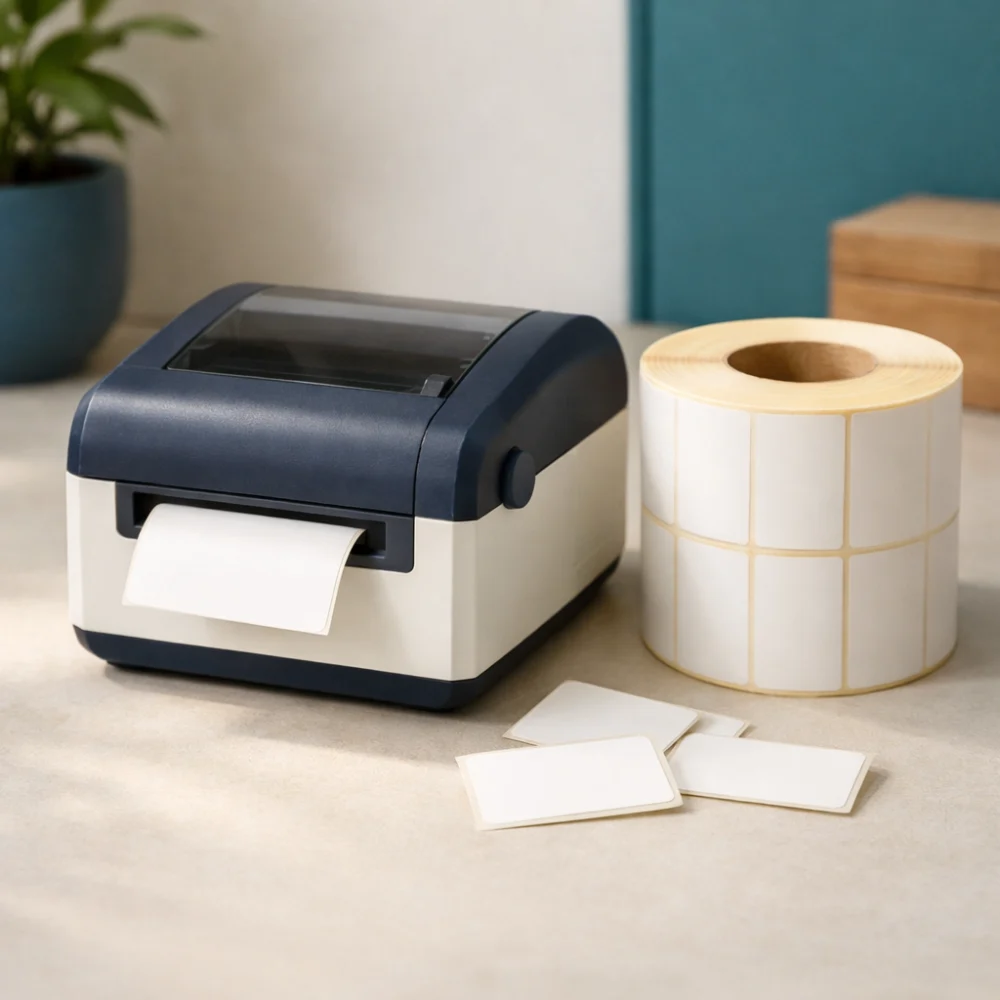
A label printer can be useful for organising items, preparing parcels or making labels for a workplace or hobby. The right choice depends less on the printer’s size or appearance than on the labels you need to produce and how you plan to create them.
Before comparing models, consider label size and format, expected use, where you will print and which device or software you want to use. Those decisions help narrow the options without assuming that every printer supports the same media or connection methods.
Which label printer should you choose?
Start with the label’s purpose, then check the printer’s supported media and maximum print width. For occasional small labels, a compact device may be convenient; for regular parcel or workplace labelling, a desktop model may better suit a fixed workspace. Match the connection and software to the phone or computer you intend to use, and check the continuing cost and availability of compatible consumables. A useful trade-off to weigh is portability against the label formats and workflow you need.
Compare the features that affect your choice
| Feature | What It Means | Why It Matters | What To Check |
|---|---|---|---|
| Label format and width | The sizes and media shapes the printer can accept | Determines whether it suits your parcels, storage labels or other intended use | Supported widths, roll or cassette type, and whether labels are continuous or pre-cut |
| Print method | The way the device produces an image on the label | Can affect consumables and suitability for labels that need to remain legible over time | Whether it needs ribbon or specific label media, and any durability claims for the media |
| Connection and software | How the printer connects and how labels are designed or sent | A printer is less useful if it does not fit your preferred device or workflow | Supported connections, operating systems, app or software requirements, and label-design options |
| Portability and power | Whether the printer is intended for a fixed desk or moving between locations | A portable design can be easier to carry, while a desk-based setup may suit regular use in one place | Power source, battery requirements if applicable, and the space needed for the printer and media |
| Consumables | The labels, tape or other materials used by the printer | They affect recurring expense and whether you can replace media when needed | Compatible media types, refill options and any restrictions stated by the manufacturer |
What to check before buying
Label size and format
Work backwards from the label you need. Parcel addresses, shelf labels and small identification labels can call for different widths and layouts. Check the supported media dimensions and whether the printer accepts continuous tape, individual die-cut labels or another specified format. A printer that connects easily is still a poor fit if its media cannot accommodate your intended label.
Print method and intended lifespan
Some label printers use thermal printing, but the media and consumables differ between designs. Certain thermal systems print directly onto compatible media, while others use a ribbon; check what the individual printer requires. If labels must stay readable for a particular period or in a particular environment, look for explicit information about the printer and media rather than assuming that all labels have the same durability.
Connection and label-design workflow
Check whether the printer connects to the phone, tablet or computer you plan to use, and whether label creation depends on an app, desktop software or another workflow. Confirm supported operating systems and any stated software requirements before buying. Also consider whether you need to print from templates, create your own layouts or use information from another application; support can vary by model.
Print width and legibility
The available print width affects how much information can fit on a label. For small text, barcodes or detailed layouts, check the stated print capabilities and examples supplied for that model, rather than judging by the printer’s exterior size. Leave enough room for the actual content and any layout requirements imposed by the service or system you use.
Portability, power and work area
A compact or handheld printer may be convenient if you need to print away from a desk, but portability does not guarantee that it supports the label format you want. For a printer that will stay in one place, consider its footprint and how you will handle media during routine use. Check the power arrangement, including battery details where applicable, and whether it suits your working location.
Ongoing media requirements
Check the exact media or tape specified for the printer, including its width and format. Some devices may be designed around particular consumables, so compare replacement options and ongoing cost before choosing. Specifications vary by model, so always check the individual product page before buying.
Types and formats of label printers
Portable or handheld label makers can suit short runs and labelling away from a desk, especially where compact media is sufficient. Their size may limit the width or formats they accept, so check those details rather than assuming they can handle parcel-sized labels.
Desktop label printers are generally intended for a more settled workspace and may suit repeated printing. Some are designed around particular roll formats or label widths, so confirm that they fit the task. Printers intended for shipping labels are a more focused choice when their supported format matches the labels required by your parcel workflow.
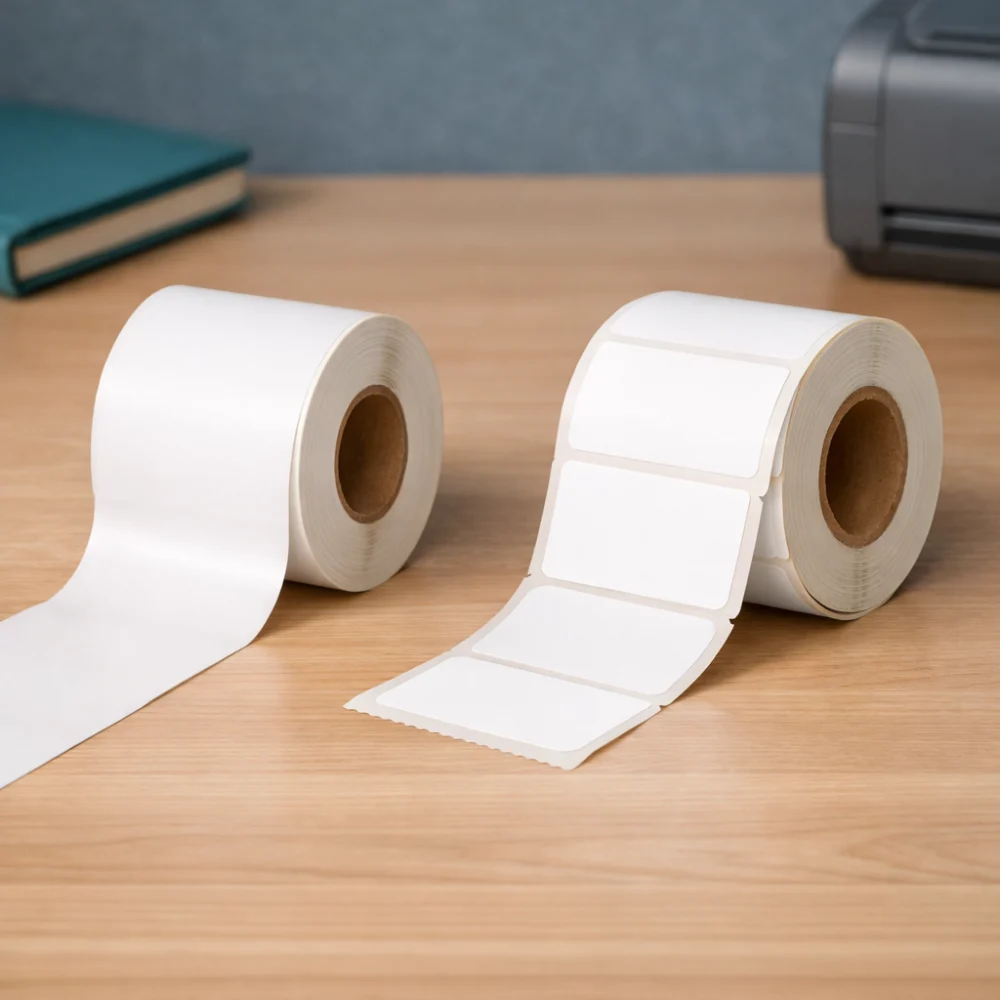
Media itself also varies: a printer may use continuous tape or separate labels on a roll. The choice affects the shapes and lengths you can produce, so compare the printer’s stated media support with the labels you need.
Choose for the way you will use it
- Occasional home organisation: A compact label maker may be enough if its media supports the sizes and types of labels you plan to use. Check the design app or controls are suitable for how you want to create labels.
- Regular parcel preparation: Prioritise a supported label format that fits your parcel workflow, plus software and connection options that work with the system used to prepare addresses. A portable device is not automatically a substitute for a printer designed for the required label size.
- Workplace or repeated labelling: Consider the print width, media replacement, connection and layout workflow together. A desk-based setup may be more convenient if the printer will remain in one location, but check the media supply and requirements for your intended volume.
- Printing away from a desk: Portability and power matter, along with the device connection and media format. Confirm how the printer is powered and whether the supported label sizes suit the locations and tasks involved.
Common buying mistakes
- Choosing by size alone: A small printer may be convenient, but it might not support the width or format required. Check media compatibility first.
- Assuming labels are interchangeable: Similar-looking rolls or tapes may differ in dimensions or compatibility. Match the consumable to the exact printer requirements.
- Overlooking the software workflow: A connection type alone does not confirm that your device or operating system is supported. Check the stated app or software requirements.
- Ignoring replacement media: The purchase decision includes consumables. Check what the printer uses and whether suitable replacements fit your budget and needs.
- Assuming every thermal label is equally durable: Media and print methods vary. If a label needs to remain legible in specific conditions, look for explicit suitability information for that printer and media.
Suitability and practical checks
Match the printer and label media to the surface and conditions where the label will be used. Adhesion, resistance to moisture or other environmental factors should not be assumed; check the manufacturer’s information for the specific media. If labels are used in a workplace process or need to meet a particular format, verify those requirements separately before choosing a printer.
Consumables, care and storage
Budget for compatible labels, tape or ribbon where required, not just the printer itself. Keep replacement media in the condition recommended by its manufacturer, and consider how much storage space rolls or cartridges will need. For a portable model, include any battery or charging needs in your ownership plans. Follow the product’s own care guidance, since handling and maintenance requirements can vary.
A practical buying process
- Write down what the labels are for and the size or format they need to be.
- Decide whether a portable or desk-based printer better suits where you will work.
- Check the printer’s supported media and print method against those requirements.
- Confirm connection, device compatibility and label-design software.
- Compare ongoing consumable needs, power arrangements and any relevant durability information.
- Review the individual product information for all compatibility and suitability details before deciding.
Buyer checklist
- Does the printer support the label width and format I need?
- Are its media and consumables compatible with my intended use?
- Can I connect it to the device and operating system I plan to use?
- Does its app or software support the label layouts I need?
- Does the power arrangement suit where I will print?
- Have I checked replacement media and any specific durability requirements?
Frequently asked questions
Can one label printer handle both small labels and shipping labels?
That depends on the model’s supported media widths and formats. Check its specifications against each label size you need; a compact label maker may not accept larger shipping labels.
Do label printers need ink?
Some use thermal printing, while other systems may use different consumables. Check the print method and required media for the individual printer rather than assuming it uses conventional ink cartridges.
Can I print labels from a phone?
Some models support phone-based printing, but app availability, operating-system support and connection methods vary. Confirm compatibility with your specific phone and the label-design workflow you want.
Are label rolls and tapes interchangeable?
No. Printers are designed for particular media formats and dimensions. Check the manufacturer’s requirements for the exact printer before buying replacement labels or tape.
What should I check if a label needs to last?
Consider the intended environment and how long the label must remain readable. Check for explicit information about the printer and compatible media; do not assume that a particular print method alone guarantees a given lifespan.
Is a portable label printer always the best choice for occasional use?
Not necessarily. Portability can be useful, but the supported label format, software and consumables still need to fit the task. A stationary printer may be a better match if you need a format or workflow that a compact device does not support.


