

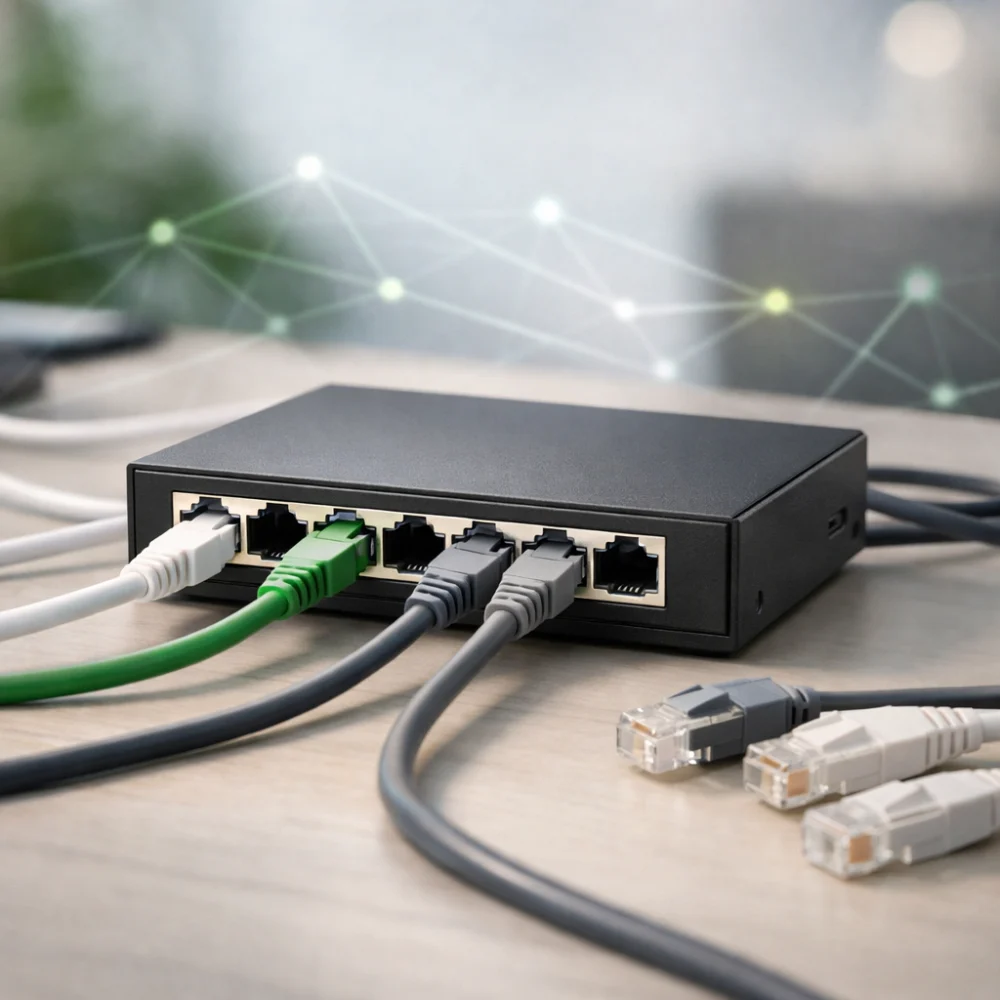
A network switch adds wired Ethernet connections to an existing network, making it useful when a router or other network connection point does not have enough ports for the devices you want to connect. It does not replace a router or provide Wi-Fi by itself.
The right choice depends on how many wired connections you need, the speed your devices and network can use, and whether you need features such as remote management or Power over Ethernet (PoE). Check the switch’s intended role and product details against your setup rather than choosing by port count alone.
What should you look for in a network switch?
Start with the number of wired devices you need to connect and leave room for any near-term additions. Then check that the switch’s port speeds suit the devices and network it will connect. An unmanaged switch may suit a straightforward home setup, while management features or PoE can be useful for more specific network needs. The trade-off is that added features can bring extra setup requirements, so choose only what you can use.
Compare the key buying factors
| Feature | What it means | Why it matters | What to check |
|---|---|---|---|
| Port count | The number of Ethernet connections on the switch. | It determines how many wired devices can be connected directly, including the connection back to the existing network. | Count the devices you plan to connect and check whether a port will be needed for the network connection. Allow for likely additions. |
| Port speed | The Ethernet speed supported by the switch ports. | A mismatch with other network equipment can limit the speed available to connected devices. | Compare the stated port speeds with the equipment and network connection involved. Check cabling requirements where stated. |
| Management | Whether network settings can be configured or monitored through the switch. | Management features can support a more controlled setup, but may add complexity. | Check which management functions are included and whether you are prepared to configure them. |
| Power over Ethernet | PoE can carry power as well as data over compatible Ethernet connections. | It may suit compatible devices that can receive power over their network connection. | Confirm that the switch and connected device support compatible PoE requirements, and check any stated power limits. |
| Size and mounting | The switch’s physical format and intended placement. | Placement affects whether it fits the available space and can be connected conveniently. | Check dimensions, mounting options and any placement or ventilation guidance on the product page. |
| Power and included items | The switch’s power arrangements and the accessories supplied. | These affect where it can be installed and whether you have the items needed for your setup. | Check how the switch is powered and what the product listing says is included. |
Choosing the right network switch
Count ports for the whole connection
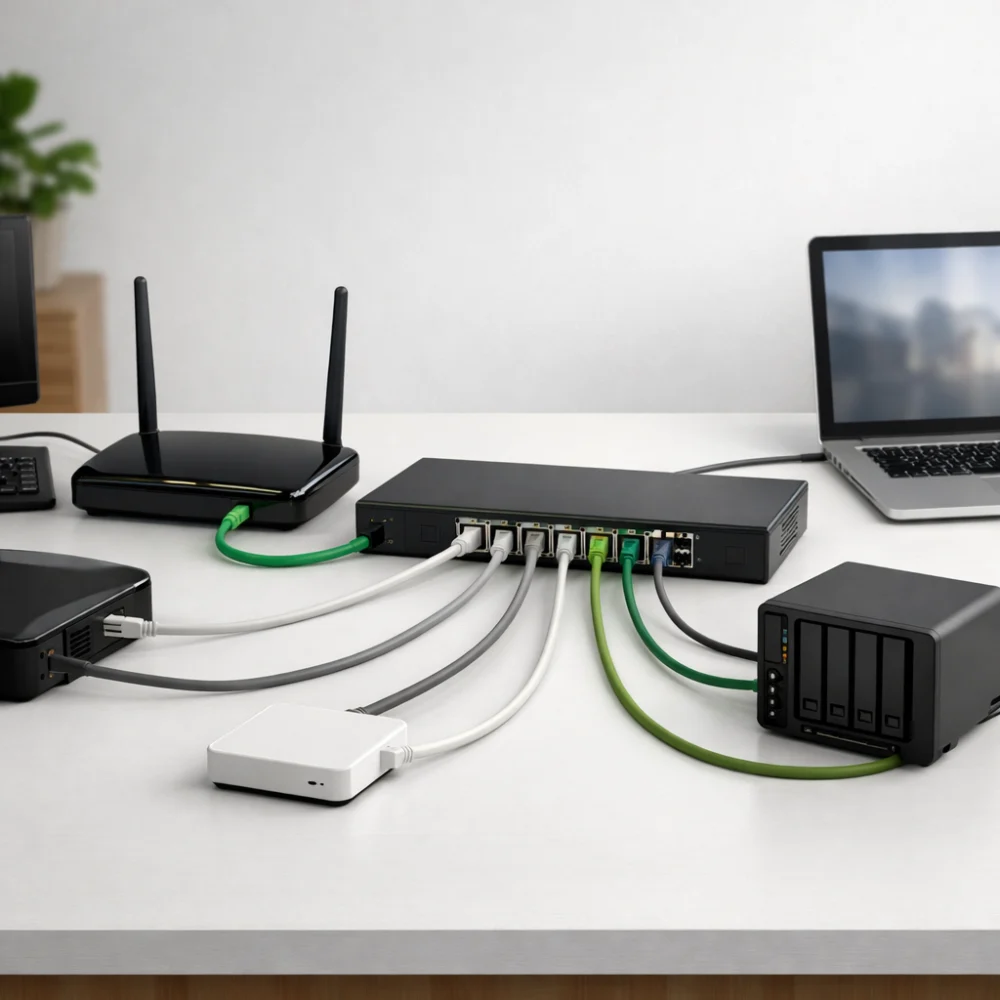
Count the devices that will connect to the switch, then account for the connection from the switch to the existing network. For example, a switch serving several wired devices also needs a connection back to the router or another suitable network point. A smaller switch can be a tidy fit for a limited setup; choosing too few ports may leave no room for a later addition.
Match speed to the rest of the network
A switch’s stated port speed is only one part of the connection. The capabilities of the connected devices, the network equipment and the cabling can all affect the speed available. Check the relevant details across the setup, especially if you are replacing an older switch or connecting equipment with different network capabilities.
Specifications vary by model, so always check the individual product page before buying.
Decide whether you need management features
An unmanaged switch is generally intended to connect devices without requiring the buyer to configure network settings on the switch. Managed and smart-managed models offer configuration or monitoring functions, though the exact tools vary. These can suit users who need more control over network behaviour, but may be unnecessary for a simple set of wired connections.
Check whether PoE is relevant
PoE may be useful when compatible network devices can receive power over Ethernet, reducing the need for a separate power connection at each device. It is not enough for a switch to mention PoE: check that its capabilities match the requirements of the devices you intend to connect, including any stated power limits. If the devices do not need PoE, it may not be a deciding feature.
Plan for placement and power
Consider where the switch will sit and how its cables will reach the connected equipment. Check its dimensions and any stated desktop, wall-mounting or rack-mounting options, rather than assuming a particular format. Also confirm its power arrangement and allow for a suitable nearby power connection if required.
Common network switch types
- Unmanaged switches: Often suit straightforward setups where the main need is to connect wired devices without configuring switch settings. They offer less control than managed options.
- Managed or smart-managed switches: May suit users who need to configure or monitor network functions. The feature set and complexity vary, so check what a particular model supports.
- PoE switches: Can provide power over Ethernet to compatible devices as well as network data. Check compatibility and stated power limits; PoE is not needed for every network.
- Compact and rack-oriented formats: Different physical formats suit different spaces. Check dimensions and mounting details, since a format that suits a desk may not suit a rack or a constrained installation area.
These descriptions are not mutually exclusive: a switch can combine a particular form factor with management features or PoE. Use the product details to identify the actual combination.
Choose by your network need
| Need | Features to consider | Main trade-off or check |
|---|---|---|
| Add wired connections at home | Enough ports for the connected devices and the link back to the existing network; suitable port speeds. | Management or PoE may add features you do not need. Check the full port count and speeds. |
| Connect compatible devices that use PoE | PoE support and an appropriate stated power capacity. | Confirm the connected devices’ requirements rather than relying on the PoE label alone. |
| Configure or monitor network behaviour | Managed or smart-managed features suited to the intended network. | Compare the actual functions and consider the additional setup and administration involved. |
| Fit a particular installation space | Dimensions, mounting options and power arrangements. | Check the physical details and placement guidance; do not assume all switches use the same format. |
Mistakes and misunderstandings to avoid
- Counting only the devices: The switch also needs a connection to the existing network. Include that connection when checking whether there are enough ports.
- Assuming more ports mean better performance: Port count and port speed are different considerations. Compare both with the demands of your setup.
- Expecting a switch to replace a router or Wi-Fi access point: A switch adds wired network connections; check that your setup already has the network functions you need.
- Choosing PoE without checking device requirements: Confirm that the switch’s PoE capability suits each device that will receive power from it.
- Paying for management features without a use for them: Extra control can be valuable in some setups, but may bring more configuration than a simple connection task requires.
- Assuming cables or accessories are included: Check the listing for included items and any stated cabling requirements before buying.
Suitability and compatibility checks
Check that the switch is intended for the network role you have in mind and that its connections suit the equipment you plan to attach. For a PoE setup, confirm compatibility and power requirements for every device relying on the switch for power. Follow the product’s stated placement and power guidance, and seek qualified help if your installation has requirements you are unsure about.
Ownership, power and storage
Network switches typically need an appropriate power source, so confirm the product’s power arrangement and included items when planning placement. Keep the device somewhere that meets its stated installation guidance, with space for the necessary connections. If it will be stored before installation or moved later, retain any accessories and product information that will help you identify its power and mounting requirements.
A practical buying process
- List the wired devices you plan to connect and include the link back to the existing network.
- Decide whether the setup requires PoE, network management, or a particular physical format.
- Compare the switch’s port count and speeds with the connected equipment and network.
- Weigh useful features against added complexity, power needs and placement constraints.
- Check the individual product information for compatibility, dimensions, power arrangements and included items before deciding.
Buyer checklist
- Have you counted the devices and the connection back to the existing network?
- Do the port speeds suit the equipment and network involved?
- Do you need management features, PoE, or neither?
- If using PoE, have you checked compatibility and the stated power limits?
- Will the switch fit the intended location, and have you checked its mounting and power arrangements?
- Have you checked the product information for included items and relevant installation guidance?
Frequently asked questions
Does a network switch provide Wi-Fi?
No. A network switch adds wired Ethernet connections; it does not provide wireless access by itself. Check that your network has a separate source of Wi-Fi if wireless connectivity is needed.
Does a network switch replace a router?
No. A switch is used to connect devices within an existing network, while a router performs a different network role. Check how the switch will connect to the network equipment already in place.
How many ports should my switch have?
Count the devices you plan to connect and include the connection from the switch to the existing network. If you expect to add devices, allow for those too, while balancing extra capacity against the space and cost of a larger switch.
Do I need a managed switch?
Not necessarily. An unmanaged switch may suit a straightforward setup where you only need additional wired connections. Consider managed options when you have a specific need for configuration or monitoring, and check which functions the model actually provides.
Can any PoE switch power any PoE device?
Do not assume so. Check that the switch’s PoE capability and stated power limits suit the requirements of each device that will receive power through Ethernet.
Will a faster switch make every device faster?
Not by itself. The speed available depends on the capabilities of the switch, connected devices, other network equipment and cabling. Compare the relevant details across your setup rather than relying on one headline specification.


