

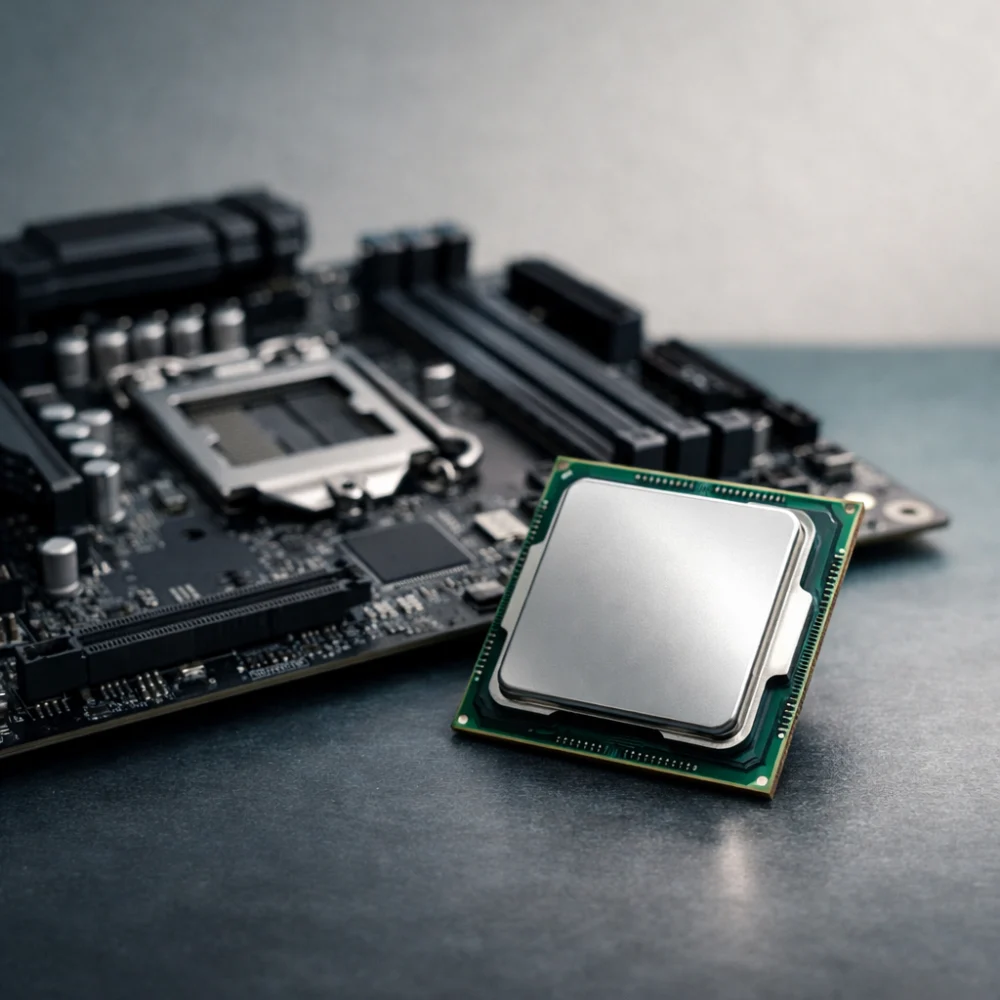
Choosing a CPU is about more than comparing core counts or headline clock speeds. The right processor needs to suit the work you do and fit the rest of your computer, especially its motherboard and memory.
This guide is for people building a PC, replacing a processor or considering an upgrade. It focuses on how to assess CPUs as components; compatibility depends on the exact parts in your system, not just the processor family.
Which CPU should you choose?
Start with the applications you use and the motherboard you plan to keep or buy. Check the exact processor’s socket and motherboard support, including whether a BIOS update may be needed. Then compare workload-relevant performance, memory support, graphics needs and cooling requirements. A faster or higher-tier CPU may not be a better fit if it adds cost or cooling demands without helping with your main tasks.
CPU buying factors compared
| Feature | What it means | Why it matters | What to check |
|---|---|---|---|
| Socket and motherboard support | The physical connection and the motherboard’s support for a particular processor. | A matching socket alone does not guarantee that a CPU will work with a motherboard. | Check the motherboard’s CPU support information for the exact model and any BIOS requirements. |
| Cores and threads | Processing resources that can affect how well a CPU handles different workloads. | More resources can help with some demanding or parallel tasks, but do not guarantee a faster experience in every application. | Consider the software you use and compare relevant performance, not core counts alone. |
| Memory support | The memory types and configurations supported by the CPU and motherboard. | The CPU, motherboard and chosen memory need to work together. | Check the specifications of both the CPU and motherboard, including memory generation and supported configurations. |
| Integrated graphics | Graphics capability built into some processors. | It may suit a system that does not use a separate graphics card, but capability varies and may not suit demanding graphics workloads. | Confirm whether the exact CPU includes graphics and whether that meets your intended use. |
| Power and cooling | The processor’s power and thermal requirements and the cooling solution needed for the build. | Cooling affects whether the system can operate as intended, while a cooler may or may not be included with a particular CPU. | Check the CPU’s stated requirements, cooler inclusion and compatibility with the planned cooling setup. |
What to consider before buying
Match the CPU to your workload
For everyday use, web browsing and office applications, a high-end processor may offer little practical benefit over a suitable lower-tier option. Video editing, 3D work, software development and other demanding tasks can make additional processing capacity more useful, but results depend on the application and the rest of the system. For gaming, consider the games and settings you use alongside the graphics hardware; the CPU is only one part of performance.
Specifications vary by model, so always check the individual product page before buying.
Check the whole platform, not just the socket
Confirm that the exact CPU is supported by the motherboard model and revision you intend to use. Support can depend on the motherboard chipset and BIOS version, so a shared socket name is not enough to establish compatibility. If you are upgrading, identify the existing motherboard precisely and check its processor support information before selecting a replacement.
Compare performance in context
Core and thread counts, clock speeds and cache information can help describe a CPU, but each figure tells only part of the story. Workloads use processor resources differently, and comparisons between different product generations or architectures are not reliably settled by one headline number. Where available, prioritise relevant independent application comparisons rather than assuming that a larger figure means a better result for your use.
Confirm memory requirements
Memory compatibility is shared between the CPU and motherboard. Check the memory generation supported by both, as well as the motherboard’s guidance for the configuration you plan to use. This matters particularly when reusing memory from an existing build: it may not be suitable for a new platform even if it is physically familiar.
Account for graphics and cooling
If you are not using a separate graphics card, verify that the specific CPU has integrated graphics and that its capabilities suit your needs. The presence of integrated graphics does not by itself establish suitability for demanding games or graphics work. Also check whether a cooler is included and whether your planned cooling solution is suitable for the processor and case.
CPU types and variations
One useful distinction is between CPUs with integrated graphics and those that require a separate graphics solution for display output. Integrated graphics can simplify a basic build or provide a display option, while a CPU without them may be unsuitable for a system that has no other graphics hardware. Confirm the exact model rather than relying on a family name or suffix.
Processors also differ in their core configurations, performance characteristics, power requirements and platform support. Some models may offer features such as overclocking support, but these depend on the CPU and compatible supporting hardware; check the product and motherboard information rather than assuming a feature from the brand or series.
Choosing for your needs
- For everyday computing: Focus on compatibility, sensible performance for your applications and whether integrated graphics meet your display needs. Extra capacity may be unnecessary if your tasks are modest.
- For gaming: Consider the games you play and the balance between processor and graphics performance. A CPU upgrade alone may not address a limitation elsewhere in the system.
- For content creation or other demanding work: Compare performance in the applications you actually use, and weigh the potential benefit of more processing resources against platform and cooling requirements.
- For a motherboard upgrade or new build: Select the CPU and motherboard as a compatible pair, then verify memory support, BIOS requirements, cooling and graphics needs before choosing the remaining parts.
- For a replacement or upgrade: Check the exact motherboard support list first. A processor that appears to belong to the same family or use the same socket may still not be supported by your existing system.
Common CPU buying mistakes
- Assuming the socket guarantees compatibility. Check the exact motherboard support information and BIOS requirements, not just the socket name.
- Choosing by core count or clock speed alone. Compare performance for your applications and consider the processor’s platform requirements as well.
- Forgetting about graphics output. If the build has no separate graphics hardware, confirm that the chosen CPU includes integrated graphics suitable for your needs.
- Overlooking memory compatibility. Check that the CPU, motherboard and memory are a suitable combination before buying parts.
- Assuming a cooler is included. Check the individual product details and plan for an appropriate cooling solution if needed.
- Upgrading one part without checking the system. A new CPU can also affect motherboard, memory and cooling choices, so assess the whole platform before committing.
Safety and suitability
A CPU must be compatible with the motherboard and suitable for the system’s cooling and power arrangements. Check the manufacturer’s product information and the supporting component specifications before purchase. If you are unsure whether an existing system supports a proposed processor, confirm compatibility with the motherboard documentation or a suitably qualified technician.
Ownership, cooling and storage
Cooling is part of the CPU choice: the processor and cooling solution need to be suitable for one another and for the computer build. Check whether the product includes a cooler rather than assuming it does. If you are keeping a CPU as a spare, follow the handling and storage guidance supplied with it; this guide does not assume that every model has identical packaging or care requirements.
A practical CPU buying process
- Write down the main applications and tasks the computer must handle.
- Decide whether you are building a new system, replacing a CPU or upgrading an existing one.
- Check the exact motherboard support, socket and any BIOS requirements.
- Compare relevant processor performance, memory support, integrated graphics and power or cooling needs.
- Review the individual product information and confirm that the rest of the planned system is compatible.
CPU buyer checklist
- Does the exact motherboard support this CPU?
- Are any BIOS requirements understood?
- Do the CPU and motherboard support the memory you intend to use?
- Does the CPU provide graphics if your build needs them?
- Are its performance characteristics suitable for your main applications?
- Have you checked cooling needs and whether a cooler is included?
- Have you considered how the CPU fits with the rest of the system?
Frequently asked questions
Does a matching CPU socket mean a processor will work?
No. The motherboard must also support the exact processor, and support can depend on its chipset and BIOS version. Check the motherboard’s support information for the specific CPU.
How many cores do I need?
There is no single core count that suits every buyer. The useful amount depends on the applications and workload, so compare performance in tasks similar to your own rather than choosing by core count alone.
Do all CPUs include integrated graphics?
No. Graphics capability varies by model, so check the exact product information. If the computer will not have separate graphics hardware, confirm that the CPU provides graphics suitable for the intended use.
Can I reuse the memory from my current computer?
Possibly, but the CPU and motherboard must both support that memory type and configuration. Check the specifications of the exact components before assuming existing memory will carry over.
Is a CPU cooler always included?
No. Cooler inclusion can vary between products. Check the individual product details and ensure your planned cooling solution is suitable for the CPU and the rest of the build.
Should I buy a more powerful CPU for gaming?
It depends on the games, settings and graphics hardware in the system. Compare performance for the games you play and consider whether the CPU or another component is more relevant to your needs.


