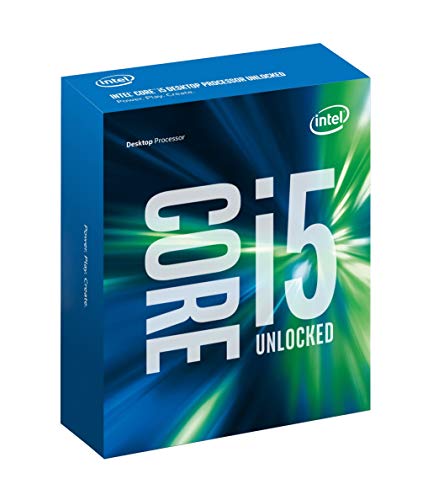
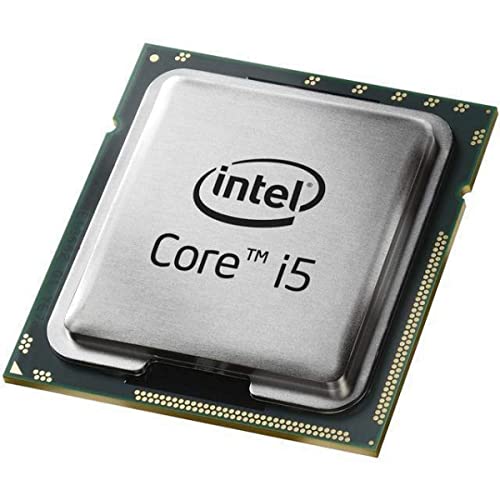
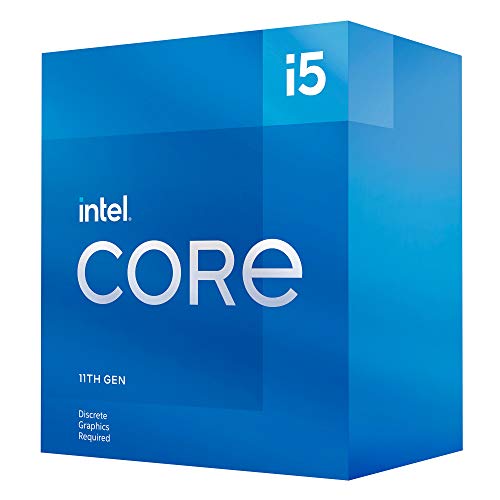
CPU’s are the brain of your computer, driving speed, multitasking, gaming frame rates, and content creation. Since 1988, our UK-based online shop has helped customers pick the right processor with clear compatibility advice, fast UK delivery, and easy returns. Whether you are building a first PC or upgrading a workstation, we make choosing simple and confident.
Pick a CPU that matches your tasks. Office and study need a modern mid range processor with 6 to 8 cores. Gaming benefits from higher clocks and 6 to 12 cores. Video editing and 3D work run best on 12 to 24 cores. Check the motherboard socket, chipset, BIOS support, RAM type, cooler, and power supply before you buy.
Why buy CPU’s from us
UK online retailer since 1988 with expert, friendly support
Curated range for home, gaming, creator, and business builds
Clear compatibility notes for sockets, chipsets, RAM, and BIOS
Fast UK shipping and straightforward returns
Optional bundle advice for CPU, cooler, motherboard, and RAM
Types of CPU’s we stock
Everyday desktop CPUs for web, office apps, and study
Gaming CPUs with high boost clocks and strong single-core speed
Creator and workstation CPUs with many cores for renders and exports
Energy efficient CPUs for small, quiet builds and media centres
Server and Pro series for virtualisation and round-the-clock reliability
CPU buying guide
1) Match the CPU to your workload
Use case
Recommended core count
Key notes
Home and office
6 to 8 cores
Smooth multitasking and long-term value
Esports gaming
6 to 8 cores, high boost
Favour strong single core and high clocks
AAA gaming and streaming
8 to 12 cores
Extra threads help games, plus streaming or background apps
Photo and light video work
8 to 12 cores
Faster exports and responsive timelines
4K editing and 3D work
12 to 24 cores
Heavy compute, paired with fast NVMe and lots of RAM
Virtual machines or data tasks
12 cores and up
Many threads and ECC support were required
2) Compatibility checklist
Socket and chipset. Match the CPU to your motherboard. Examples include AM4 or AM5 on AMD, and LGA1700 or later on Intel.
BIOS support. Older boards may need a BIOS update before the CPU will boot.
Memory type. Confirm DDR4 or DDR5 and supported speeds.
Integrated graphics. Some CPUs include an iGPU. Useful for troubleshooting or if you do not need a dedicated GPU.
PCIe version and lanes. Check for PCIe 4.0 or 5.0 support for GPUs and NVMe drives.
Cooler clearance. Ensure your case fits the chosen air cooler or AIO radiator.
Power and VRM. Verify your PSU wattage and motherboard VRM quality for higher-tier CPUs.
3) Key specs explained
Cores and threads. More cores help with heavy multitasking and creation.
Base and boost clocks. Higher boost improves game and app responsiveness.
Cache. A larger cache can boost performance in games and content tools.
TDP or processor power. Guides cooling and PSU needs. Real power draw varies by workload.
iGPU. Handy for quick builds, office use, and diagnostics.
AI and media features. Look for modern instruction sets and accelerators that speed video encoding, photo tools, and AI tasks.
4) Overclocking, cooling, and noise
Unlocked models allow manual tuning on supported chipsets.
Cooling matters. Pair mid to high-end CPUs with a quality tower air cooler or a 240 to 360 mm AIO.
Thermal paste. Apply a small, even amount and avoid air pockets.
Case airflow. Front intake and rear or top exhaust fans keep temps and noise down.
Common mistakes to avoid
Buying a fast CPU and pairing it with slow single-channel RAM
Forgetting to check the socket, chipset, and BIOS before purchase
Reusing a small cooler that cannot handle a higher TDP chip
Undersizing the PSU when upgrading to a higher-tier CPU and GPU
Neglecting a BIOS update, which prevents the system from booting
Choosing a top-end CPU for a low-resolution gaming build where the GPU is the limit
Ignoring thermal limits in a small case without airflow
Setup tips
Update the motherboard BIOS before swapping the processor if required
Reseat RAM and power cables after a CPU change to avoid boot issues
Use the latest chipset drivers and Windows updates
Stress test temperatures with a trusted utility and adjust fan curves for comfort
Keep firmware and monitoring tools current
Popular sub categories
Everyday CPU’s
Gaming CPU’s
Creator and workstation CPU’s
CPU coolers and thermal paste
Motherboards and RAM bundles
FAQs. CPU’s
1) Which CPU should I buy for gaming Choose a CPU with strong single-core speed and 6 to 12 cores. Pair it with fast dual-channel or quad-channel RAM and a suitable GPU.
2) How many cores do I need 6 to 8 cores suit everyday use and esports. 8 to 12 cores are ideal for AAA gaming and streaming. 12 or more help with video editing, 3D, and VMs.
3) Will my motherboard support a new CPU Check the socket and chipset, then confirm BIOS support on the board vendor site. Some boards need a BIOS update before the new CPU will boot.
4) Do I need DDR5 DDR5 offers more bandwidth and future headroom. DDR4 remains fine for many builds. Match the memory type to your board and CPU.
5) What is TDP, and why does it matter TDP is a thermal guideline that helps you choose an appropriate cooler and plan case airflow. Real power varies by workload.
6) Do I need integrated graphics If you do not have a graphics card, an iGPU lets you run displays and decode video. It also helps with troubleshooting if a dedicated GPU fails.
7) Is overclocking worth it Mild tuning can add a little performance if your cooling and VRM are strong. It is optional and not required for a great experience.
8) Will a new CPU improve gaming frame rates If your current CPU is the bottleneck, yes. If the GPU is the limit at your resolution, you will see little change. Balance the build.
9) Do I need a new cooler when upgrading If the new chip has higher power or you want it quieter, upgrade the cooler. Check the mounting bracket compatibility with your socket.
10) How do I apply thermal paste Clean with isopropyl alcohol, add a pea-sized dot in the centre, fit the cooler evenly, and do not overtighten.
11) What PSU size do I need For mid-range CPUs with a single GPU, 650 to 750 W suits many builds. High-end parts often need 850 W or more. Choose quality units.
12) Will I need a Windows reinstall after a CPU swap Often, no, if you keep the same platform. A major platform change can benefit from a fresh install for stability.
13) Can a CPU handle AI or video acceleration Modern CPUs include instruction sets and accelerators that speed AI filters and media encoders. Dedicated GPUs still offer the biggest gains for heavy workloads.
14) How do I keep temperatures in check Use a capable cooler, fresh thermal paste, and good case airflow. Clean dust filters and heatsinks every few months.
15) What warranty do you provide All CPUs include a manufacturer’s warranty and our easy UK returns. See product pages for exact cover.
Ready to upgrade
Browse CPU’s for home, gaming, creator, and professional builds. With clear compatibility advice, fast UK delivery, and trusted service since 1988, you can choose the right processor and feel the speed upgrade straight away.
Heading outdoors this winter? Take a look at our Outdoor Clothing.
Amazon Associate Disclosure As an Amazon Associate I earn from qualifying purchases.
Manage Consent
To provide the best experiences, we use technologies like cookies to store and/or access device information. Consenting to these technologies will allow us to process data such as browsing behaviour or unique IDs on this site. Not consenting or withdrawing consent, may adversely affect certain features and functions.
Functional
Always active
The technical storage or access is strictly necessary for the legitimate purpose of enabling the use of a specific service explicitly requested by the subscriber or user, or for the sole purpose of carrying out the transmission of a communication over an electronic communications network.
Preferences
The technical storage or access is necessary for the legitimate purpose of storing preferences that are not requested by the subscriber or user.
Statistics
The technical storage or access that is used exclusively for statistical purposes.The technical storage or access that is used exclusively for anonymous statistical purposes. Without a subpoena, voluntary compliance on the part of your Internet Service Provider, or additional records from a third party, information stored or retrieved for this purpose alone cannot usually be used to identify you.
Marketing
The technical storage or access is required to create user profiles to send advertising, or to track the user on a website or across several websites for similar marketing purposes.