

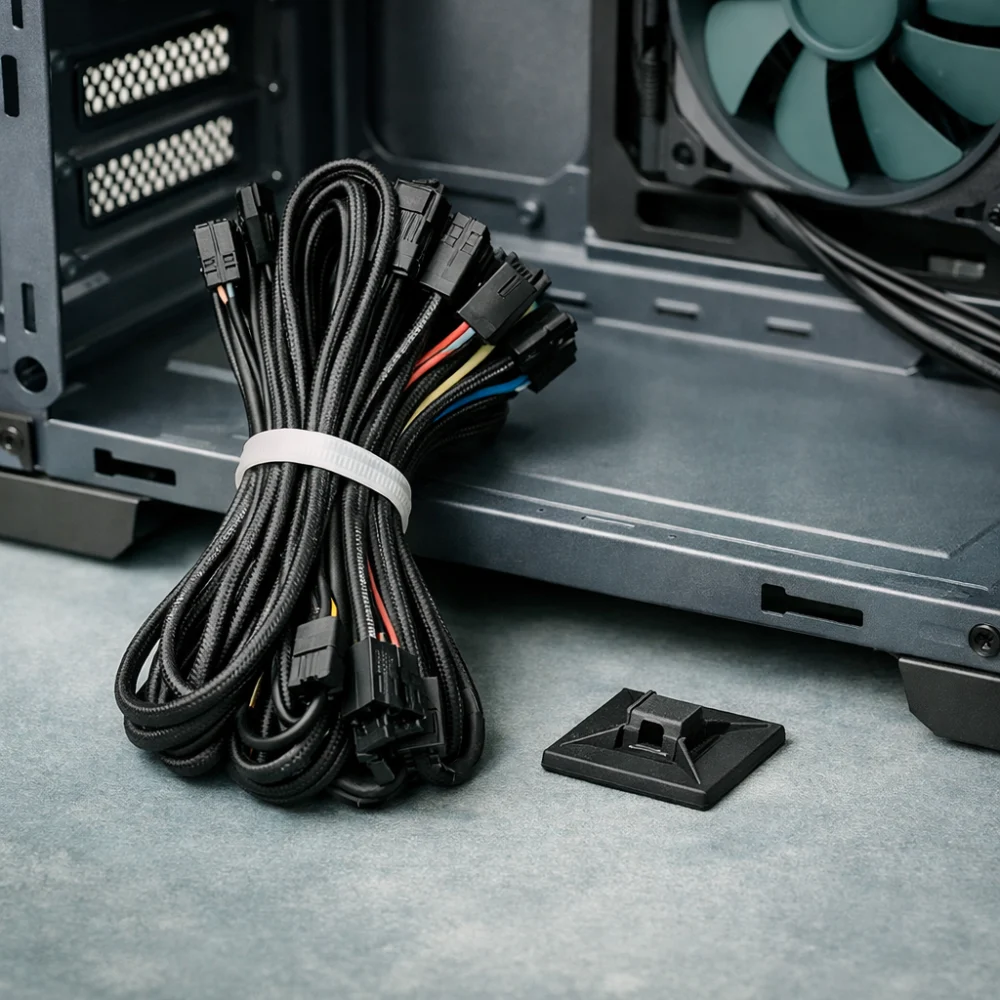
PC internal cables and mounting accessories cover different needs: replacing or extending a connection, organising cables inside a case, or securing a cable or sleeve in place. The right choice depends on what you are connecting or managing, and on the space and attachment points available.
This guide explains the checks that help distinguish a compatible cable from a useful cable-management accessory. If you are replacing a part, identify the connection and equipment it must fit before comparing convenience or appearance.
Which internal cable or mounting option should you choose?
Start by deciding whether you need a functional connection, a way to bundle or cover cables, or a means of holding them in position. For a replacement cable, match the connector and intended use to the equipment rather than relying on a broad description such as “PC cable”. For cable management, compare the method, dimensions and attachment surface with your case layout. The best option is the one that suits the specific job without creating a fit or compatibility assumption.
Compare the key buying factors
| Feature | What it means | Why it matters | What to check |
|---|---|---|---|
| Connector and intended connection | The cable ends and the equipment or connection it is designed for | A cable that does not match the required connection cannot serve as a suitable replacement | Connector type at each end, intended use and any stated compatibility information |
| Cable length and routing | The cable’s reach and the path it may need to follow | Insufficient reach or an unsuitable route can make installation impractical | Listed length and whether the route through your case is likely to accommodate it |
| Bundle or sleeve dimensions | The size of a tie, sleeve or tubing and any stated size range | The accessory needs to suit the cables being grouped or covered | Dimensions, quantity and, for heat-shrink tubing, any stated shrink ratio |
| Mounting method | How a holder or base is intended to attach or secure cables | Different fixing methods suit different surfaces and layouts | Whether the method fits your intended location and the product’s stated surface suitability |
| Pack contents | The number and types of pieces included | Pack size affects whether the product suits one small task or several organising needs | Included sizes, colours and quantities, as listed for that product |
Choosing the right cable or accessory
Compatibility comes first for replacement cables
Check what the cable connects to at both ends, not just the general category or product title. Connector appearance alone may not establish that a cable is suitable for a particular device or use, so use the product’s stated compatibility details where available. This matters especially for modular power-supply cables: do not assume a cable intended for one power supply is compatible with another unless the product information confirms it.
Allow for the route and available space
Length is useful only in relation to the route the cable needs to take. Consider where the connection sits, the path around other components and any space constraints in the case. A longer cable may offer more routing flexibility, but excess length can also be harder to organise.
Match the dimensions to the job
For ties, sleeves and heat-shrink tubing, compare the listed dimensions with the cables or bundle you intend to manage. A pack with several sizes can be handy when needs vary, while a single size may be simpler for a clearly defined task. Specifications vary by model, so always check the individual product page before buying.
Consider the fixing surface and method
A tie, a mounting base and a sleeve do different jobs. If an accessory relies on an adhesive fixing, check that its stated surface suitability matches the place you plan to use it; the result can depend on the surface and conditions. Do not assume that a holder will suit every case surface or cable size.
Common types and what they suit
Common approaches include cable ties for grouping, mounting bases for holding a tie or cable in a chosen position, and sleeves or heat-shrink tubing for covering or grouping cables. A simple tie may suit straightforward bundling, while a mounting base can help where a bundle needs a defined attachment point. Sleeves can give a grouped run a covering, but their dimensions and intended use need checking. The available choices can vary, so use these as ways to compare products rather than a guarantee of current selection.
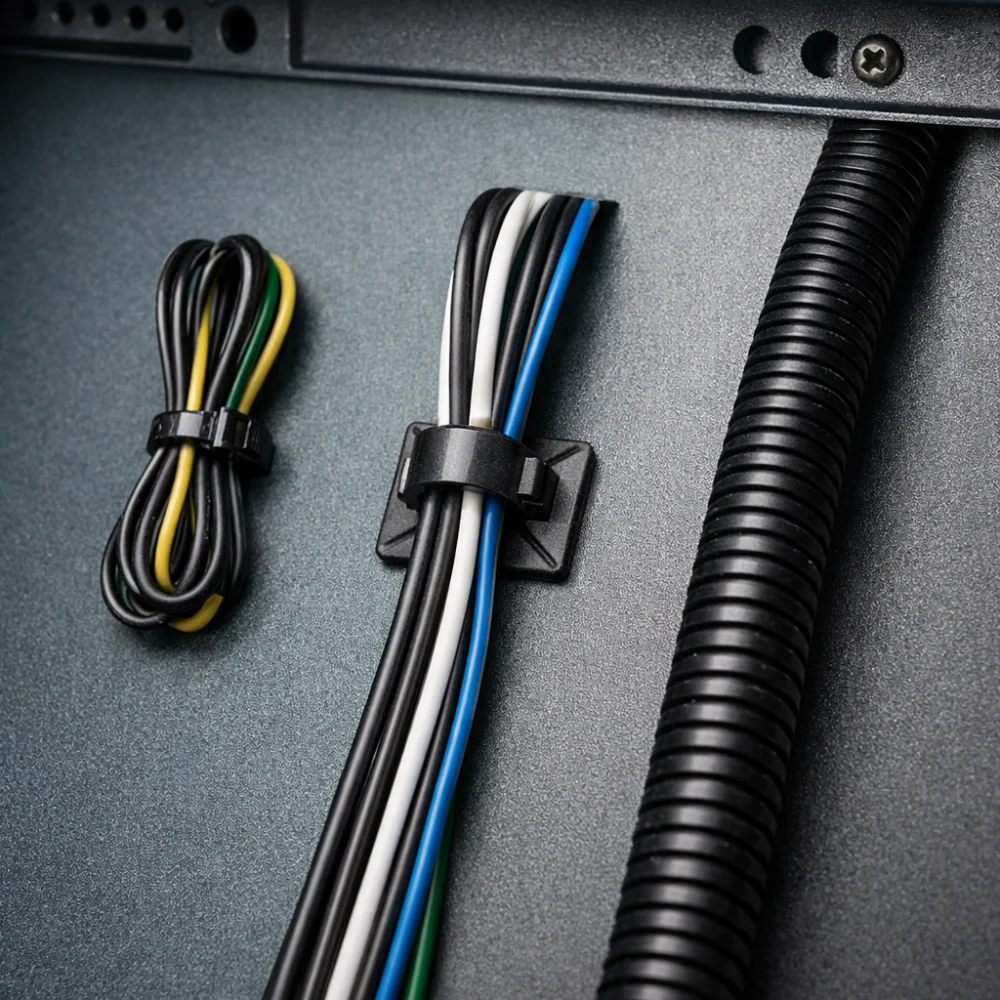
Choose for your particular need
- Replacing a cable: Prioritise the exact connection, intended use and stated compatibility. Do not select on length or appearance alone.
- Organising a small number of cables: A straightforward bundling option may be enough; check its dimensions and how it will be secured.
- Managing a route with a fixed attachment point: Compare mounting methods and confirm that the fixing is suitable for the intended surface.
- Covering or grouping a longer run: Look closely at sleeve or tubing dimensions and any stated size information, then consider whether it suits the cables and available space.
- Handling several different organising tasks: A varied pack may offer flexibility, but check its contents so you are not relying on an assumed size or quantity.
Common buying mistakes
- Choosing a cable by its general name: Check both connectors and the stated intended use, especially for replacement connections.
- Assuming similar power-supply cables are interchangeable: Confirm compatibility for the specific equipment rather than treating connector appearance as proof.
- Ignoring dimensions: Check the listed size of ties, sleeves or tubing against the intended cable or bundle.
- Assuming adhesive mounts suit every surface: Read the product’s stated surface suitability and consider where it will be attached.
- Buying a mixed pack without checking the contents: Review the sizes and quantities to see whether they match the task.
Safety and suitability
Choose cables and accessories for their stated purpose, and do not assume that a general-purpose sleeve or organiser is a substitute for a component specifically intended for an electrical connection. Keep the case layout and clearances in mind when considering cable routing. Where a product involves electrical connections or heat, follow its supplied information and seek suitable expertise if you are unsure.
Ownership, storage and care
Keep unused ties, sleeves and small mounting pieces together, with sizes distinguishable if a pack contains several types. Store products according to their individual information, particularly where their material or intended use may affect storage requirements. For mounted accessories, the stated fixing method and surface suitability remain relevant when considering future changes to the layout.
A practical buying process
- Write down the job: replace a connection, bundle cables, cover a run or secure it in place.
- For a cable, identify the equipment, connection at each end and any compatibility requirement.
- For an organiser, note the approximate space, cable or bundle dimensions and intended attachment surface.
- Compare product types, listed dimensions and pack contents, weighing flexibility against simplicity.
- Check the individual product information for intended use, compatibility and any conditions that affect suitability.
Buyer checklist
- Have I identified the exact job the cable or accessory needs to do?
- For a cable, have I checked both connectors and the stated compatibility?
- Have I considered cable length and the route it needs to take?
- Do the listed dimensions suit the cable, bundle or available space?
- Does the mounting method suit the intended surface and location?
- Have I checked the pack contents and the product’s intended use?
Frequently asked questions
How do I choose a replacement internal PC cable?
Identify the connection at both ends and the equipment it must suit. Check the product information for intended use and compatibility rather than relying on a general label or visual similarity.
Are modular power-supply cables interchangeable?
Do not assume that they are. Check that a replacement cable is explicitly stated to be compatible with the specific power supply in question.
How do cable ties differ from mounting bases?
A tie is used to group or hold cables together; a mounting base provides an attachment point for a cable or tie. Which is more useful depends on whether you need to bundle cables alone or secure them at a particular place.
What should I check when buying heat-shrink tubing?
Look at the stated dimensions, any shrink-ratio information and the product’s intended use. Compare those details with the cable or bundle you have in mind rather than assuming all tubing is the same size or suitable for every purpose.
Are adhesive cable mounts suitable for every PC case?
No single fixing method should be assumed suitable for every surface. Check the product’s stated surface suitability and whether its dimensions and mounting approach fit your intended location.
Should I buy a mixed-size pack or one size?
A mixed-size pack can suit several organising tasks, while one size can be more straightforward when the job is clearly defined. Compare the listed contents with what you actually need.
Can a cable organiser replace an electrical cable or connector?
No. Organising accessories manage or cover cables; they are not substitutes for a cable or connector specified for the required electrical connection. Use products only for their stated purpose.


