

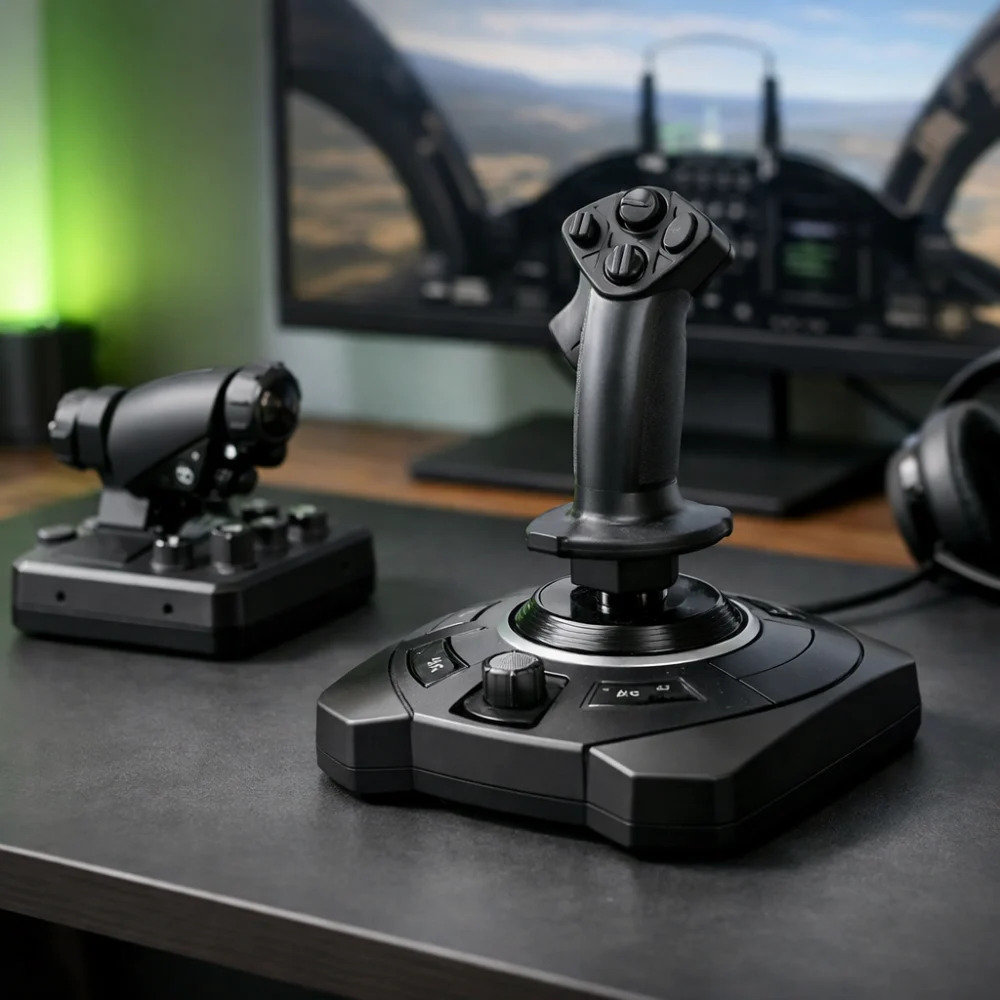
A flight stick gives you a dedicated hand control for flying games and simulation software. The right choice depends on what you play, which system you use and how much control you want within reach.
Some setups centre on a single stick, while others add a separate throttle or extra controls. Compatibility and layout can differ between products, so compare the details against your games and playing space rather than relying on the category name alone.
What should you look for in a flight stick?
Start with compatibility: confirm that the individual product supports your platform and the games or simulation software you intend to use. Then weigh the control layout against your preferred flying style and available desk space. A simpler stick can be easier to accommodate, while a larger setup may put more controls within reach but needs more room and may take longer to configure.
Compare the key buying factors
| Feature | What it means | Why it matters | What to check |
|---|---|---|---|
| Platform and game support | The systems and software the product is intended to work with. | A physically suitable stick may still not suit your setup or chosen games. | Check the supported platform and any stated game or software requirements. |
| Stick controls | The movements and buttons available on the stick itself. | Control placement affects how conveniently you can reach commonly used inputs. | Look for a control layout that fits your needs, and check how the product describes its axes and buttons. |
| Throttle arrangement | Throttle control may be built into the stick, separate, or part of a larger set. | A separate control can offer a different feel and layout, but takes more desk space. | Confirm what is included and whether the throttle is integrated or a separate unit. |
| Base and mounting | How the stick sits on or attaches to a playing surface. | A stable, practical position can make a setup easier to use; mounting may affect where it can go. | Check the base or mounting details and whether your desk or setup can accommodate them. |
| Additional components | Some products are bundles or add-ons intended to work with other equipment. | An add-on may not be a complete standalone controller. | Check exactly what is included and any stated compatibility requirements for other components. |
Specifications vary by model, so always check the individual product page before buying.
Decide which controls and layout suit you
Match compatibility to your setup
Do not assume that a product described as a flight stick works with every console, computer or flight game. Check the supported platform and, where information is given, compatibility with the specific game or software. If you switch between systems, verify support for each one rather than relying on a broad term such as “universal”.
Consider the stick and its inputs
Think about the controls you want close to hand. A stick with more buttons or other inputs may suit someone who wants to assign several commands without reaching for another controller. More controls do not automatically make a stick a better choice: check their position and whether the supported software allows the assignments you need.
Axes describe the directions or movements a stick can register; the number and type can vary. Check the product information for the controls provided, especially if a particular movement or input matters to your preferred games. Avoid assuming that a feature shown in a product title is present on every flight stick.
Choose a throttle arrangement
A stick with an integrated throttle keeps the main controls together. A separate throttle can let you position that control independently, but occupies more space and adds another part to arrange. Consider whether your desk has room for the full setup and whether you would rather have a compact layout or separate controls.
Check desk fit and positioning
Consider where the stick and any separate controls will sit while in use, and where you will store them afterwards. A broad base or multi-part setup may be less convenient on a small desk. Check product information for dimensions or mounting details where these are provided, and compare them with your available space.
Flight stick types and configurations
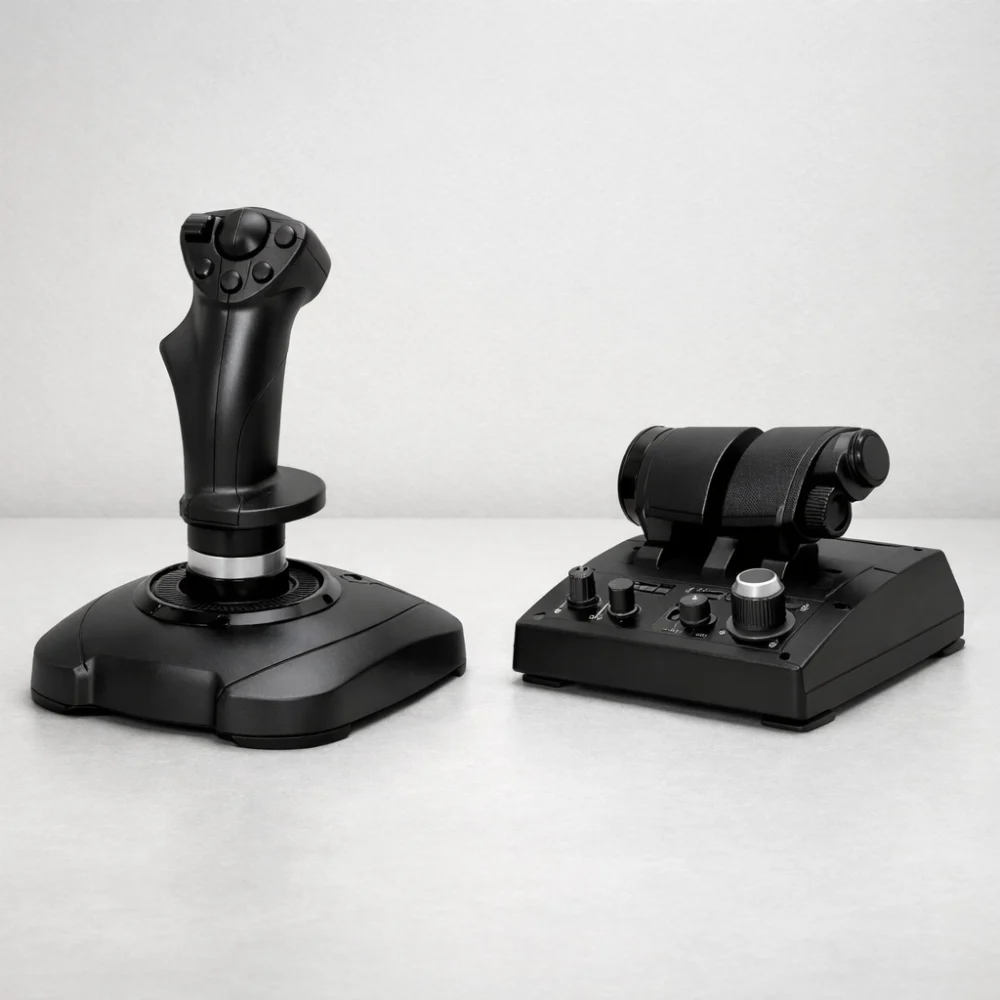
A standalone stick keeps the setup focused on one main control and may suit buyers who want a simpler arrangement. A HOTAS-style set combines a hand-operated stick with a separate throttle, which can suit buyers who prefer distinct controls for direction and power; it needs more room. Bundles may include multiple components, while add-on grips or other modules may be designed to pair with compatible equipment rather than work alone. Confirm what is included and check compatibility before choosing an add-on.
These layouts involve practical trade-offs, not a universal ranking. Think about your games, the controls you actually expect to use and the space available before deciding whether a larger set is worthwhile.
Choose for the way you play
- For a first flight stick: Prioritise clear platform and game support, a manageable control layout and a setup that fits your desk. A simpler configuration can make it easier to decide which extra controls you would value later.
- For flight simulation: Compare the available inputs and throttle arrangement with the controls you want to use. Check that the software supports the device and any control assignments you have in mind.
- For a console setup: Treat console compatibility as a specific check, not an assumption. Confirm the supported console generation and relevant game support on the product page.
- For an upgrade or add-on: Identify the exact equipment you already own and verify that the new component is intended to work with it. Check whether the item is a complete controller, a bundle or a separate accessory.
Common flight stick buying mistakes
- Assuming platform support is universal: Check the named platform and game or software requirements for the particular product.
- Choosing by button count alone: More inputs only help if their layout and software support suit the way you play.
- Overlooking what the package contains: A title may refer to a set or an add-on. Confirm which components are included before comparing configurations.
- Underestimating the space required: Separate controls and mounting arrangements affect the footprint. Plan for the whole setup, not just the stick.
- Expecting one layout to suit every game: Games differ in the controls they use. Consider your intended software and check its support rather than expecting identical behaviour across titles.
Suitability and practical checks
Flight sticks are designed for compatible games or simulation software, not as general-purpose controls for every application. Before choosing one, check the intended platform, software support, included components and any stated setup requirements. If the controls will be shared, consider whether the layout and desk arrangement are practical for everyone using it.
Care, storage and setup considerations
Make room for the complete control arrangement, including any separate throttle or cables, and consider how the equipment will be stored when not in use. Follow the care and connection information supplied with the product; do not assume that cleaning or storage needs are identical across models. If a setup requires mounting or other equipment, check what is included and what the product information says is needed.
A practical flight stick buying process
- Write down the platform and the games or software you want to use.
- Decide whether you want a standalone stick, a separate throttle or a larger bundle.
- Compare the controls and layout against the inputs you expect to use.
- Check the space and positioning available for the complete setup.
- Review the individual product information for compatibility, included components and any setup requirements.
Flight stick buyer checklist
- Does the product support your platform and intended games or software?
- Are the stick controls and input layout suitable for the way you play?
- Is the throttle integrated, separate or sold as part of a bundle?
- Does the full arrangement fit your desk and storage space?
- Are you buying a complete controller or an add-on that needs compatible equipment?
- Have you checked the individual product information for what is included and any setup requirements?
Flight stick FAQs
Will any flight stick work with my console or PC?
No. Compatibility depends on the product and the platform or software. Check the individual product information for support for your system and intended games.
What does HOTAS mean?
HOTAS refers to a setup with a hand-operated stick and a separate throttle control. It describes a configuration, not a guarantee that every set has the same controls or compatibility.
Should I choose a standalone stick or a separate throttle?
Choose based on the controls you want and the space you have. A standalone stick can keep the setup simpler, while a separate throttle gives you a distinct control to position independently and requires more room.
Can I buy an add-on grip on its own?
Some grips and modules are add-ons rather than complete controllers. Check exactly what is included and verify any stated compatibility with equipment you already own.
Do more buttons make a flight stick better?
Not necessarily. The usefulness of extra inputs depends on their placement and whether your games or software support the assignments you want.
What should I check before replacing an existing stick?
Confirm platform and game support, compare the new control layout with your preferences, and check whether any accessories or mounting arrangements you plan to keep are compatible. Review the product information to establish what is included.


