

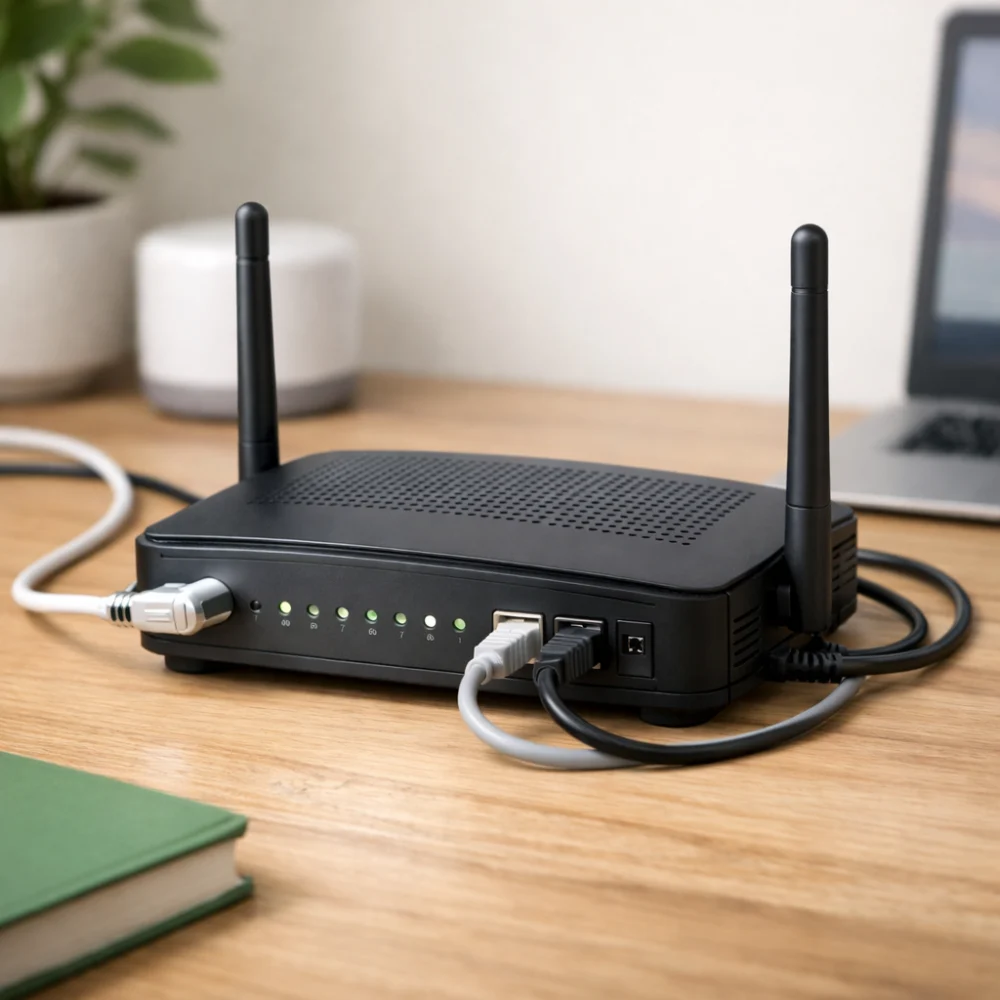
Modems and gateways connect devices or networks to an internet service or to one another, but the terms cover several different kinds of equipment. A home broadband modem, an all-in-one modem-router and an industrial gateway can serve quite different purposes.
Start with the connection or equipment you need to connect, then check the device’s role and compatibility. The main buying challenge is not choosing the most feature-rich option; it is finding one that matches your service, network and intended use.
Which modem or gateway should you choose?
Choose a device for the connection it must support: for example, a DSL line, a cellular network or an Ethernet connection to existing fibre equipment. Check whether you need a modem alone, a device that also provides routing and Wi-Fi, or a gateway that links specialist equipment or networks. Confirm compatibility with your internet provider or connected systems before comparing secondary features. A compact all-in-one device may simplify a home setup, while a separate device can make sense when you already have compatible networking equipment.
Compare the factors that affect your choice
| Feature | What it means | Why it matters | What to check |
|---|---|---|---|
| Connection type | The service or network the device connects to, such as DSL, cellular or Ethernet from separate fibre equipment. | A device intended for one connection type may not suit another. | Match the product’s stated input and connection method to your service and installation. |
| Provider or network compatibility | Whether the device can be used with your broadband provider, mobile network or connected equipment. | Compatibility can depend on provider requirements, network support or setup details. | Check the provider’s requirements and the individual product information before buying. |
| Device role | Whether it is a modem, a modem-router, a bridge or a gateway for connecting systems. | Similar names do not guarantee that devices perform the same job. | Confirm which functions are included and whether separate equipment is needed. |
| Wired and wireless connections | The types of local network connections the device provides, if any. | These determine how computers, access points or other equipment can connect. | Check the connection types and quantity against your planned setup. |
| Cellular support | For cellular models, the networks and mobile service arrangements the device supports. | A cellular device may not work with every network or SIM arrangement. | Verify network compatibility, SIM requirements and any stated setup requirements. |
| Operating environment | Whether the device is intended for a home or a particular commercial or industrial setting. | Installation conditions and connected equipment can differ considerably. | Check stated environmental limits, power requirements and intended use. |
What to check before choosing
Match the device to your internet connection
Identify how your service reaches the equipment. DSL services use a telephone-line connection; cellular devices connect through a mobile network; and some fibre installations provide a separate terminal with Ethernet for a router or gateway. These arrangements are not interchangeable, so check the connection method required by your provider and the inputs stated for the product.
Confirm provider and network requirements
Providers may specify which equipment can be used or require particular setup information. If you are replacing a device, check what your current service uses and whether the replacement supports it. For cellular equipment, check network compatibility and SIM requirements rather than assuming that a SIM-shaped slot guarantees service on a particular network.
Decide whether you need routing or Wi-Fi
A modem may provide the connection to an internet service without providing all the local networking functions you need. Some gateways combine connection and routing functions, and some also provide Wi-Fi; others are designed to work with separate network equipment. Check the product description for its actual role, especially if you already have a router or want wireless coverage.
Check ports and connected equipment
Think about what must plug in: a router, computer, access point or specialist device. Compare the stated ports and their purpose with those requirements. A port count alone does not establish that a device supports a particular network arrangement or connected system.
Consider setup and ongoing support
Some equipment may require provider details, network settings or integration with other hardware. Before buying, look for information on configuration, software support and any dependencies on separate equipment. Specifications vary by model, so always check the individual product page before buying.
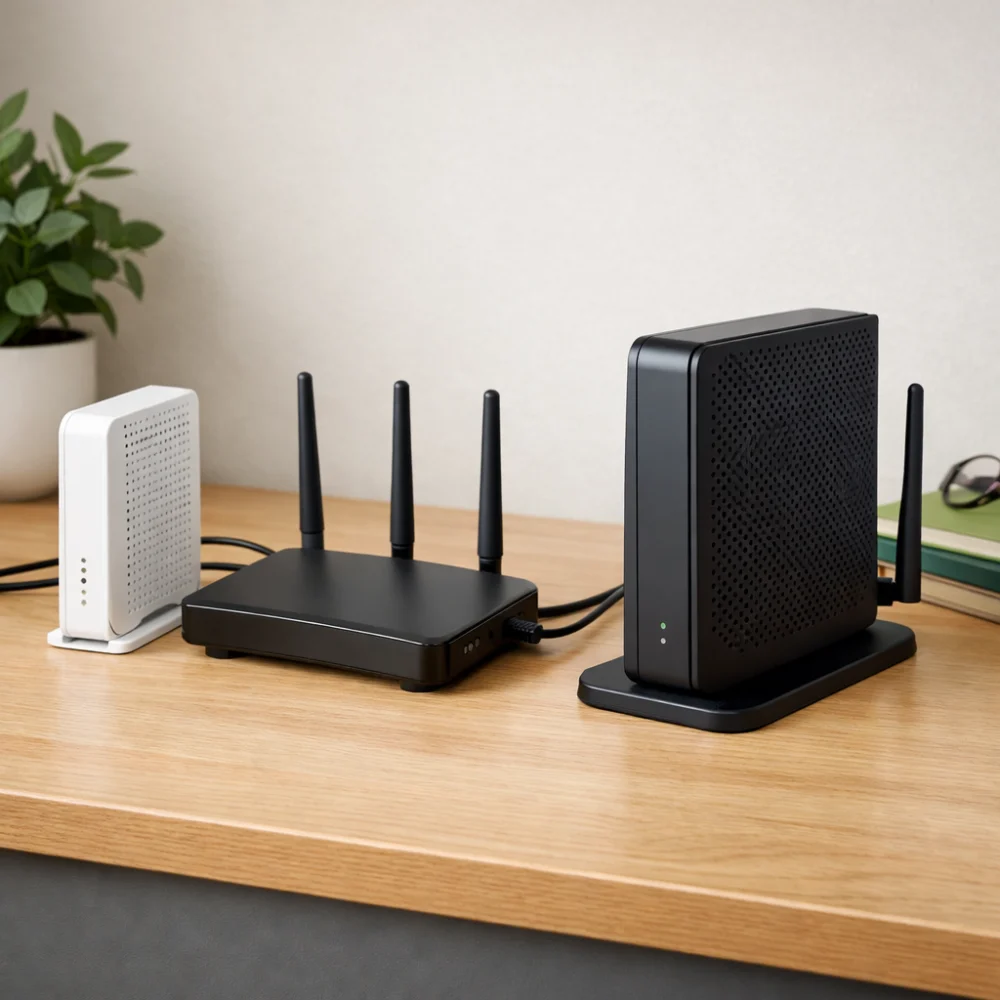
Types of modems and gateways
- Standalone modem or bridge: Connects a service to other network equipment, often leaving routing or Wi-Fi to a separate device. It can suit an existing setup, but check the exact mode and the equipment it is intended to work with.
- Modem-router gateway: Combines a broadband connection device with some local networking functions. It may reduce the number of separate devices, but the included functions and supported connection type vary.
- Cellular modem or gateway: Uses a mobile network as its connection. It may suit a location or system designed for cellular connectivity, but network, SIM and service compatibility need careful checking.
- Industrial or specialist gateway: Connects particular equipment, systems or networks, and may not be a general-purpose home broadband device. Check the protocols, interfaces and intended application stated for the specific product.
Choose for the job you need to do
- Replacing a home broadband device: Prioritise the service connection type and provider requirements. Decide whether you need Wi-Fi and routing in the same unit or will use separate equipment.
- Using existing networking equipment: A modem or bridge may suit a setup with a separate router, provided its operating mode and connection are compatible. Check how the devices are intended to connect.
- Connecting through a mobile network: Focus on the supported network and SIM arrangements, plus any installation or antenna requirements stated for the product. Do not infer coverage or performance from a general network label.
- Linking specialist or industrial equipment: Identify the connected devices and the data or network interfaces they require. A general broadband gateway may not provide the functions of a specialist gateway.
Common buying mistakes
- Assuming every gateway includes a modem, router and Wi-Fi: The name alone does not confirm all three functions. Check the stated role and included features.
- Buying by connection speed or network label alone: A headline figure or technology label does not establish compatibility with your provider or setup. Confirm the connection type and requirements first.
- Assuming an Ethernet port means the device suits any fibre service: Some installations use separate equipment, and provider requirements differ. Check the arrangement at your premises and the product’s intended connection.
- Treating cellular compatibility as universal: Network support and SIM arrangements vary. Verify the details for the network and service you intend to use.
- Confusing internet gateways with specialist gateways: Some gateways connect industrial devices or systems rather than providing household broadband. Check the purpose and interfaces before comparing features.
Suitability and installation considerations
Choose equipment for its stated environment and intended connection. For outdoor or industrial use, check any stated environmental and power requirements rather than assuming a device is suitable from its appearance or category name. If a provider or system requires particular equipment, settings or an installer, confirm that requirement before buying.
Power, care and ongoing use
Check the product’s stated power requirements and consider where it will be placed in relation to its connections and other equipment. Cellular or specialist devices may have additional setup or installation needs, so review the product information for those details. Where software or provider support matters to your use, check what support information is supplied and whether the device depends on separate equipment.
A practical buying process
- Identify the service or equipment the device must connect to.
- Decide whether you need a modem, a combined modem-router or a specialist gateway.
- Check provider, network and connected-equipment compatibility.
- Compare the ports, wireless functions and other features relevant to your setup.
- Review the individual product information for power, installation and support requirements.
Buyer checklist
- Does the connection type match your broadband service or intended network?
- Have you checked provider or mobile-network compatibility?
- Is the device’s role clear, including whether routing or Wi-Fi is included?
- Do its connections suit the equipment you plan to use?
- Are its stated power, environment and setup requirements suitable?
- Have you checked the product information for any provider, SIM or system dependencies?
Frequently asked questions
What is the difference between a modem and a gateway?
A modem connects a service or network to equipment, while gateway can describe a device that connects networks or combines several functions. The term is also used for specialist equipment gateways, so check what a particular product is designed to connect.
Do I need a separate router with a modem?
That depends on the modem and the rest of your setup. Some devices provide only the connection function, while others combine it with routing or Wi-Fi. Check the product’s stated functions and the equipment you already use.
Can I use any modem with my broadband provider?
No single compatibility assumption is safe for every service. Connection type, provider requirements and setup details can affect suitability. Confirm these with the provider and check the device information before choosing.
Is a fibre modem the same as a router?
Not necessarily. Some fibre installations use separate terminal equipment that provides an Ethernet connection, while routing and Wi-Fi may be handled by another device. Check the equipment and connection arrangement required for your service.
What should I check when choosing a cellular modem or gateway?
Check compatibility with the intended mobile network and SIM arrangement, along with any stated setup or installation requirements. A general cellular label does not confirm that the device will work with every network or service.
Are industrial gateways suitable for home broadband?
Not automatically. Industrial gateways may be designed to connect specialist equipment or systems rather than provide ordinary household broadband. Confirm the product’s purpose, interfaces and required connection before buying.


