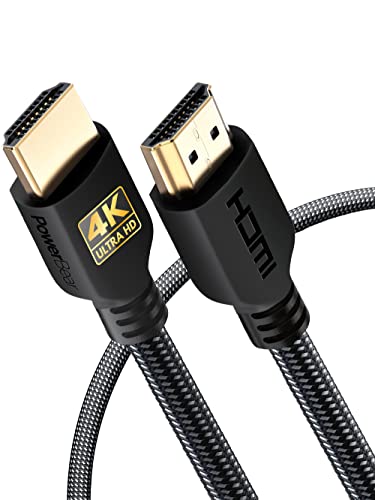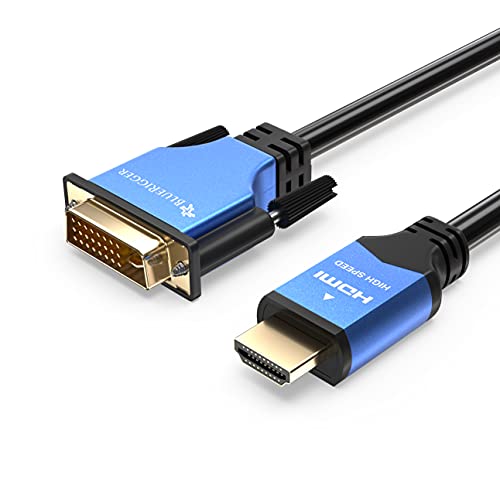
Quick Summary
The CableDirect 1 m Bi-Directional DVI to HDMI Adapter Cable is a male to male adapter cable for connecting HDMI output devices to a DVI monitor or projector, or DVI output devices to an HDMI screen. It is described as suitable for Full HD video at 1920 × 1080 (1080p).
The cable is also described with A.I.S. shielding, metal plugs and a nylon braided outer finish. Separate cable is required for audio transmission.
Key Details
| Detail | Verified information and buyer relevance |
|---|---|
| Brand | CableDirect, helping identify the exact product line. |
| Length | 1 m, which is important for checking the reach between connected devices. |
| Connection direction | Bi-directional use between HDMI and DVI devices. |
| Connector type | Male to male connectors. |
| Video support | Full HD and 1920 × 1080 (1080p) are stated, so the video requirement should be checked against the display setup. |
| Build features | A.I.S. shielding, metal plugs and nylon braided finish are stated construction features. |
| Audio | Separate cable required for audio transmission. |
What to Compare Before Buying
- Connection direction: This cable is stated for use from HDMI to DVI and from DVI to HDMI. Check which direction your equipment needs.
- Length: The cable is 1 m long, so compare that with the gap between devices and the route the cable needs to follow.
- Video resolution: Full HD at 1920 × 1080 (1080p) is stated, so compare that with the resolution you want to pass through the connection.
- Audio: A separate cable is required for sound, so check whether your setup already has a separate audio path.
- DVI port type: The product text refers to single-link or Dual-Link DVI ports and DVI-D/24+1 or DVI-I/25+5, so confirm the port on your equipment before choosing an offer.
Compatibility, Size and Fit
This adapter cable is described for PCs, laptops, video game consoles, DVD and Blu-ray players, TV receivers, monitors, televisions and projectors. It is also described as suitable for HDMI output devices connected to DVI displays, or DVI output devices connected to HDMI screens.
Check the exact port type on both devices before buying, especially the DVI side and whether the setup needs one-way or bi-directional use.
Before You Decide
Confirm the HDMI and DVI connection direction you need, the 1 m cable length, and the port type on both devices before choosing an offer. If you need audio through the same lead, this cable will not provide that. The stated Full HD support and DVI port references should match your setup.