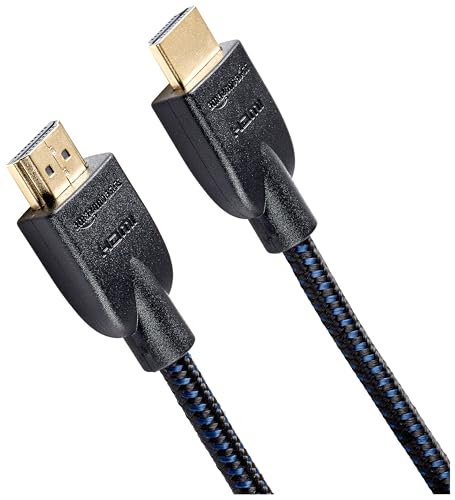
Quick Summary
The looyotul 8K DisplayPort Cable is a 0.5 m DP 1.4 cable for connecting devices with DisplayPort ports. It is described as supporting 8K at 60 Hz, 4K at 60 Hz, 120 Hz and 144 Hz, and 2K at 240 Hz.
The cable is also described as supporting 32.4 Gbps, HDR, FreeSync and G-Sync, with backward compatibility with DisplayPort 1.3, 1.2 and 1.1.
Key Details
| Detail | Verified information and buyer relevance |
|---|---|
| Product type | DisplayPort cable for linking compatible devices with DisplayPort ports. |
| Length | 0.5 m, which is useful where the source and display sit close together. |
| DisplayPort version | DP 1.4, with backward compatibility stated for DisplayPort 1.3, 1.2 and 1.1. |
| Stated video support | 8K at 60 Hz, 4K at 60 Hz, 120 Hz and 144 Hz, and 2K at 240 Hz. |
| Stated data rate | 32.4 Gbps. |
| Stated features | HDR, FreeSync and G-Sync support are named as features to compare with your display and graphics card setup. |
| Connector finish | Gold-plated connector is stated. |
What to Compare Before Buying
- Length: This cable is 0.5 m long, so compare that with the distance between your graphics card and monitor.
- Version and compatibility: It is described as DP 1.4 with backward compatibility to DisplayPort 1.3, 1.2 and 1.1. Check that your devices use DisplayPort ports.
- Resolution and refresh rate: The stated support includes 8K at 60 Hz, 4K at 144 Hz and 2K at 240 Hz. Match the figure to the display mode you want to use.
- Features: HDR, FreeSync and G-Sync are listed. Confirm that these are relevant to your monitor and graphics card setup.
- Connector type: It is a DisplayPort to DisplayPort cable, so it is not for other video connection types.
Choosing the Correct Version
This cable is the 0.5 m version, so the main choice is whether that length suits your setup. A short cable is best checked against the actual space between devices before ordering.
Before You Decide
Confirm the 0.5 m length suits the gap between your devices, and make sure both ends need DisplayPort connections. If you are choosing it for a high-refresh-rate monitor, check that your graphics card and display match the modes you want to use.
Follow the manufacturer’s instructions for your equipment when connecting or changing display cables.
Compatible Displays and Setups
The cable is described as compatible with graphics cards and displays that have a DisplayPort port, including Dell, HP, Acer, Alienware, iiyama and Odyssey G7, G8 and G9 displays.
Because compatibility is stated in broad terms, it is still sensible to confirm the exact port type on your own monitor and graphics card before choosing an offer.