





Quick Summary
The KTC 27 inch QHD 2K monitor is an IPS PC monitor with a 100Hz refresh rate, built for work and gaming. It also includes anti-blue light, HDR10, 116% sRGB, 95% DCI-P3, 300 nits, 5ms MPRT, VESA 100×100, and Adaptive Sync.
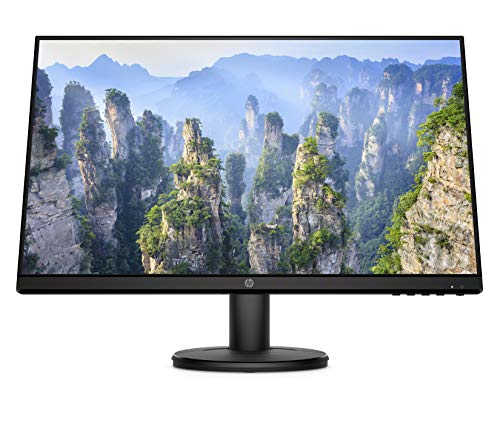
The ultra thin bezels and the stated colour coverage give this display a clean look and help it present image detail clearly for everyday viewing, creative work, and gaming tasks.
Who It Is Best For
This monitor suits buyers who want a 27 inch QHD display for a PC setup and who want to check support for the listed connections and mounting options before ordering. It is also aimed at people comparing a monitor for both working and gaming use.
Key Details
| Detail | Verified information and buyer relevance |
|---|---|
| Brand | KTC, so the product can be identified clearly when comparing listings. |
| Screen size | 27 inch, which affects desk space and viewing distance. |
| Resolution | 1440P QHD 2K, giving the stated display format. |
| Refresh rate | 100Hz, useful for buyers comparing motion handling for work and gaming. |
| Panel type | IPS, a key display specification for product matching. |
| Response time | 5ms MPRT, a stated timing figure to compare against other monitors. |
| Colour coverage | 116% sRGB and 95% DCI-P3, which are stated colour figures. |
| Brightness | 300 nits, relevant when comparing screen output. |
| Features | Anti-blue light, HDR10, Adaptive Sync, and ultra thin bezels. |
| Mounting | VESA 100×100, for buyers checking wall or arm compatibility. |
| Connections | 2 HDMI, 1 DP, and a headphone jack. |
| Tilt | -5° to 15°, which may matter for desk positioning. |
Why Buyers Choose It
- The 27 inch QHD 2K format gives a clearly stated screen size and resolution for desk-based use.
- 100Hz and Adaptive Sync are listed together, so buyers can compare the monitor’s stated motion features.
- IPS, HDR10, and the stated colour coverage make the display specification easy to review before buying.
- VESA 100×100 and the tilt range support setup checks for mounts and desk positioning.
What To Know Before You Buy
Check that 27 inch is the right size for your desk and viewing distance. Confirm that your setup matches the available inputs, which are 2 HDMI and 1 DP, and review whether you want to use the headphone jack. If you plan to mount the screen, make sure your arm or bracket supports VESA 100×100. The monitor is listed with anti-blue light, HDR10, 300 nits, 5ms MPRT, and Adaptive Sync, so compare those details with your needs before ordering.
Common Buyer Questions
What connections does this monitor have?
It has 2 HDMI, 1 DP, and a headphone jack.
Can it be mounted?
Yes, it is VESA 100×100 compatible.
Does it support gaming features?
It is listed with a 100Hz refresh rate, 5ms MPRT, and Adaptive Sync.
Can the screen angle be adjusted?
Yes, the tilt range is stated as -5° to 15°.
Final Buying View
If you want a 27 inch KTC monitor with QHD 2K resolution and a 100Hz IPS panel, this model gives several clearly stated display and connection details to compare. Check the input options, VESA 100×100 mounting support, and the screen size before you choose.


