
Quick Summary
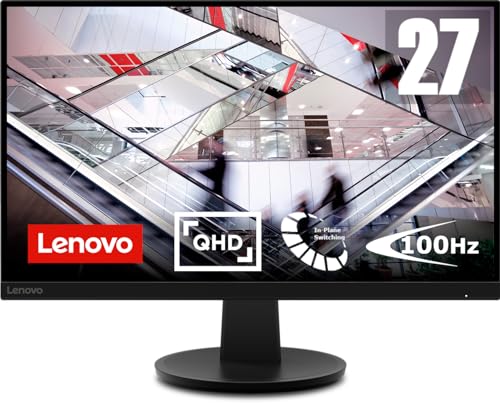
The Lenovo N27q is a 27 inch PC monitor with QHD 2560 x 1440 resolution, an IPS panel, and HDMI plus DP connections. It is presented as a monitor for PC, laptop, MacBook and creative work, with a 48-100Hz refresh range and 4ms response time.
For buyers choosing a monitor, the main checks are screen size, resolution, refresh rate, response time and the connections you need. This model also lists 178 degree viewing angles and a 27 inch screen size, which are useful points to compare against your desk setup and viewing needs.
Key Details
| Detail | Verified information and buyer relevance |
|---|---|
| Brand | Lenovo. A recognised monitor brand for buyers who want a named model. |
| Model | N27q. Check the model if you are matching a specific screen or offer. |
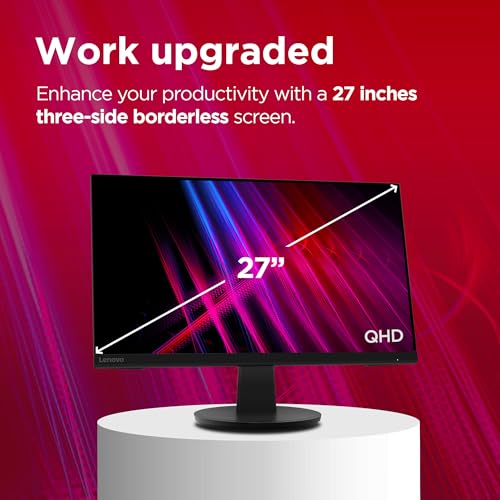
| Screen size | 27 inch. Compare this with the space available on your desk. |
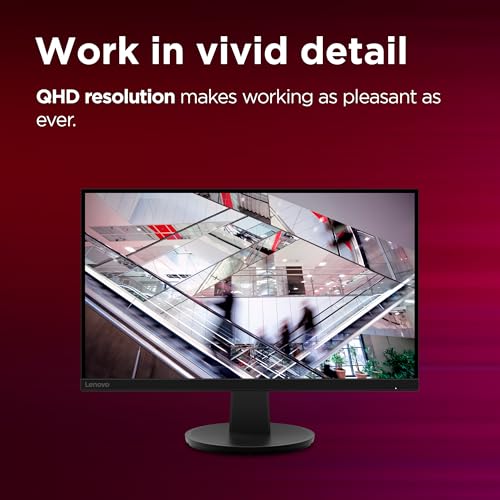
| Resolution | QHD 2560 x 1440. Useful for buyers who want a sharper desktop workspace than lower-resolution screens. |
| Panel type | IPS. Often chosen when wider viewing angles matter. |
| Refresh rate | 48-100Hz. Compare this with the kind of use you plan for the monitor. |
| Response time | 4ms. A useful figure to compare when timing matters. |
| Viewing angles | 178 degrees. Helpful if the screen will be viewed from different positions. |
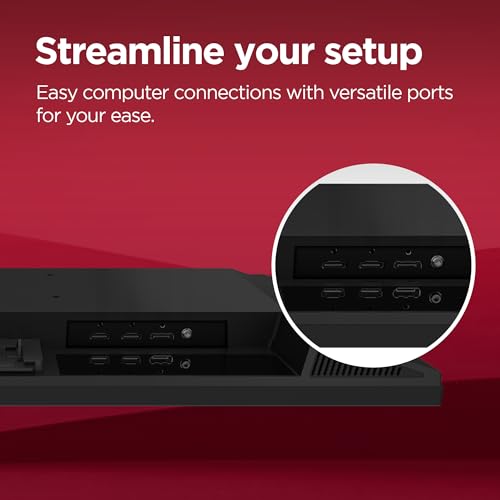
| Connections | 2 x HDMI 2.1 and 1 x DP 1.4. Check that your laptop or desktop has the right outputs. |
What to Compare Before Buying
- Screen size: The 27 inch panel suits buyers who want a larger desktop display. Make sure the physical footprint works for your desk.
- Resolution: QHD 2560 x 1440 gives more workspace than standard Full HD. Compare that with how much text, detail or window space you need.
- Refresh rate: This monitor is listed at 48-100Hz. Check whether that range matches how you plan to use the screen.
- Connections: HDMI 2.1 and DP 1.4 are listed. Confirm that your computer has a matching output or that you have the right cable.
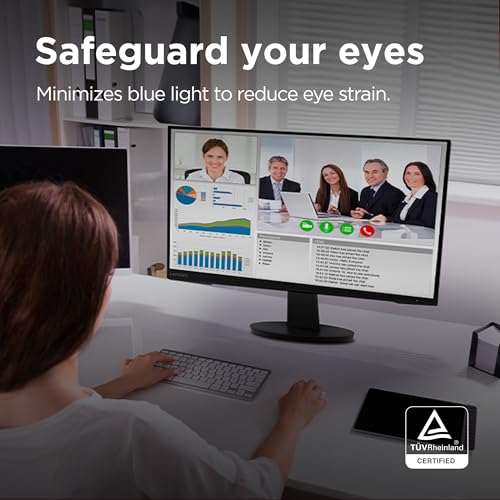
- Viewing position: IPS and 178 degree viewing angles are useful if more than one person will look at the screen or your seating position varies.
What Else You May Need
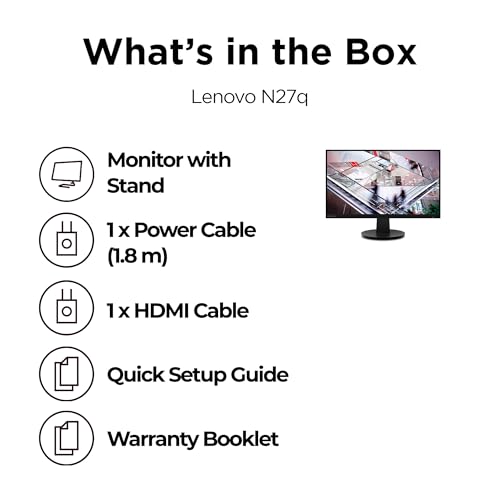
You may need a suitable HDMI or DisplayPort cable, depending on the port you plan to use with your computer.
Before You Decide
Check that the Lenovo N27q is the right size for your desk and that the 2560 x 1440 resolution suits your work. Confirm the HDMI or DP connection you will use, and make sure the 48-100Hz range and 4ms response time suit your needs.
If the screen will be shared or viewed from different angles, the IPS panel and 178 degree viewing angles are useful details to keep in mind.


