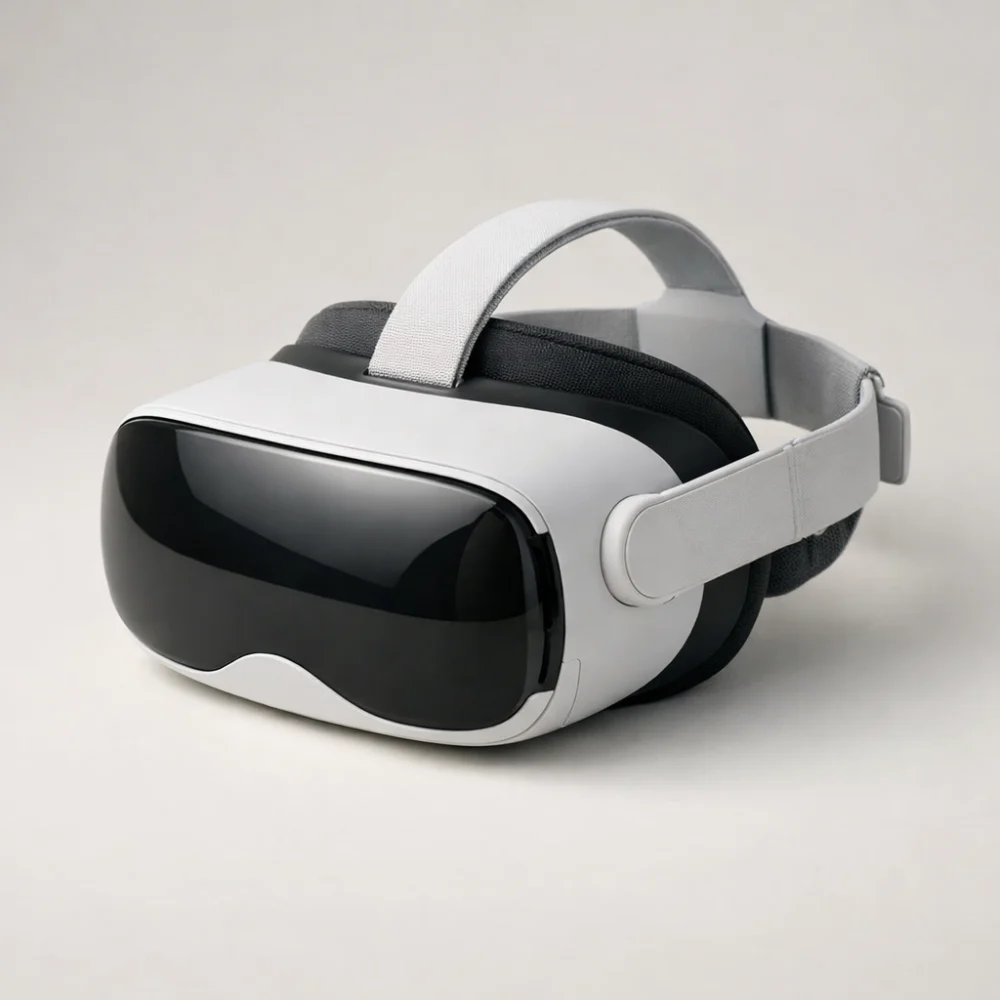
VR headsets can turn a compatible device into a more immersive way to play, explore or watch content, but the right choice depends heavily on how you plan to use it. Some buyers want a self-contained headset, while others are comparing options that rely on a phone, PC or games console.
This guide helps you focus on the practical differences that matter before you buy: compatibility, comfort, display quality, tracking and the type of content you want to use. It is about choosing a headset that suits your setup, not just picking the most impressive-looking option.
Because VR products vary widely, it helps to treat the category as a set of different solutions rather than one single product type. The key is to match the headset to your device, your space and how long you expect to wear it.
What should you look for in a VR headset?
The best starting point is compatibility: the headset has to work with the device you already have, whether that is a phone, a gaming console or a PC-based setup. After that, comfort and content support usually matter more than headline features. A higher-spec headset is only useful if it fits your use case and the software you want to run.
Specifications vary by model, so always check the individual product page before buying.
| Feature | What it means | Why it matters | What to check |
|---|---|---|---|
| Compatibility | Which device or platform the headset works with | Determines whether it will function with your current setup | Phone, PC or console support, plus any app or software requirements |
| Display approach | How the image is presented to the viewer | Affects clarity, immersion and how natural the experience feels | Whether the headset is standalone or depends on another device |
| Comfort and fit | How the headset sits on your head and face | Important for longer sessions and shared use | Adjustment options, strap design and weight balance where stated |
| Tracking and control | How movement and input are handled | Affects responsiveness and ease of use in games or interactive apps | Included controllers, hand tracking or other control methods |
| Field of view and image quality | How much of the scene you can see and how clear it appears | Shapes immersion and reading comfort in menus or text-heavy content | Any stated viewing angle, lens type or resolution details on the product page |
| Content support | The apps, games or media the headset is intended to run | Limits what you can actually do with the headset after purchase | Supported platforms, store access and any device-specific restrictions |
Key decision criteria explained
Compatibility comes first
VR headsets are not universally interchangeable. Some are designed for mobile use with a phone, others need a PC, and some are built around a dedicated ecosystem or console. The right choice depends on what you already own and what you want the headset to connect to.
Check whether the product is self-contained or depends on a separate device, and look for any software, port or platform requirements listed on the product page.
Comfort affects how often you will use it
A headset that feels fine for a few minutes can become tiring in a longer session. Fit, strap design, face cushioning and balance all affect comfort, especially if the headset will be used by more than one person. If you plan to share it, adjustability becomes even more important.
For comfort-sensitive buyers, the practical question is not only how the headset feels at first, but how easy it is to put on, take off and adjust repeatedly.
Image quality is more than a single number
Buyers often focus on one specification, but image quality is a combination of several factors. Clarity, lens quality, viewing angle and how text appears in menus can all influence the experience. A headset can be suitable for casual use even if it is not aimed at the most demanding visual experience.
Do not assume that one visual feature tells the whole story; check the full product information and think about the type of content you will actually use.
Tracking and controls should suit the activity
If you want to move around in games or interact with menus, the tracking and control method matter. Some buyers need included controllers, while others may be comparing simpler viewing-focused headsets. The right option depends on whether you are mainly watching, playing or using interactive apps.
When comparing products, look for what is included rather than assuming controllers or sensors come as standard.
Types and variants within VR headsets
Within this category, the main differences are usually about how the headset connects and what it is designed to do.
- Standalone headsets work without a separate phone or PC and may suit buyers who want a simpler setup.
- Phone-based headsets use a smartphone as the display source and can suit occasional or lower-complexity use.
- PC-linked headsets are aimed at buyers who want a more connected setup and already have a suitable computer.
- Console-linked options are for buyers who want to stay within a specific games ecosystem.
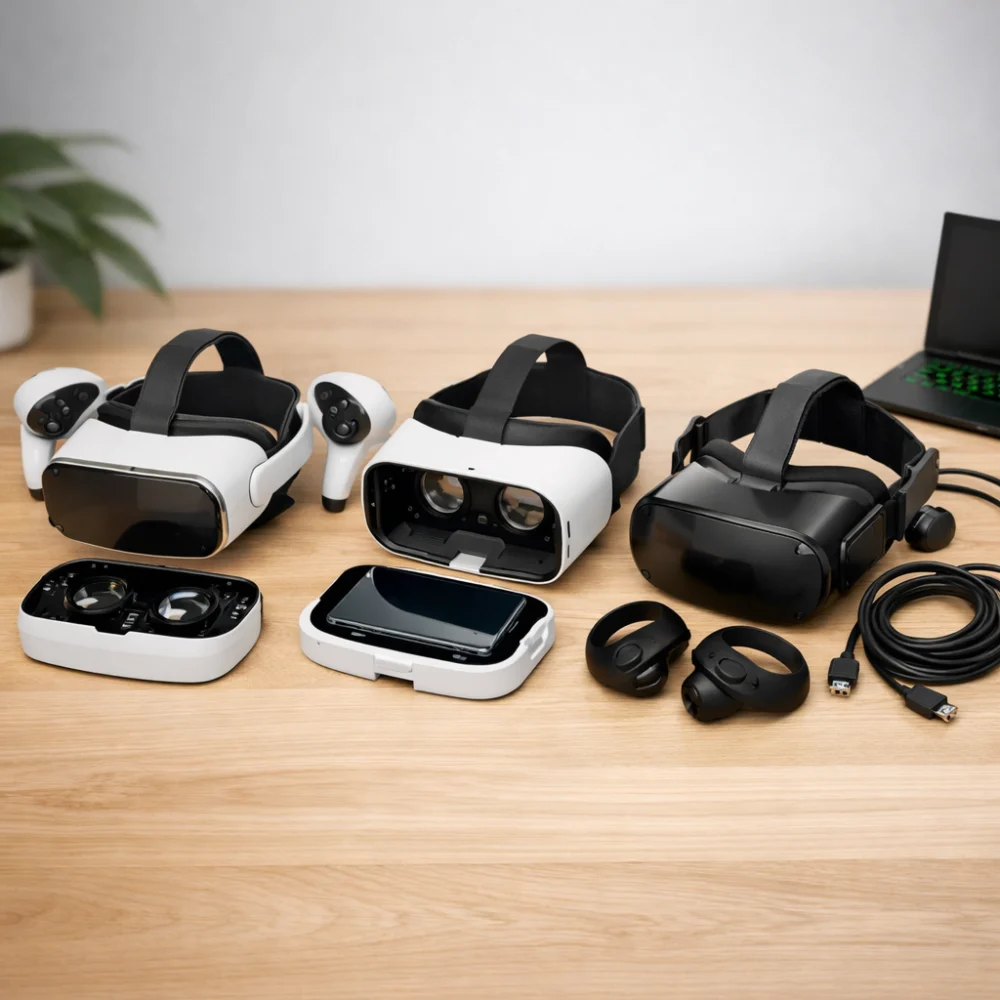
Each type has a trade-off. Simpler setups can be easier to use, while more connected systems can offer broader functionality but need more checking before purchase.
Which type suits different buyers?
| Buyer need | What to prioritise | What to avoid overlooking |
|---|---|---|
| First-time VR buyer | Simple compatibility, clear setup and comfortable fit | Extra device requirements or hidden software needs |
| Gift buyer | Broad appeal, easy adjustment and straightforward use | Whether the recipient already has the right device |
| Casual player | Comfort, ease of use and the content they already enjoy | Features that add complexity without adding value |
| Enthusiast | Platform support, image quality and tracking options | Limits of the ecosystem and any required accessories |
| Shared household use | Adjustability, durability and easy cleaning | Whether the fit works for different head sizes |
Common mistakes and misunderstandings
- Assuming every headset works with every device. Always confirm the exact platform and any app requirements before buying.
- Focusing only on display claims. A headset that looks strong on paper may still be uncomfortable or awkward to use.
- Ignoring what is included. Some products rely on separate controllers, phones or cables that may not be in the box.
- Choosing for features you will not use. A more complex headset is not automatically better if your main aim is simple, occasional use.
Safety and suitability caveats
VR headsets are best chosen with the intended user and environment in mind. Make sure the headset is suitable for the person using it, the device it must connect to and the space available for movement. If the product is meant for a younger user or for shared family use, check the individual listing carefully for any suitability notes and adjustment details.
It is also sensible to think about comfort breaks, clear surroundings and the possibility that some people may find immersive content unpleasant. Those considerations are about suitability rather than product quality.
Maintenance, storage and lifespan considerations
General care usually affects how pleasant a headset remains to use. Keep lenses and face-contact areas clean according to the product guidance, store the headset where it will not be scratched or crushed and check whether it needs charging, batteries or a connected device for regular use.
If the headset includes removable parts or accessories, it can be worth checking how easy those are to replace or clean. That matters more for shared use than for a single owner.
How to compare options efficiently
- Start with the device you already own and confirm which headset types it supports.
- Decide whether you want a simple viewing setup or a more interactive VR experience.
- Compare comfort, fit and included controls before getting distracted by headline features.
- Check the content ecosystem so the headset matches the games or apps you want to use.
- Read the individual product page carefully for what is included and any limits that apply.
Summary buyer decision checklist
- Does the headset work with your phone, PC or console?
- Is it intended for the way you want to use VR?
- Will the fit and adjustment suit the intended user?
- Are the controls or tracking method appropriate for the content you want?
- Do you understand what is included in the box?
- Have you checked any platform, app or accessory requirements?
Frequently asked questions
Do I need a PC to use a VR headset?
Not always. Some headsets work with a phone or operate as standalone devices, while others do need a suitable PC or console. The important thing is to match the headset type to the equipment you already have.
What matters more: comfort or display quality?
For many buyers, comfort is the deciding factor because a headset that is uncomfortable will not be used for long. Display quality still matters, but it should be judged alongside fit, content support and the type of experience you want.
Are all VR headsets suitable for gaming?
No. Some are designed mainly for viewing or simpler interactive use, while others are better suited to games that rely on tracking and controllers. Check the product information to see whether it is aimed at gaming, media or broader VR use.
Can I share a VR headset between different users?
Often yes, but adjustability and hygiene become more important. Look for a headset that can be fitted easily for different head sizes and consider whether the parts that touch the face are easy to keep clean.
What should I check if I am buying a VR headset as a gift?
Check what device the recipient already owns, whether the headset needs additional accessories and whether it is easy to set up. A gift is much more likely to be useful if it matches the recipient’s existing platform.
Why do some VR headsets seem much simpler than others?
They may be designed for different uses. A simpler headset can be aimed at casual viewing or phone-based use, while a more complex one may support richer interaction, more precise tracking or a dedicated platform.