
Thunderbolt Cables
Thunderbolt cables are designed for users who need a single cable for high speed data transfer, display output and charging support where compatible. They are useful for laptops, monitors, docking stations, external drives, creative workstations and home office setups.
At YPC, you can browse Thunderbolt cables for work, gaming, content creation, data storage, desk setups and travel. This category helps you compare connector type, cable version, length, power support, display compatibility, device compatibility, build quality and listed certification before choosing.
- Thunderbolt Cables
Cable Matters USB-C to DisplayPort 1.4 Cable 3 m, 8K@60Hz / 4K@240Hz, Black
£22.99 *View On Amazon* - Thunderbolt Cables
KabelDirekt 4K Thunderbolt Mini DisplayPort to DisplayPort Cable 2m
£9.49 *View On Amazon* - Thunderbolt Cables
SABRENT USB-C Thunderbolt 3 Cable 100 W 40 Gbps 20 cm (CB-T320)
£12.25 *View On Amazon* - Thunderbolt Cables
Cable Matters 40Gbps Active USB4 Cable 3m with 8K Video and 100W Charging
£63.99 *View On Amazon* - Thunderbolt Cables
Cable Matters Braided Active Thunderbolt 4 Cable 2 m
Original price was: £59.99.£56.39Current price is: £56.39. *View On Amazon* - Thunderbolt Cables
Cable Matters Intel Certified 80Gbps Right Angle Thunderbolt 5 Cable 0.8 m Black
£31.99 *View On Amazon* - Thunderbolt Cables
BENFEI USB C to HDMI Cable 1.8 m, 4K@60Hz
Original price was: £8.49.£7.21Current price is: £7.21. *View On Amazon* - Thunderbolt Cables
Amazon Basics Premium Aluminium USB-C to HDMI Cable Adapter, Thunderbolt 3 Compatible, 4K@60Hz, 6-Foot, Black
Original price was: £10.42.£9.90Current price is: £9.90. *View On Amazon* - Thunderbolt Cables
Belkin USB4 USB-C to USB-C Cable 0.8 m
Original price was: £24.99.£24.22Current price is: £24.22. *View On Amazon*
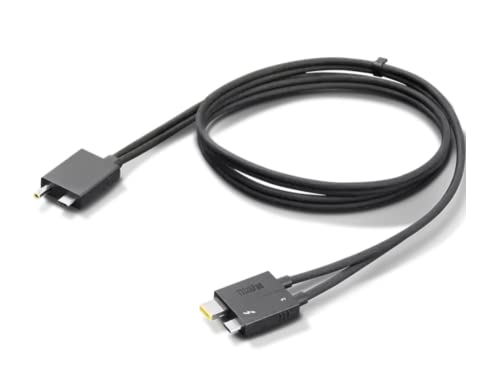


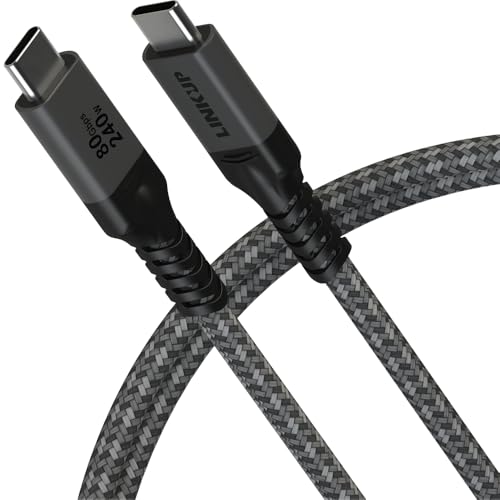


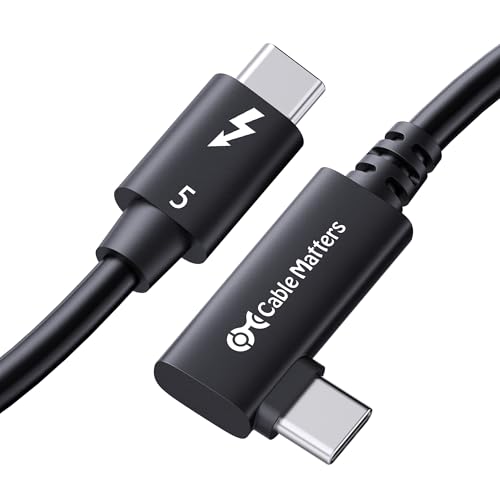


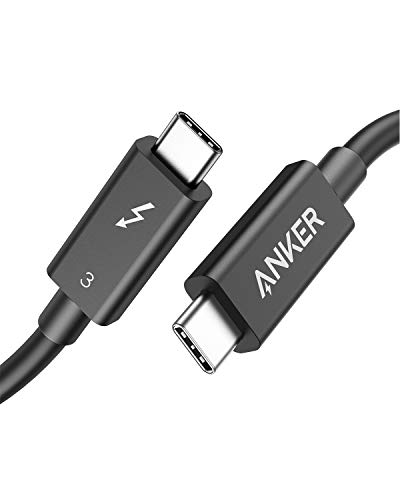

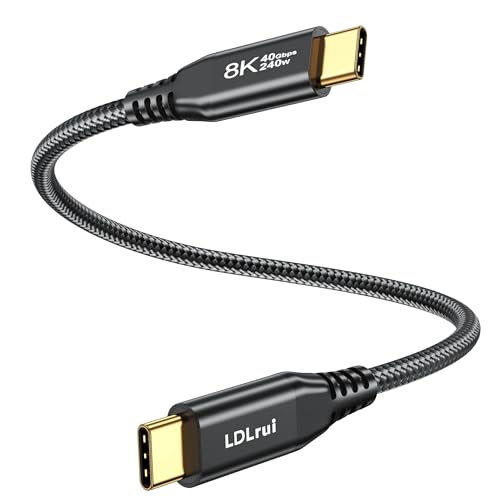

What Are Thunderbolt Cables?
Thunderbolt cables are high performance connection cables used to link compatible devices such as laptops, monitors, docks, external storage drives and other accessories. Many modern Thunderbolt cables use the USB C connector shape, but not every USB C cable is a Thunderbolt cable.
Depending on the product, Thunderbolt cables may support data transfer, video output, laptop charging, docking station use, external graphics equipment, external storage or multi device setups where listed.
Because performance varies by cable and device, it is important to check the exact Thunderbolt version, power rating, length and compatibility information on each product listing.
What Are Thunderbolt Cables Used For?
Thunderbolt cables are used to connect devices that need fast, reliable communication through one cable. Common uses include connecting a laptop to a Thunderbolt dock, linking a monitor to a computer, using external SSD storage, transferring large files and charging compatible devices.
They are especially useful for people who want a cleaner desk setup. One Thunderbolt cable may connect a laptop to power, displays, keyboard, mouse, storage and other accessories through a compatible docking station.
They can also be useful for creative work, video editing, photography, music production, gaming setups and professional workflows where fast data movement and display output matter.
How To Choose The Right Thunderbolt Cable
Start by checking your device requirements. A cable should match the Thunderbolt version and features supported by your laptop, monitor, dock or accessory. A cable that fits the port shape may still not provide the performance you need.
Next, consider what you need the cable to do. If you only need charging, a suitable USB C charging cable may be enough. If you need display output, fast external storage or docking station support, check that the cable is listed for Thunderbolt use.
Cable length also matters. A short cable can be tidy and efficient on a desk, while a longer cable may be more convenient if your monitor, dock or drive is placed farther away. Longer cables may have different performance limits, so check the listing carefully.
Key Features To Compare
When comparing Thunderbolt cables, look at Thunderbolt version, connector type, data support, video support, charging support, cable length, active or passive design, durability, flexibility and listed certification.
Power support is important if you plan to charge a laptop or tablet. Display support is important if you want to connect monitors. Data support is important for external drives, docks and large file transfers.
Also check cable markings and product descriptions carefully. Two cables may look similar but support very different performance levels.
Thunderbolt Cables Compared With USB C Cables
Thunderbolt cables often use USB C shaped connectors, but Thunderbolt and USB C are not the same thing. USB C describes the connector shape, while Thunderbolt describes a higher performance connection standard where supported.
A standard USB C cable may be suitable for charging, simple accessories or basic data transfer depending on the product. A Thunderbolt cable is usually chosen when higher performance features are needed, such as compatible docking stations, fast external storage or display output.
The key point is compatibility. A Thunderbolt cable can only deliver Thunderbolt features when the connected devices support them.
Thunderbolt Cables Compared With USB4 Cables
USB4 cables and Thunderbolt cables can overlap in some uses, especially with modern USB C based devices. However, support can still vary between products, devices and cable specifications.
A USB4 cable may suit some high speed data, display and charging needs where listed. A Thunderbolt cable is often chosen when a Thunderbolt device specifically requires or recommends Thunderbolt compatibility.
If your laptop, dock or monitor states Thunderbolt support, choosing a cable clearly listed as Thunderbolt compatible can help avoid confusion.
Thunderbolt Cables Compared With HDMI And DisplayPort Cables
HDMI and DisplayPort cables are usually used mainly for video and audio connections between computers, monitors, TVs and projectors. They are a direct choice when you only need a display connection.
Thunderbolt cables can support display output where compatible, but they can also support data transfer, charging and docking through the same cable depending on the setup.
If you only need to connect a monitor to a display output, HDMI or DisplayPort may be enough. If you need one cable for a dock, monitor, data and charging, Thunderbolt may be more suitable.
Thunderbolt Cables Compared With Charging Cables
Charging cables are designed mainly to deliver power to a device. They may not support high speed data, video output or docking station functions.
Thunderbolt cables may support charging as well as data and display features where listed. This makes them more versatile for compatible laptops, docks and workstations.
If you only charge a phone, tablet or small accessory, a normal charging cable may be enough. If you need a laptop dock or high speed external storage connection, a Thunderbolt cable is usually the more appropriate choice.
Passive Thunderbolt Cables Compared With Active Thunderbolt Cables
Some Thunderbolt cables are passive, while others are active where listed. Passive cables are often used for shorter connections and simple desk setups. Active cables may be designed to help maintain performance over longer lengths depending on the product.
The right choice depends on cable length, device requirements and the features you need. Not every setup requires an active cable.
Always check the listing before buying, especially if you need a longer cable for a monitor, dock or external storage device.
Short Thunderbolt Cables Compared With Longer Thunderbolt Cables
Short Thunderbolt cables are useful for tidy desk setups, laptops beside docks, external drives near computers and travel kits. They reduce cable clutter and may be easier to manage.
Longer Thunderbolt cables can be useful when your dock, monitor or storage device is positioned farther away. However, length can affect performance depending on the cable type and specification.
Choose the shortest length that comfortably suits your setup. This helps keep your desk neat while reducing the risk of buying more cable than you need.
Beginner, Regular User And Professional User Guidance
If you are buying your first Thunderbolt cable, focus on device compatibility. Check whether your laptop, monitor, dock or drive actually supports Thunderbolt and which version is recommended.
Regular users may want to compare cable length, flexibility, charging power, display support and how neatly the cable fits into a desk or travel setup.
Professional users may need to look more closely at external storage performance, multi monitor compatibility, docking station requirements, cable certification and whether active cable support is needed where listed.
Use Cases By Setup And Device
For home offices, Thunderbolt cables can help connect a laptop to a dock, monitor, keyboard, mouse, storage and power through a compatible setup. This can make working from a desk more convenient.
For creative work, Thunderbolt cables may be useful for connecting external SSDs, capture devices, monitors and other high performance accessories where compatible.
For gaming and performance setups, Thunderbolt cables may be used with docks, monitors, storage or compatible external devices depending on the hardware.
For travel, a shorter Thunderbolt cable can be useful when working between laptops, portable drives, docks and displays.
Compatibility With Laptops, Macs And PCs
Thunderbolt support varies between laptops, desktops and accessories. Some Apple Mac devices support Thunderbolt, and many Windows laptops or PCs may also support it where listed by the manufacturer.
A USB C port does not automatically mean Thunderbolt support. Look for the device specification, Thunderbolt symbol or product documentation where available.
Before buying, check both ends of the connection. The cable, laptop and accessory should all support the features you want to use.
Compatibility With Monitors And Docking Stations
Thunderbolt cables are commonly used with compatible monitors and docking stations. A dock may allow one cable to connect a laptop to power, displays, wired internet, USB accessories and storage where supported.
Monitor compatibility depends on the monitor, computer, dock and cable. If you want to run one or more displays, check the device requirements and cable listing carefully.
For docking stations, using the cable recommended by the dock manufacturer or a cable clearly listed as Thunderbolt compatible can help reduce setup problems.
Compatibility With External Drives And Data Storage
Thunderbolt cables are often used with external SSDs and storage devices where fast transfer performance is needed. This can be useful for video editing, photography, backups and moving large files.
The cable must match the storage device and computer capability. A high performance drive may not work at its intended speed if the cable or port does not support the required standard.
If speed matters, check the cable’s listed data support and the storage device requirements before buying.
Power Delivery And Charging Support
Some Thunderbolt cables support charging compatible laptops, tablets or accessories where listed. The amount of power supported can vary by cable and device.
If you plan to charge a laptop through a Thunderbolt cable, check the listed power rating and make sure it suits your device and charger. A cable with lower power support may not charge some devices as expected.
Charging also depends on the power adapter, dock or monitor supplying the power. The cable is only one part of the setup.
Display Output And Multi Monitor Setups
Thunderbolt cables can support display output where the connected devices and cable allow it. This can be useful for monitors, docking stations and creative workstations.
For multi monitor setups, compatibility can become more complex. The computer, dock, monitor, cable and operating system may all affect what is possible.
Check the listing and your device documentation before buying, especially if you want high resolution, high refresh rate or multiple display support.
Build Quality, Flexibility And Daily Durability
Build quality matters because Thunderbolt cables are often used in setups where reliability is important. Look at connector housing, cable thickness, flexibility, strain relief and outer material where listed.
A flexible cable can be easier to route around desks, docks and monitors. A more substantial cable may feel stronger but may also be less flexible.
If you plug and unplug often, connector durability and strain relief can become more important than appearance alone.
Cable Management And Desk Organisation
Thunderbolt cables can help reduce clutter when used with compatible docks and monitors. One cable may replace several separate connections in the right setup.
Choose a cable length that reaches comfortably without hanging loosely across the desk. Cable clips, ties or routing channels can help keep the workspace tidy.
Avoid bending the cable sharply near the connector. Gentle cable routing can help reduce strain during daily use.
Travel, Work And Hybrid Setups
For hybrid work, a Thunderbolt cable can be useful when moving between home, office and portable setups. It can help connect a laptop quickly to a dock or monitor when you arrive.
For travel, a compact cable can connect external drives, portable monitors or compatible accessories where supported. Consider whether you need one cable for charging, data and display or whether simpler cables will do.
Keeping a spare compatible cable in a work bag can be useful, but make sure it is labelled or easy to identify so it is not confused with standard USB C cables.
Safety And Practical Use Considerations
Use Thunderbolt cables only with compatible devices and chargers. Check the power rating, device requirements and listing before relying on a cable for laptop charging or high performance accessories.
Avoid using damaged cables. Frayed insulation, bent connectors, loose plugs or overheating during use can indicate a cable should be replaced.
Do not force a connector into a port. USB C shaped connectors are reversible, but they should still fit smoothly without pressure.
Care, Cleaning And Storage
Keep Thunderbolt cables clean, dry and free from sharp bends. Wipe away dust carefully where needed and avoid exposing cables to moisture, dirt or pressure.
When storing cables, coil them loosely rather than folding them tightly. Avoid wrapping cables too sharply around chargers, docks or laptop stands.
For travel, use a cable organiser or small pouch to stop connectors being scratched or bent inside a bag.
Useful Accessories To Consider
Thunderbolt cables work well with compatible docking stations, monitors, external SSDs, laptop chargers, USB C hubs, cable organisers, laptop stands, monitor arms and desk accessories.
For travel, a protective pouch, cable tie, compact charger and external storage case may be useful where suitable.
For desk setups, cable clips, power management accessories and a good dock can help make Thunderbolt connections easier to use every day.
Why Buy From YPC?
At YPC, we understand active lifestyles and the need for practical products that work in real use. Thunderbolt cables should be compatible, reliable and suitable for the devices, displays and workflows you actually use.
This category helps you compare connector type, Thunderbolt version, cable length, power support, data support, display compatibility, build quality and listed certification without overcomplicating the choice. Browse the Thunderbolt cables at YPC, compare the available options and choose the cable that suits your laptop, dock, monitor, storage device or desk setup.
FAQs
What are Thunderbolt cables used for?
Thunderbolt cables are used to connect compatible laptops, monitors, docks, external drives and accessories for data transfer, display output and charging where supported.
Is Thunderbolt the same as USB C?
No. USB C is the connector shape, while Thunderbolt is a connection standard. Many Thunderbolt cables use USB C shaped connectors, but not every USB C cable supports Thunderbolt.
Can I use a Thunderbolt cable for charging?
Some Thunderbolt cables support charging where listed. Check the cable’s power rating and make sure it suits your device, charger or docking station.
Can Thunderbolt cables connect monitors?
Yes, Thunderbolt cables can connect compatible monitors or docks where display output is supported by the cable and connected devices.
Do I need a Thunderbolt cable for a docking station?
If your docking station is Thunderbolt based, you will usually need a suitable Thunderbolt cable. Check the dock requirements and product listing before buying.
What length Thunderbolt cable should I choose?
Choose the shortest length that comfortably reaches your devices. Longer cables may be useful for flexible desk setups, but performance can vary depending on cable type and specification.
Can I use a normal USB C cable instead of Thunderbolt?
Sometimes a USB C cable may work for basic charging or data, but it may not support Thunderbolt features such as high speed data, display output or docking. Check your device requirements carefully.
How do I look after a Thunderbolt cable?
Avoid sharp bends, keep the cable dry, unplug it gently and store it loosely coiled. Replace the cable if connectors are damaged, loose or overheating during use.
Looking for more options?
Browse our full range of Computers and Accessories for other great choices to suit your space, goals, and budget.
 Getting ready for Summer? View our Home and Garden Products

Heading outdoors this winter? Take a look at our Outdoor Clothing.