Quick Summary
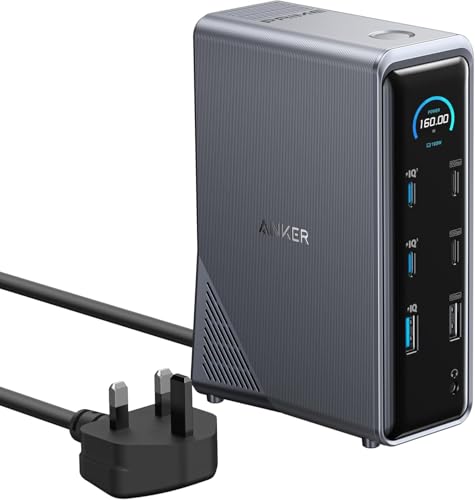
The PULWTOP USB-C Hub is a 6-in-1 multiport adapter with 3 x USB-C 3.2 Gen2 ports, HDMI, 100W PD charging and Ethernet. It expands a USB-C connection into a compact set of everyday ports for office and home use.
It includes HDMI output up to 4K@60Hz, a Gigabit Ethernet port and plug-and-play use with no drivers, settings or pre-installation required.
Who It Is Best For
This hub suits buyers who want to add several common connections from a single USB-C port. It may be useful for people connecting a display, wired network and USB-C devices at the same time.
The stated compatibility list includes iMac, MacBook, iPad, iPhone and HP laptops, so it is worth checking your device and USB-C setup before ordering.
Key Details
| Detail | Verified information and buyer relevance |
|---|---|
| Product type | USB-C hub / 6-in-1 multiport adapter for expanding a USB-C connection. |
| USB-C ports | 3 x USB-C 3.2 Gen2 ports with up to 10Gbps transfer speed. |
| HDMI output | HDMI port with support up to 4K@60Hz, with backward compatibility to Full HD 2K and 1080p@60Hz. |
| Charging | 100W PD charging port for keeping a device charged while in use. |
| Ethernet | Gigabit Ethernet port with stated support up to 1Gbps and compatibility with 100Mbps, 10Mbps and 1Mbps. |
| Setup | Plug and play use with no drivers, settings or software pre-install required. |
| Case | Aluminium case is stated, and it is described as compact and mini in size. |
Why Buyers Choose It
- 3 x USB-C 10Gbps ports give several high-speed connection options from one hub.
- HDMI up to 4K@60Hz supports connection to a monitor, HDTV or projector at the stated resolution.
- 100W PD charging lets a connected device stay powered while the hub is in use.
- Gigabit Ethernet adds a wired network connection for devices that need it.
- The compact aluminium case is intended for carrying in a bag.
How It Works
- Connect the hub to a USB-C device.
- Use the HDMI port for a display connection.
- Use the 3 x USB-C ports for data transfer.
- Connect Ethernet where a wired network is needed.
- Use the 100W PD charging port to keep the device charged during use.
Real World Use
The hub is described for daily office and home use. It can be used with an HDTV, monitor or projector for video output, and the Ethernet port is there for a wired network connection when needed.
The compact size makes it easier to carry in a bag, and the aluminium case is stated to help with heat dissipation.
What To Know Before You Buy
Check that your device supports USB-C connections and that the listed compatibility matches your equipment. If you need display output, confirm that your setup supports HDMI use at the resolution you want.
Review the port mix carefully before ordering, especially if you need multiple USB-C connections, charging and Ethernet at the same time.
Common Buyer Questions
Can it charge and transfer data at the same time?
Yes. It includes a 100W PD charging port alongside data and display connections.
Does it need drivers or software?
No. It is stated as plug and play with no drivers, settings or software pre-install required.
What display resolution does the HDMI port support?
The HDMI port is stated to support up to 4K@60Hz, with backward compatibility to Full HD 2K and 1080p@60Hz.
Does it support wired internet?
Yes. It includes a Gigabit Ethernet port with stated support up to 1Gbps.
Final Buying View
If you need a USB-C hub with HDMI, Ethernet, 3 x USB-C data ports and 100W PD charging, this model brings those functions together in one compact adapter. Compare the port layout and compatibility list with your device before choosing.