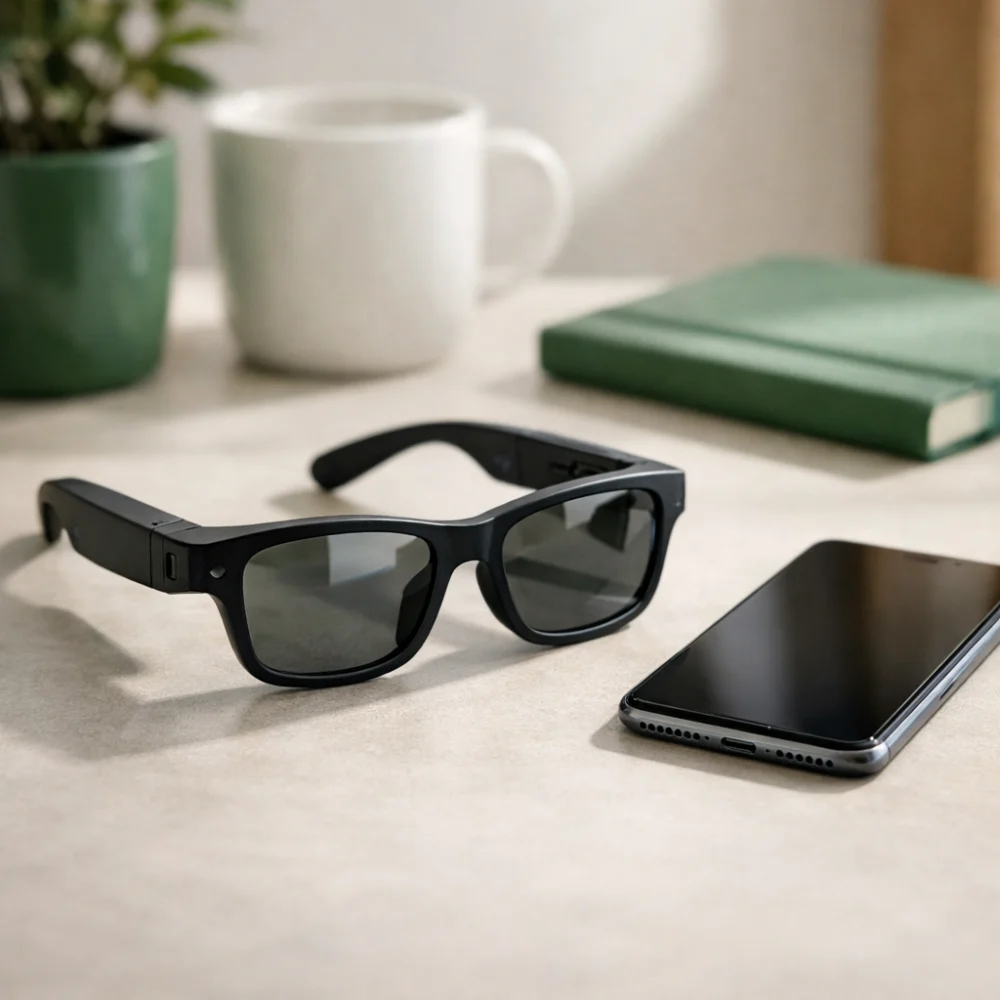
Smart glasses combine eyewear with connected features such as audio, voice control or other digital functions, but the right choice depends on how you plan to use them. Some buyers want a practical way to listen without blocking their ears, while others are mainly looking for a comfortable pair for day-to-day wear with added tech features.
Because the category covers different styles and functions, it helps to focus on fit, lens choice, controls and device compatibility rather than the name alone. The most useful purchase is usually the one that matches your routine, comfort needs and the amount of technology you actually want to use.
What should you look for in smart glasses?
The best starting point is to decide whether you want smart glasses mainly for audio, eyewear convenience or a mix of both. From there, compare comfort, lens features, battery expectations and how easy the controls are to use in real life. Specifications vary by model, so always check the individual product page before buying.
| Feature | What it means | Why it matters | What to check |
|---|---|---|---|
| Core function | What the glasses are designed to do, such as audio playback, voice interaction or visual display features. | Some buyers need hands-free convenience, while others only want a comfortable pair with minimal extra technology. | Look at the product description to see which functions are included and which are not. |
| Fit and comfort | How the frame sits on your face during longer wear. | Comfort affects whether you will actually use them for commuting, walking or working. | Check frame style, weight details if provided, and whether the fit is described as suitable for your face shape or intended use. |
| Lens type | The lens style and whether it is meant for sun protection, visual clarity or another purpose. | Lens choice affects everyday practicality indoors and outdoors. | Check whether the lenses are tinted, clear or specialised for a particular setting. |
| Audio and controls | How sound is delivered and how playback or calls are managed. | Easy controls and usable audio can make a big difference to convenience. | Look for control method, microphone support and whether the layout suits your habits. |
| Compatibility | Which devices or apps the glasses are intended to work with. | Compatibility is often the deciding factor for smart features. | Check supported phone systems, connection method and any app requirements. |
| Battery and charging | How the glasses are powered and how they are recharged. | Battery expectations affect travel use, daily routines and how often you need to recharge. | Review the stated battery information and whether charging accessories are included. |
| Durability and care | How robust the frame and electronics are likely to be in ordinary use. | Wearable tech needs a balance between convenience and sensible handling. | Check any information about splash resistance, storage case and care guidance. |
Key decision criteria explained
Think about the main purpose first
Smart glasses can serve different needs, and the right model for one buyer may be unnecessary for another. If you want discreet audio while keeping your ears more open to surroundings, the sound setup matters most. If you want an eyewear-first product with a smart feature as a bonus, comfort and lens choice may matter more than advanced functions.
Check how the controls are meant to work
Some smart glasses are built around touch controls, while others rely more on buttons, voice functions or paired-device controls. The simpler option may be easier for everyday use, but not every control style suits every buyer. Think about whether you want something that feels familiar immediately or something with more features that may take longer to learn.
Match the lenses to your usual environment
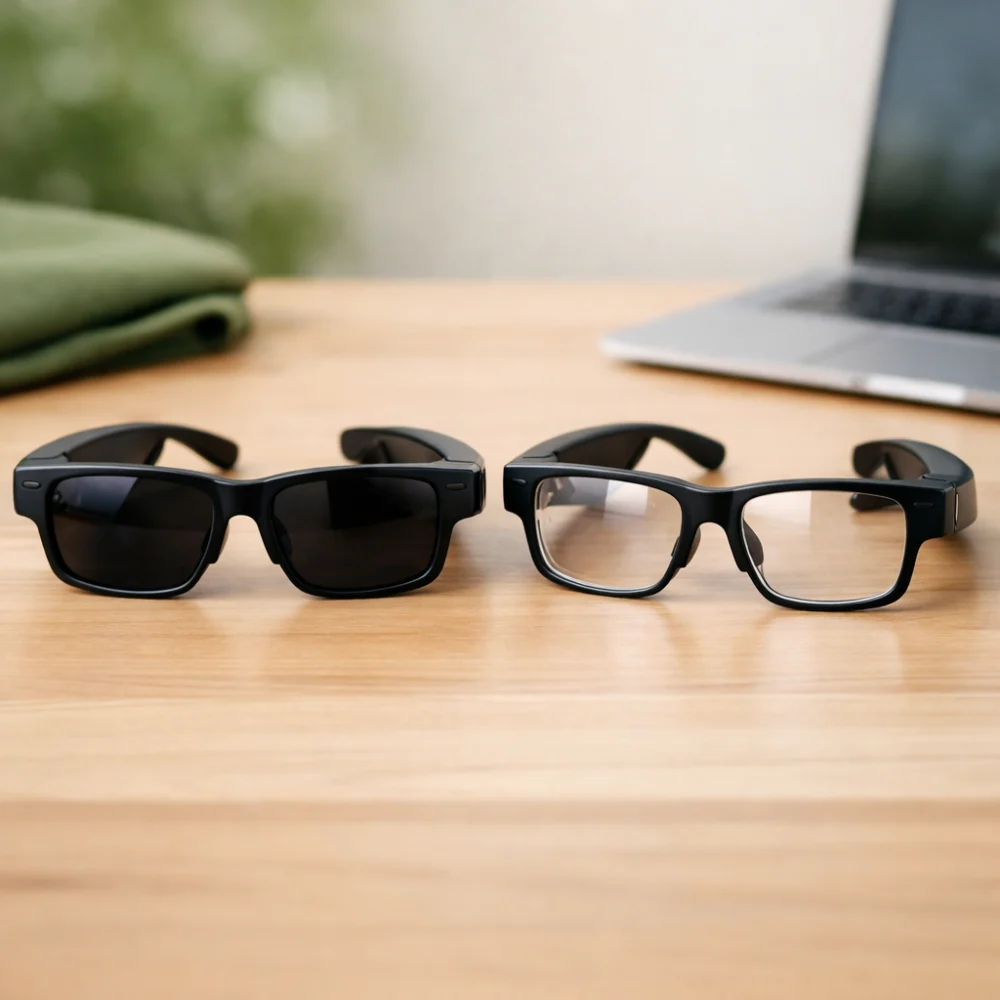
Lens type is easy to overlook, but it strongly affects where the glasses make sense to wear. Tinted lenses can be useful outdoors, while clear or lightly filtered lenses may suit indoor or mixed settings better. If you expect to wear them in different places, choose carefully so the eyewear part of the product remains genuinely practical.
Confirm device compatibility before you commit
Because smart features depend on connectivity, compatibility should be checked before anything else if you already have a phone or other device in mind. A model that looks suitable on paper may not suit your setup if it expects a specific operating system, app or connection method. This is one of the easiest places to avoid disappointment.
Common smart glasses types and variants
Within this category, the main differences are usually about function rather than a completely different product shape. Some models focus on audio and calls, others add assistant-style features, and some are closer to smart eyewear with visual or display-led functions. The most suitable variant is the one that matches how much technology you want to carry on your face each day.
If you mainly want a lightweight wearable audio option, a simpler pair may be enough. If you expect more from the product, such as multiple connected features, be prepared to weigh convenience against complexity and charging needs.
Which smart glasses suit different buyers?
| Buyer need | What to prioritise | Why it helps | Possible trade-off |
|---|---|---|---|
| Everyday casual use | Comfort, simple controls and a design you will actually wear. | Daily wear works best when the glasses feel unobtrusive and easy to use. | You may not get the most advanced feature set. |
| Travel or commuting | Battery expectations, audio convenience and a secure fit. | These features support frequent short sessions and time away from a charger. | More features can mean more charging and setup. |
| Outdoor use | Lens style, sun suitability and stable fit. | Outdoor wear depends on whether the lenses and frame suit bright conditions. | Highly tinted lenses may be less useful indoors. |
| Tech-focused buyers | Connectivity, controls and the specific smart functions offered. | Advanced features only matter if they fit your device and habits. | More functions can make the product more complex. |
| Gift buyers | Broad comfort, simple operation and flexible styling. | A versatile pair is less likely to feel too specialised. | The recipient may prefer a different lens or feature mix. |
Common mistakes and misunderstandings
- Assuming all smart glasses do the same thing. Some are mainly audio wearables, while others focus on different connected features. Check the exact function list rather than relying on the category name.
- Overlooking ordinary eyewear comfort. Smart features matter less if the frame feels awkward after a short time. Comfort, balance and lens choice still matter a great deal.
- Ignoring compatibility details. A feature-rich model may still be unsuitable if it does not match your device or preferred setup.
- Choosing on style alone. The glasses need to work in the situations where you will wear them, not just look good in a photo.
Safety and suitability caveats
Smart glasses are wearable electronics, so it is sensible to think about where you will use them. If you want them for walking, travel or outdoor wear, check whether the design supports the conditions you have in mind and whether any lens tint or smart function affects visibility or attention. They should feel appropriate for your routine, not just impressive on a product listing.
As with any connected product, the details that matter most are the ones on the individual product page. That is especially true for connection method, charging, lens type and any stated resistance or usage guidance.
Maintenance, storage and lifespan considerations
Smart glasses usually need a bit more care than ordinary sunglasses or frames because they combine eyewear with electronics. Storage, charging and careful handling matter, especially if the model includes built-in audio or other powered features. A case can be useful if you will carry them in a bag or use them regularly away from home.
Cleaning should also be treated gently, particularly around any electronic areas. Check whether the product information mentions cleaning advice, charging method or any accessories that help protect the frame during storage.
How to compare options efficiently
- Start with your main use: audio, everyday wear, outdoor use or a mix of these.
- Filter by the type of lens and frame that suits where you will wear them most often.
- Compare the smart features that actually matter to you, not every available function.
- Check comfort, control method and compatibility against your own habits and devices.
- Review the product page carefully for the practical details that affect ownership, such as charging and care.
Summary buyer decision checklist
- Do the smart features match the way you plan to use the glasses?
- Is the frame likely to feel comfortable for your usual wear time?
- Does the lens type suit your main environment?
- Are the controls straightforward enough for your needs?
- Will the glasses work with your device or setup?
- Have you checked charging and care expectations?
Frequently asked questions
Are smart glasses mainly for listening to audio?
Many models do focus on audio or calls, but not all smart glasses are built the same way. Some prioritise wearable convenience, while others include additional functions. The best way to know is to check the function list on the individual product page.
Can I wear smart glasses every day?
That depends on the fit, comfort and how much you like the controls and lens style. A pair that feels natural during short sessions may not be right for long daily wear. Think about your routine before choosing a more feature-heavy model.
Do I need a compatible phone?
If the smart features rely on Bluetooth, an app or another device connection, then compatibility matters. Always check the supported device information before buying. That is often more important than the general category description.
Are tinted lenses always better for smart glasses?
No. Tinted lenses are useful in bright conditions, but they may not suit indoor use or mixed environments. Choose the lens style that matches where you will actually wear the glasses most often.
What should I check if I want them for travel?
Look at comfort, battery expectations and how easy they are to use without much attention. A secure fit and simple controls often matter more than extra features. Also think about whether you will need to recharge them frequently.
Are smart glasses difficult to set up?
Some are straightforward, while others need more setup because of app or device requirements. If you want a simple experience, look for clearly explained controls and connection details. A more advanced model may be worth it only if you will use the extra functions.