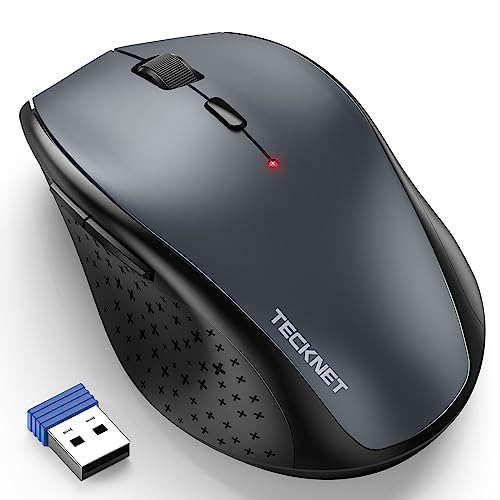
Quick Summary
The HP 150 Wired Mouse is a black wired mouse with USB Type-A connection, a 1600 DPI optical sensor, 3 buttons and scroll, Multi-Surface Technology, and an ambidextrous ergonomic design. It is set up for plug-and-play use and is described as suitable for left- or right-handed use.
Who It Is Best For
This mouse suits buyers who want a straightforward wired USB Type-A mouse for everyday computer use. It also suits users who want an ambidextrous shape and a mouse that is described as working on many surfaces.
Key Details
| Detail | Verified information and buyer relevance |
|---|---|
| Brand | HP. |
| Product type | Wired mouse for use with a USB Type-A connection. |
| Sensor | 1600 DPI optical sensor for precise pointer control. |
| Buttons | 3 buttons and scroll. |
| Surface support | Multi-Surface Technology is stated, so surface suitability is a key buying check. |
| Handedness | Ambidextrous design, with left- or right-handed use stated. |
| Colour | Black. |
| Setup | USB plug-and-play. |
What To Know Before You Buy
Check that your device has a USB Type-A port before ordering. The mouse is wired, so it is intended for use with a cable connection rather than a wireless setup. If you need a mouse for left- or right-handed use, the ambidextrous design is a useful fit check. The stated Multi-Surface Technology and 1600 DPI optical sensor are useful details when comparing it with other basic mouse options.
Common Buyer Questions
Does it connect by USB?
Yes. It uses a USB Type-A connection with plug-and-play setup.
Is it suitable for left-handed use?
Yes. The mouse is described as ambidextrous and ready for left- or right-handed use.
What sort of pointer sensitivity is stated?
A 1600 DPI optical sensor is listed, which is the key sensitivity figure provided.
Does it have a scroll wheel?
Yes. The mouse has 3 buttons and scroll.
Final Buying View
If you want a simple wired HP mouse with USB Type-A connection, a 1600 DPI optical sensor and ambidextrous handling, this model is worth comparing against your port and handedness needs. Confirm the USB Type-A connection before choosing.