
All In One PC's
All in One PC’s bring the screen and computer together in one tidy unit for clean desks, fast setup, and everyday reliability. Since 1988, our UK online shop has helped customers pick the right all-in-one desktop for home, study, business, creative work, and even light gaming, with clear specs, expert advice, fast UK delivery, and easy returns.
- All In One PC's
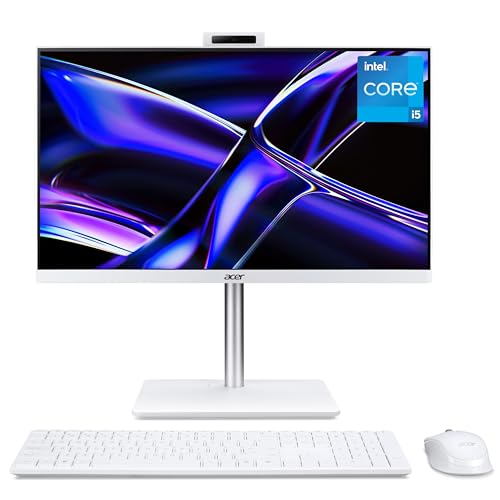
acer Aspire C27-1E All-in-One Desktop PC – Intel Core i5-13420H, 16GB, 1TB SSD, Integrated Graphics, 27" Full HD, Windows 11, White
Original price was: £799.99.£699.99Current price is: £699.99. *View On Amazon* - All In One PC's
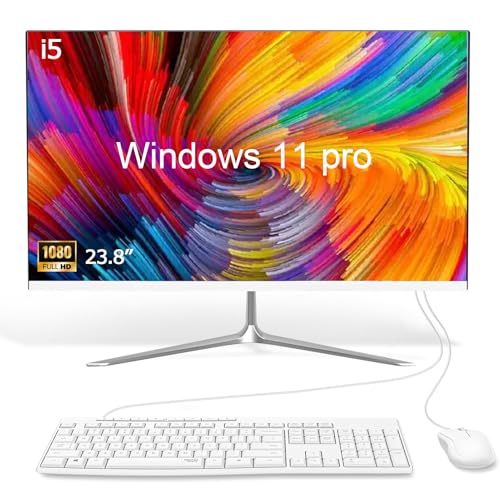
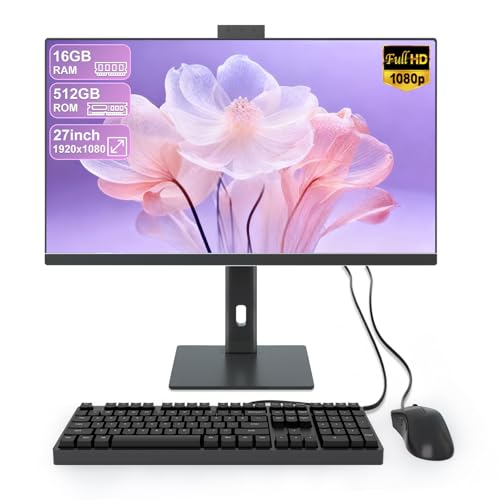
SUKOTOP All-in-One PC with 23.8" Full HD Multi-Touch Display, Alder Lake-N95 processor 16GB RAM and 512GB SSD Features Dual-Band WiFi, Bluetooth and Wired Keyboard with Mouse
Original price was: £329.99.£299.99Current price is: £299.99. *View On Amazon* - All In One PC's
acer Aspire C24-2Y All-in-One Desktop PC – Intel Core i5-13420H, 16GB, 1TB SSD, Integrated Graphics, 23.8" Full HD, Windows 11, Black
Original price was: £679.99.£579.99Current price is: £579.99. *View On Amazon*




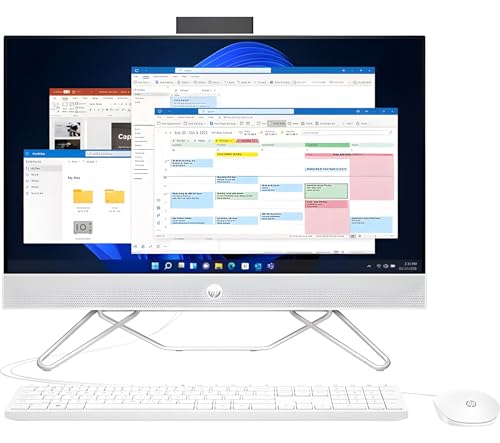





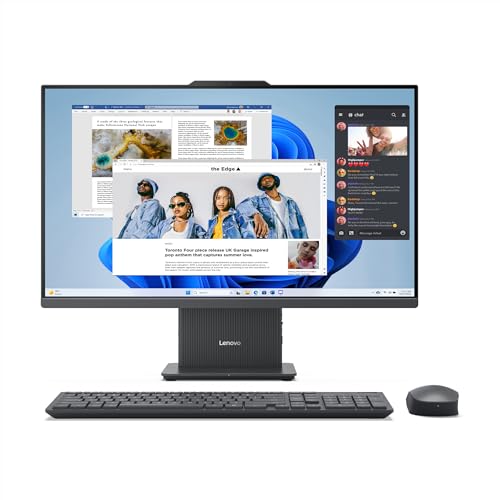

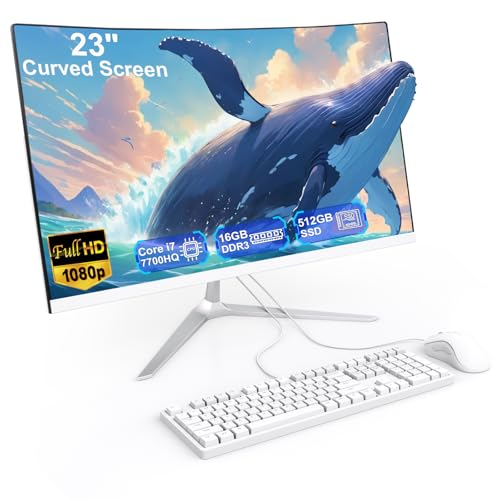

For most homes and offices choose an all in one with a 24 or 27 inch IPS screen, Intel Core i5 or AMD Ryzen 5, 16 GB RAM, and a 512 GB NVMe SSD. If you game or edit video, add a dedicated graphics option and 32 GB RAM. Check for USB C, HDMI, Wi Fi 6, Bluetooth 5, a 1080p webcam, and a height adjustable stand.
Why buy All in One PC’s from us
UK online retailer since 1988 with friendly, expert guidance
Curated AIO range for home, office, creator, education, and reception areas
Clear, honest specs that are easy to compare and understand
Fast UK delivery, simple returns, and UK based support
Upgrade tips for RAM and SSD, where models allow it
Types of all in one PCs we stock
Home and family AIO – simple setup, Full HD screens, quiet operation
Office and business AIO – Windows 11 Pro options, privacy shutter webcams, wired Ethernet
Creator AIO – QHD or 4K screens with wide colour, higher core CPUs, larger RAM
Light gaming AIO – dedicated graphics options for esports and casual titles
Touch and pen AIO – touchscreens for education, kiosks, and sketching
Premium 27 to 34 inch AIO – big screens, slim designs, better speakers and webcams
All in one PC buying guide
1) Match the spec to your tasks
| Use case | Recommended spec | Why it helps |
|---|---|---|
| Home and study | Core i5 or Ryzen 5, 16 GB RAM, 512 GB NVMe SSD, 24 inch IPS Full HD | Smooth browsing and schoolwork |
| Small office | Core i5 or Ryzen 5, 16 to 32 GB RAM, 512 GB SSD plus backup, Windows 11 Pro | Reliable multitasking and security |
| Creative photo work | Core i7 or Ryzen 7, 32 GB RAM, QHD or 4K screen with wide colour | Faster exports and accurate colour |
| Light gaming | Core i5 or Ryzen 5, mid range dedicated GPU, 16 to 32 GB RAM | Higher frame rates for popular games |
| Video editing | Core i7 or Ryzen 7, 32 to 64 GB RAM, fast NVMe SSD, dedicated GPU | Better timeline and render speeds |
| Front desk or kiosk | Energy efficient CPU, silent cooling, touch, Wi Fi 6, cable tidy | Clean look and low maintenance |
2) Display essentials
Size. 23.8 to 27 inches suits most desks. 32 inches for larger spaces.
Resolution. Full HD is fine for everyday use. QHD or 4K is better for photos, video, and multi window work.
Panel. IPS for colour and viewing angles. Look for low glare coatings for bright rooms.
Ergonomics. Height adjust and tilt improve comfort. VESA mount support helps on monitor arms.
3) Core components
CPU. Intel Core i5 or Ryzen 5 is a smart baseline. Step to i7 or Ryzen 7 for heavy workloads.
RAM. 16 GB is the modern minimum. 32 GB helps with big spreadsheets and creative apps.
Storage. NVMe SSD for Windows and apps. Some models also include a secondary HDD for large libraries.
Graphics. Integrated graphics work for office tasks. Choose a dedicated GPU if you play games or use GPU accelerated apps.
4) Connectivity and features
Ports. USB A, USB C, and card reader are handy. Thunderbolt or USB 4 on some premium models.
Video. Not all AIOs support HDMI in. Check if you want to use the AIO as a monitor for a laptop or console.
Networking. Wi Fi 6 or 6E and Bluetooth 5 for wireless. Ethernet for the most stable connection.
Webcam and audio. Aim for a 1080p webcam with a privacy shutter and dual mics. Front-firing speakers are clearer.
5) Upgrades and service
Many AIOs let you upgrade RAM and SSD. The CPU and GPU are often fixed.
Check access panels, spare M.2 slots, and RAM slots before you buy if upgrades matter.
Common mistakes to avoid
Picking 8 GB RAM for Windows 11, then struggling with multitasking
Buying a glossy screen for a bright, sunlit room without anti-glare
Assuming all models have HDMI in for consoles or laptops
Forgetting height adjustment, which can cause neck strain
Overlooking webcam quality and privacy shutters for video calls
Ignoring Wi Fi standard and wondering why speeds are slow
Choosing a tiny SSD, then running out of storage in months
Setup, care, and maintenance tips
Place the AIO with vents clear and cables tidy for airflow
Run Windows Update and manufacturer driver updates on day one
Create a recovery drive and enable automatic backups
Use a surge protector or a small UPS for power protection
Clean the screen with a microfibre cloth and approved cleaner only
Vacuum dust from vents every few months
Calibrate the display if you work with photos or video
Quick picks by scenario
| Scenario | Our tip |
|---|---|
| Best value home AIO | 24 inch IPS, Core i5 or Ryzen 5, 16 GB RAM, 512 GB SSD |
| Space saving office | Small footprint stand, Windows 11 Pro, wired Ethernet |
| Video calls | 1080p webcam with privacy shutter, dual mics, front speakers |
| Light gaming student | Core i5 plus mid-range dedicated GPU, 16 to 32 GB RAM |
| Creator setup | 27-inch QHD or 4K, Core i7 or Ryzen 7, 32 GB RAM, big NVMe SSD |
| Reception desk | Touchscreen, quiet fans, cable management, Wi Fi 6 |
FAQs – All in One PC’s
1) What is an all in one PC
A desktop computer with the components built into the monitor, so you only need power, a keyboard and a mouse.
2) Are all in one PCs good for families
Yes. They reduce cable mess, are easy to set up, and fit well in living rooms and studies.
3) How much RAM do I need
16 GB is a sensible minimum for Windows 11. Choose 32 GB for heavy multitasking or creative apps.
4) Can I upgrade an all in one later
Often, you can upgrade RAM and storage. CPU and graphics are usually fixed.
5) Do all in ones have HDMI in
No. Many only offer HDMI out or none at all. Check the product specs if you want a console or laptop input.
6) Is a 24-inch or 27-inch AIO better
24 inch suits compact desks. 27-inch gives more room for multi-window work and creative apps.
7) Do I need a graphics card
For office work and streaming, integrated graphics are fine. For gaming and video editing, pick a model with dedicated graphics.
8) Are touchscreens worth it
They help with education, kiosks, and sketching. For pure office work, they are optional.
9) What ports should I look for
USB-C for modern accessories, USB-A for existing kit, HDMI or DisplayPort if you need an external screen, Ethernet for stability.
10) Is Wi Fi 6 important
Yes. Wi Fi 6 or 6E gives faster, more reliable connections with modern routers.
11) Do all-in-ones come with a keyboard and mouse
Many include a matching set. Check the box contents on the product page.
12) How do I keep it running fast
Keep 20 per cent of the SSD free, uninstall unused apps, update drivers, and clean vents regularly.
13) Can an all in one drive two screens
Some can run an external monitor. Check the video outputs and supported resolutions.
14) Are all in ones quiet
Most are very quiet at idle and light loads. Creative models can spin up fans during heavy work.
15) What warranty do you provide
All models include a manufacturer’s warranty and our easy UK returns. See each product page for details.
Ready to choose your AIO
Browse All in One PC’s for home, office, creator, and education. With honest specs, expert help, fast UK delivery, and trusted service since 1988, you can set up a clean, capable desktop in minutes.
 Getting ready for Summer? View our Home and Garden Products

Heading outdoors this winter? Take a look at our Outdoor Clothing.
Amazon Associate Disclosure
As an Amazon Associate I earn from qualifying purchases.