



Quick Summary
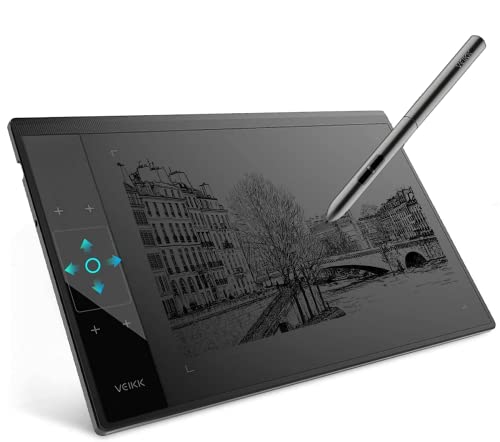
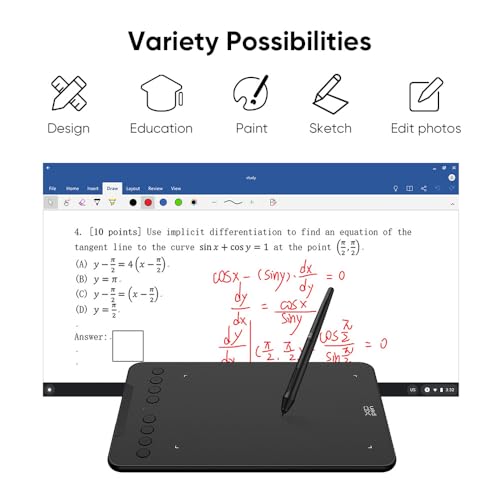
The XPPen Deco 01 V3 is a drawing tablet with a 10 x 6.25 inch working area, 8 shortcut keys and 16,384 levels of pen pressure sensitivity. It is made for sketching, design work and photo editing, with compatibility listed for Windows, Mac and Android.
The tablet is stated to have an 8 mm thickness, which may make it easier to carry than bulkier tablets when moving between workspaces.
Who It Is Best For
This tablet suits buyers who want a large active area for drawing, editing or note-based creative work, and who value programmable shortcut access while working. It is also worth checking system compatibility if you plan to use it with Windows, Mac, Android, Chrome OS or Linux.
Key Details
| Detail | Verified information and buyer relevance |
|---|---|
| Brand | XPPen, as named in the product title. |
| Model | Deco 01 V3. |
| Product type | Drawing tablet for sketch, design and photo editing. |
| Working area | 10 x 6.25 inch working area for drawing and editing tasks. |
| Thickness | 8 mm thickness, which is useful if you want a slimmer tablet to move around. |
| Shortcut keys | 8 shortcut keys that can be customised for different software programs. |
| Pen pressure sensitivity | 16,384 levels of pressure sensitivity for more detailed line control. |
| Tilt support | Supports up to 60 degrees of tilt brush effect. |
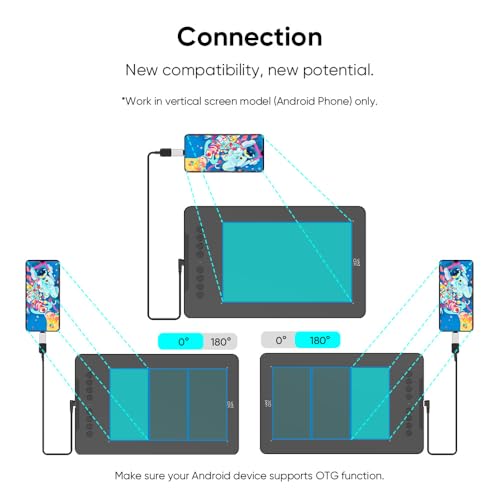
| Compatibility | Works with Windows, Mac and Android, with the description also listing Chrome OS and Linux compatibility. |
Why Buyers Choose It
- The 10 x 6.25 inch working area gives more room for drawing and editing movements.
- 8 programmable shortcut keys can reduce the need to reach for on-screen commands.
- 16,384 levels of pressure sensitivity are stated for smoother line and stroke control.
- 60 degrees of tilt brush effect support is listed for shading-style work.
What To Know Before You Buy
Check that your device and operating system match the listed compatibility before ordering, especially if you plan to use Android, Chrome OS or Linux. The tablet is described as a graphics tablet for sketch, design and photo editing, so make sure that matches your intended use. If working space is important, review the 10 x 6.25 inch area and the 8 mm thickness before choosing.
Common Buyer Questions
Does it have programmable buttons?
Yes. It has 8 shortcut keys that can be programmed for different software programs.
What is the pen pressure sensitivity?
It is stated at 16,384 levels, which supports more detailed control over lines and strokes.
Which devices does it work with?
It is listed as compatible with Windows, Mac and Android, with Chrome OS and Linux also mentioned in the description.
Is it suitable for shading work?
Yes. It supports up to 60 degrees of tilt brush effect, which is relevant for shading-style drawing.
Final Buying View
If you want a drawing tablet with a large working area, custom shortcut keys and high stated pen pressure sensitivity, the Deco 01 V3 gives a clear set of features to compare. Confirm your system compatibility and check the working area before deciding.