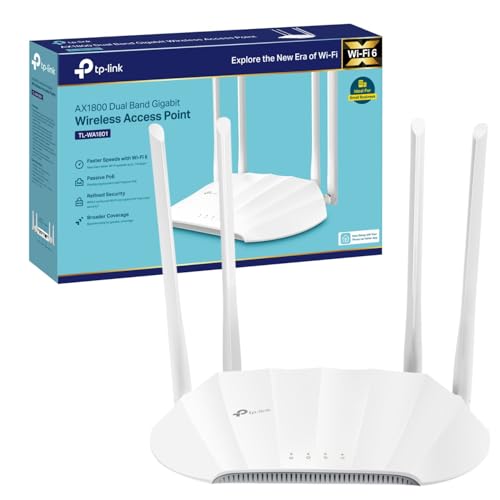
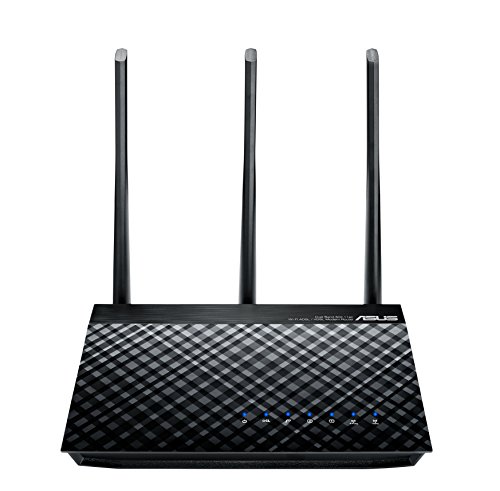
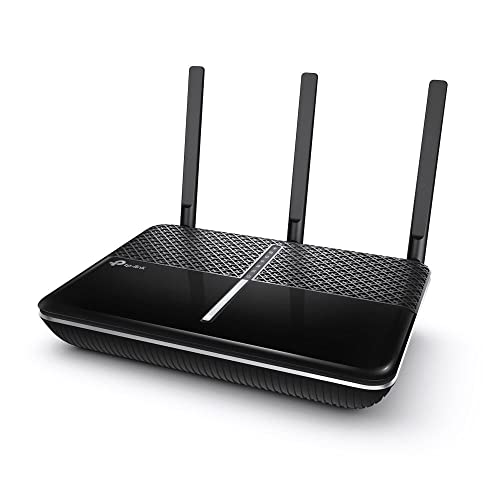
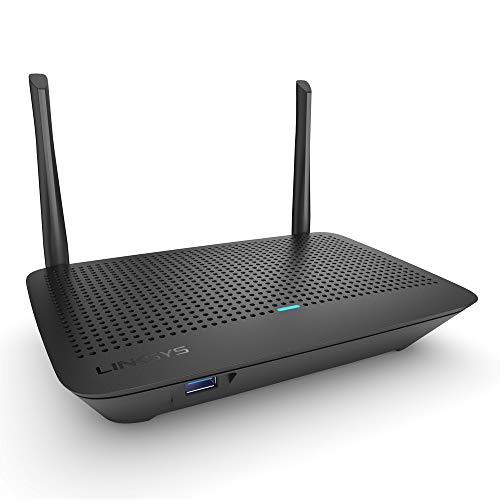
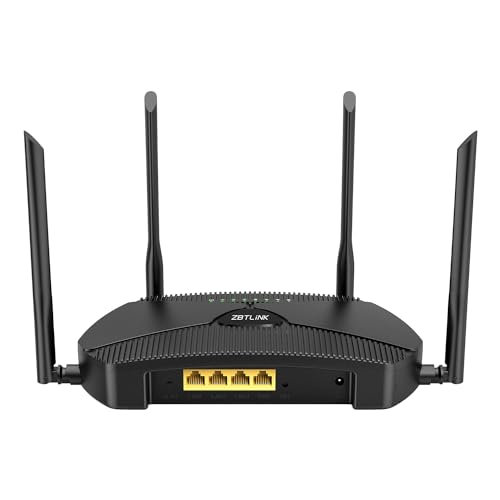
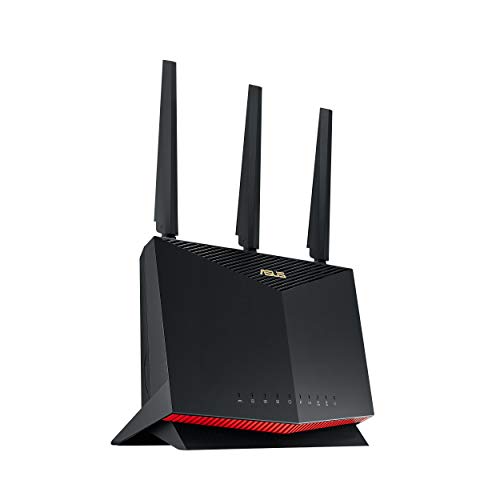
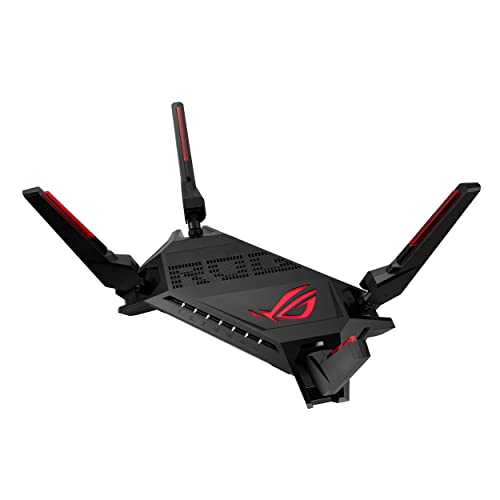
Wi-Fi routers help create a wireless network so compatible devices can connect to the internet around your home, office or workspace. Whether you need a router for browsing, streaming, video calls, gaming, smart home devices or remote working, choosing the right model can make your network easier to manage and more reliable in daily use.
This category can include wireless routers, broadband routers, gaming routers, dual band routers, tri band routers, mesh compatible routers and business style networking devices, depending on the products listed. Features vary widely, so always check compatibility, broadband support, speed guidance, coverage guidance, ports, security features and setup requirements before buying.
Wi-Fi routers are networking devices that share an internet connection with multiple devices using wireless signals and, where available, wired Ethernet ports. They help connect laptops, phones, tablets, smart TVs, games consoles, printers, cameras and other compatible devices to the same network.
Some routers are designed to replace or work with an internet service provider router, while others may need a separate modem or existing connection. Not every router works with every broadband type, so it is important to check the product details and your current internet setup before choosing.
What Are Wi-Fi Routers Used For?
Wi-Fi routers are used to provide wireless internet access across homes, offices, gaming rooms, student spaces, workshops and small business settings. They can support everyday online activities such as browsing, email, streaming, video calls, cloud storage, online gaming and smart home control.
A router can also help manage connected devices, wired connections, guest networks, parental controls, security settings and network names where listed. The right router depends on your broadband connection, property size, number of users and the types of devices you connect.
How To Choose The Right Wi-Fi Router
Start by checking your broadband setup. Some households use a separate modem, while others use a combined modem router from their internet provider. If a product is router only, it may not connect directly to every broadband line without extra equipment.
Next, think about your space. A small flat, large house, garden office and busy workplace may all need different coverage. Thick walls, floors, furniture and distance can affect wireless signal, so coverage guidance should be treated as a helpful guide rather than a guarantee.
Also consider how many devices will connect. A home with phones, laptops, smart TVs, consoles, tablets and smart speakers may need a router that can handle more connected devices than a simple one person setup. Check the listed guidance carefully.
Key Features To Compare
Wireless standard is one of the first features to compare. Routers may support different Wi-Fi standards where listed, and newer standards may offer better potential performance with compatible devices. Your devices also need to support those features to benefit fully.
Bands are also important. Dual band routers usually offer two wireless bands where listed, while tri band routers may provide an additional band for busier networks or certain mesh setups. The benefit depends on the router, connected devices and layout.
Ethernet ports matter if you want wired connections for desktop PCs, games consoles, smart TVs, network switches or storage devices. Check port count and speed guidance where listed.
Other useful features to compare include guest network support, parental controls, app management, VPN support where listed, USB ports, mesh compatibility, antenna design, security settings, firmware update support and whether the router is intended for home, gaming or business use.
Wi-Fi Routers Compared With Modems
A modem connects your home or office to your broadband service. A Wi-Fi router shares that connection wirelessly and through network ports where available.
Some devices combine both functions, while others are router only. This distinction matters because a router without the right modem support may not connect directly to your broadband line.
The main trade off is simplicity versus flexibility. A combined device can be straightforward, while a separate modem and router setup may give more control where compatible.
Wi-Fi Routers Compared With Mesh Wi-Fi Systems
A standard Wi-Fi router usually broadcasts from one main location. This can work well in smaller homes or open spaces, depending on layout and router capability.
Mesh Wi-Fi systems use multiple units to spread coverage across a wider area where compatible. They can be useful in larger homes, multi floor properties or buildings with difficult signal areas.
The main choice is single point coverage versus wider distributed coverage. A router may be enough for many setups, while mesh may be better if you regularly struggle with dead spots.
Wi-Fi Routers Compared With Wireless Access Points
A wireless access point adds wireless coverage to an existing wired network. It is often used in larger homes, offices or managed network setups.
A Wi-Fi router usually manages the main network connection, routing, wireless access and device traffic from one unit. Some users may use both a router and access points where their network needs more coverage or control.
The right option depends on your current setup. If you need a main network device, a router may be the right place to start. If you already have a router but need more wireless coverage, an access point or mesh system may be worth comparing.
Guidance For Beginners, Regular Users And Experienced Network Users
Beginners should focus on compatibility, simple setup and enough coverage for the home. A router with clear instructions, app based setup where listed and basic security features may be the most practical choice.
Regular users may want to compare device handling, parental controls, guest networks, Ethernet ports and coverage guidance. If several people stream, work, study or game at the same time, router capability becomes more important.
Experienced users may look more closely at wireless standards, channel controls, VLAN support where listed, VPN features, quality of service settings, bridge modes, firmware options, port speeds and integration with switches or access points.
Use Cases By Home And Workplace Setup
For family homes, a Wi-Fi router should support everyday browsing, streaming, homework, video calls and smart devices. Parental controls and guest network features may be useful where listed.
For remote working, reliable wireless coverage and wired Ethernet options can be important. A desktop computer, work laptop or video call setup may benefit from a stable connection where compatible.
For gaming, low latency, wired ports and gaming focused management features where listed may be worth comparing. A wired connection may still be preferable for some gaming setups where practical.
For smart homes, think about how many connected devices you use. Smart speakers, plugs, cameras, lights and thermostats can add up quickly, so device capacity guidance may matter.
For small offices, security settings, guest access, wired ports and management features may be more important than style or simple coverage alone.
Fit, Compatibility And Broadband Considerations
Before buying a Wi-Fi router, check whether it works with your broadband service, modem, internet provider equipment and connection type. Some routers may be intended for cable, fibre, mobile broadband or router only use where listed.
If your provider requires specific settings, login details or hardware, check whether the new router can support them. Some users may need to keep their provider router and connect a separate router or mesh system behind it where suitable.
Device compatibility also matters. Older phones, laptops or smart devices may not support newer wireless features, although they may still connect depending on the router and settings. Always check product guidance.
Speed, Coverage And Real World Performance
Router listings may include speed guidance, but real world performance can vary. Walls, distance, interference, broadband speed, device capability and network traffic all affect the experience.
A faster router will not make your internet faster than the broadband service you pay for. It can help manage local wireless performance where compatible, but the incoming connection still matters.
Coverage can also vary by property. Thick walls, metal objects, mirrors, floors and nearby networks can affect signal. Placement is often just as important as the router specification.
Security And Privacy Considerations
Wi-Fi routers should be set up with strong security. Change default passwords where instructed, use a strong Wi-Fi password and keep admin login details private.
Security features can vary. Some routers may include guest networks, parental controls, automatic firmware updates, VPN support or threat protection features where listed. Some features may require an app, account or subscription, so check the product details carefully.
Keep firmware updated where supported. Updates can help with stability, features and security. If the router provides update alerts, do not ignore them.
Placement And Setup Tips
Place the router in a sensible central position where possible. Avoid hiding it in cupboards, behind thick furniture or next to large metal objects, as this can affect wireless signal.
Keep the router upright or positioned as instructed by the manufacturer. If it has external antennas, follow the product guidance for positioning them.
For busy homes, consider using wired Ethernet for devices that stay in one place, such as desktop PCs, games consoles or smart TVs where practical. This can reduce wireless demand and may improve reliability for those devices.
Safety And Practical Use
Wi-Fi routers are electrical devices and should be used according to the product instructions. Keep them dry, well ventilated and away from heat, water, dust and soft furnishings.
Use the supplied or recommended power adapter. Do not use damaged cables, cracked plugs or accessories that become unusually hot. Keep power leads and network cables routed safely to avoid trip hazards or strain on ports.
If the router is wall mounted where suitable, use appropriate fixings and follow the product guidance. Make sure cables are not stretched or pulled tight.
Care, Maintenance And Troubleshooting
Keep the router clean, dry and ventilated. Dust can build up around vents and may affect cooling over time.
If your Wi-Fi feels slow or unreliable, check simple issues first. Restart the router as instructed, check cable connections, test a wired device where possible, check broadband service status and consider whether the router is poorly placed.
Too many connected devices, weak signal areas, old devices and interference from neighbouring networks can all affect performance. If problems continue, you may need to review router placement, settings, mesh options or your broadband service.
Storage And Network Organisation Tips
Keep router login information, Wi-Fi details and setup notes somewhere secure. Do not leave admin passwords visible where others can access them.
Label important cables if your setup includes a modem, router, switch, access points or smart home hubs. This makes troubleshooting easier.
If replacing an old router, do not discard it until the new one is working properly. Make sure any personal settings are removed before disposal or resale where applicable.
Useful Accessories To Consider
Useful accessories may include Ethernet cables, network switches, mesh Wi-Fi units, wireless access points, surge protectors, UPS units, cable organisers, wall mounting accessories where compatible and network storage devices.
For better desk setups, wired Ethernet can be useful for desktop PCs, gaming consoles and smart TVs. For larger properties, mesh units or access points may help extend coverage where compatible with your network.
Why Buy From YPC?
At YPC, we understand active lifestyles and the need for practical products that work in real use. Wi-Fi routers can vary by broadband compatibility, wireless standard, coverage guidance, port layout, security features, device handling, setup method and management options, so it helps to compare the details carefully before choosing.
YPC makes it easier to browse Wi-Fi routers in a practical way, with options that can be compared by listed features, property needs and network setup. Whether you are buying for home internet, remote working, gaming, smart devices or a small office, you can browse and compare Wi-Fi routers at YPC to find suitable options for your connection needs.
FAQs
What is a Wi-Fi router?
A Wi-Fi router is a networking device that shares an internet connection wirelessly with compatible devices. Many routers also include wired Ethernet ports for devices that need a cable connection.
Is a Wi-Fi router the same as a modem?
No. A modem connects to the broadband service, while a router shares that connection around your home or office. Some devices combine both functions, but many routers are router only.
Will any Wi-Fi router work with my broadband?
Not always. Compatibility depends on your broadband type, modem setup, provider requirements and the router’s listed features. Check your current setup before buying.
What is the difference between dual band and tri band routers?
Dual band routers usually offer two wireless bands where listed. Tri band routers may offer an additional band, which can be useful for some busy networks or mesh setups depending on the product.
Can a new router improve Wi-Fi coverage?
It may help where the router has better coverage guidance or features, but results depend on property layout, walls, interference, router placement and connected devices.
Do I need a mesh system instead of a router?
A router may be enough for smaller or simpler spaces. A mesh system may be more useful for larger homes, multi floor properties or areas with wireless dead spots.
Are gaming routers worth considering?
Gaming routers may include features aimed at gaming traffic, wired connections or device priority where listed. They may be useful for some setups, but compatibility and broadband quality still matter.
How should I place my Wi-Fi router?
Place it in a central, open and ventilated position where possible. Avoid cupboards, thick walls, large metal objects and locations close to heat or moisture.
How do I make my Wi-Fi router more secure?
Use a strong Wi-Fi password, change default admin details where instructed, keep firmware updated and use guest networks or parental controls where suitable and listed.
What accessories are useful with Wi-Fi routers?
Useful accessories may include Ethernet cables, network switches, mesh units, access points, surge protectors, cable organisers and UPS units where suitable for your setup.
Heading outdoors this winter? Take a look at our Outdoor Clothing.
Manage Consent
To provide the best experiences, we use technologies like cookies to store and/or access device information. Consenting to these technologies will allow us to process data such as browsing behaviour or unique IDs on this site. Not consenting or withdrawing consent, may adversely affect certain features and functions.
Functional
Always active
The technical storage or access is strictly necessary for the legitimate purpose of enabling the use of a specific service explicitly requested by the subscriber or user, or for the sole purpose of carrying out the transmission of a communication over an electronic communications network.
Preferences
The technical storage or access is necessary for the legitimate purpose of storing preferences that are not requested by the subscriber or user.
Statistics
The technical storage or access that is used exclusively for statistical purposes.The technical storage or access that is used exclusively for anonymous statistical purposes. Without a subpoena, voluntary compliance on the part of your Internet Service Provider, or additional records from a third party, information stored or retrieved for this purpose alone cannot usually be used to identify you.
Marketing
The technical storage or access is required to create user profiles to send advertising, or to track the user on a website or across several websites for similar marketing purposes.