BUYERS GUIDE
Projector Buyers Guide
Projectors are display devices designed to create a large image on a wall, projector screen or suitable flat surface. They are often bought for home cinema rooms, living rooms, bedrooms, gaming setups, garden film nights, presentations, classrooms, offices, events and portable entertainment.
This guide helps you choose the right projector by explaining the practical details that matter before buying. The right choice depends on room size, viewing distance, screen size, brightness, resolution, throw ratio, input connections, sound, portability, setup features, lamp type, smart functions and how the projector will be used day to day.
A projector is not just about making a big picture. A compact portable projector may suit occasional use, while a brighter home cinema projector may suit a darker dedicated room. A short throw projector may suit smaller spaces, while a gaming projector needs different priorities from a presentation projector.
Specifications vary by model, so always check the individual product page before buying.
Quick Answer
The right Projector is the one that suits your room, screen size and viewing habits. For home cinema, check resolution, brightness, contrast, throw distance and connection options. For gaming, check input lag, refresh rate where listed and console compatibility. For portable use, check size, battery information where included, speakers and easy setup. Always compare projector type, resolution, brightness, throw ratio, inputs, audio, keystone correction, mounting options, lamp life, cleaning guidance and product page details before buying.
Quick Product Comparison Framework
| Feature | What It Means | Why It Matters | What To Check |
|---|---|---|---|
| Projector type | Home cinema, portable, short throw, office, gaming or smart projector | Different types suit different uses | Match the type to your main need |
| Resolution | Image detail, such as HD, Full HD or 4K where listed | Affects sharpness and text clarity | Check native resolution, not only supported resolution |
| Brightness | How much light the projector can output | Important for room lighting and screen size | Check brightness information carefully |
| Throw distance | Distance needed between projector and screen | Affects placement and room suitability | Check throw ratio and image size guide |
| Screen size | The size of image the projector can create | Bigger is not always clearer | Check recommended image size |
| Contrast | Difference between dark and light areas | Important for films and dark scenes | Check contrast information where supplied |
| Inputs | HDMI, USB, audio out, wireless or other ports where included | Determines what devices can connect | Check connection details |
| Smart features | Built in apps or wireless casting where included | Useful if you do not want extra devices | Check app and network support |
| Speakers | Built in sound where supplied | Useful for portable use | Check speaker details and audio outputs |
| Keystone correction | Helps square the image where included | Useful when projector cannot sit perfectly centred | Check manual or automatic adjustment |
| Focus control | Manual or automatic focus where included | Affects setup ease | Check focus type |
| Lamp or light source | Lamp, LED or laser style light source where stated | Affects lifespan and maintenance | Check light source and care guidance |
Key Decision Criteria Explained
Projector Type
The first decision is the type of projector you need. A home cinema projector is usually chosen for films, streaming, sport and larger screen viewing in a controlled room.
A portable projector may suit bedrooms, travel, garden use or occasional film nights. It can be easier to move around, but may not offer the same brightness or image quality as larger models.
Short throw and ultra short throw projectors are designed to create a large image from a shorter distance where stated. These may suit smaller rooms where a standard projector would need to sit too far back.
So, start with the room and use case before comparing features.
Resolution
Resolution affects image sharpness. HD, Full HD and 4K style terms can appear across projector listings, but buyers should check the native resolution carefully.
Native resolution is the actual resolution the projector displays. Supported resolution can simply mean the projector can accept a signal at that resolution and scale it.
This matters for films, gaming, sport and presentations. Text, subtitles and detailed images usually look clearer on a higher native resolution.
Brightness And Room Lighting
Brightness is one of the most important projector buying factors. A projector used in a dark room does not need the same brightness as one used in a brighter living room, classroom or office.
Ambient light can wash out the picture. Curtains, blinds, wall colour and screen quality can all affect the result.
If you plan to use the projector during the day, brightness becomes more important. For a dark home cinema setup, contrast and image quality may matter just as much.
Throw Distance And Room Size
Throw distance tells you how far the projector needs to sit from the screen or wall to create a certain image size. This is a common area where buyers get caught out.
A standard throw projector may need to sit several metres back. A short throw projector can create a large image from closer range where stated. An ultra short throw projector may sit very close to the wall or screen, depending on the model.
Measure your room before buying. Also check where the power socket, seating and projector position will be.
Screen Size And Viewing Distance
A bigger picture can feel impressive, but bigger is not always better. If the image is too large for the room, it may look less sharp or feel uncomfortable to watch.
Viewing distance matters too. A huge screen in a small room can make your eyes work harder, especially with fast moving content.
Think about where people will sit, what size image feels natural and whether the projector can produce that size clearly.
Wall Versus Projector Screen
Some buyers project onto a plain wall. This can work for casual use if the wall is smooth and light coloured.
However, a projector screen can often give a more consistent surface. It may help with brightness, colour and sharpness, depending on the screen type and room.
If picture quality matters, include the screen setup in your buying decision. A good projector on a poor wall may not look as good as expected.
Inputs And Device Compatibility
Inputs determine what you can connect. HDMI is commonly used for games consoles, laptops, TV sticks, Blu ray players and streaming devices where supported.
USB ports may support media playback, power for accessories or software updates depending on the model. Audio outputs can matter if you plan to use speakers, soundbars or headphones.
Do not assume every projector connects to every device. Check the exact ports and wireless features before buying.
Smart Features And Streaming
Some projectors include built in smart features, apps or wireless casting where stated. This can reduce the need for extra devices.
However, smart features vary. App support, account setup, WiFi reliability and update support can differ by model.
If streaming is your main use, check whether the apps and casting methods you need are actually supported.
Built In Speakers And External Sound
Many projectors include built in speakers. These may be useful for portable use, presentations or casual viewing.
For home cinema, built in speakers may not be enough. A soundbar, AV receiver or external speakers may give a better experience, depending on your setup.
Check audio outputs, Bluetooth audio support where included and whether there is any sound delay with wireless audio.
Keystone, Focus And Setup Features
Keystone correction helps adjust the image shape if the projector is not perfectly aligned. This can be useful in real rooms where the projector cannot sit exactly in the centre.
However, heavy keystone correction can sometimes affect image quality. It is usually better to position the projector correctly where possible.
Autofocus, auto keystone and screen fit features can make setup easier where included. They are especially useful for portable projectors.
Gaming Suitability
Gaming projectors need different checks from film projectors. Input lag matters because it affects how quickly the image responds to your controller.
Refresh rate, HDMI version, supported resolution and console compatibility may also matter where listed.
If gaming is a priority, do not choose only by screen size. Check gaming specific details on the product page.
Lamp, LED Or Laser Light Source
Projectors may use different light sources. Traditional lamp based models may have replaceable lamps where supported. LED projectors may offer longer light source life in some designs. Laser projectors may offer strong brightness and long life where stated.
Each type has trade offs around cost, brightness, maintenance and image performance.
Check the product page for light source type, expected life and maintenance guidance.
Product Type Differentiation And Variants
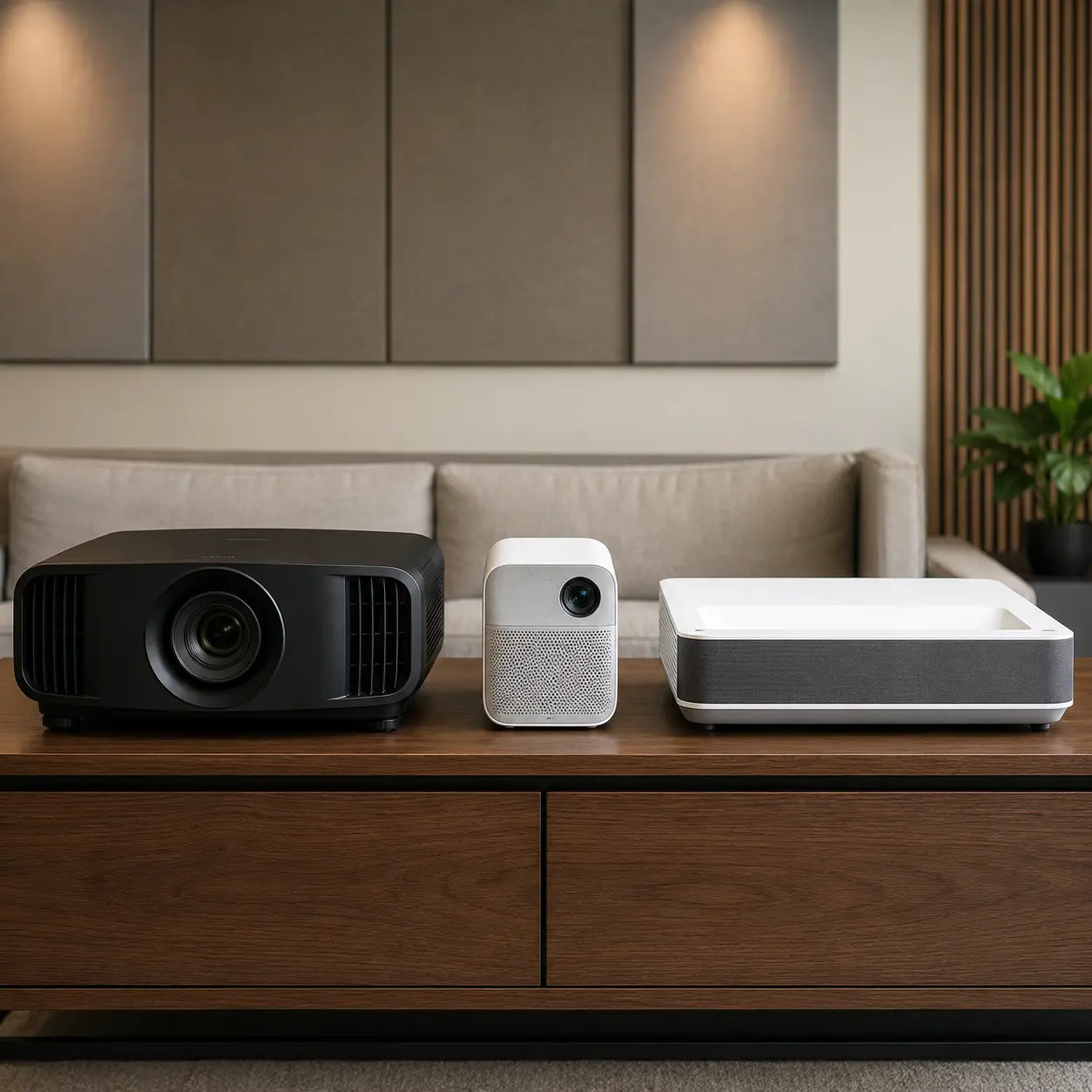
Home Cinema Projectors
Home cinema projectors are designed for films, streaming, sport and larger screen entertainment. They may suit darker rooms and buyers who care about image quality.
The limitation is that they may need more careful setup, suitable screen size and controlled lighting.
Portable Projectors
Portable projectors are designed to be moved more easily. Some may include built in batteries where stated.
The limitation is brightness, speaker quality and image size expectations. They may be best for casual use rather than serious home cinema.
Short Throw Projectors
Short throw projectors create a larger image from a shorter distance where stated. They may suit smaller rooms or spaces where a projector cannot sit far back.
The limitation is placement accuracy. They still need careful positioning and a suitable surface.
Ultra Short Throw Projectors
Ultra short throw projectors can sit very close to the wall or screen where supported. They may suit living rooms where ceiling mounting is not wanted.
The limitation is cost and screen sensitivity. Wall flatness and screen type can matter a lot.
Gaming Projectors
Gaming projectors are designed with gaming needs in mind where stated. They may prioritise low input lag, refresh rate and responsive image performance.
The limitation is that not every bright or high resolution projector is automatically good for gaming.
Business And Presentation Projectors
Business projectors are often used for slides, classrooms and meeting rooms. Brightness, text clarity and connectivity may matter more than cinema style contrast.
The limitation is that they may not be the best choice for films or gaming.
Smart Projectors
Smart projectors include built in apps, wireless casting or operating systems where stated.
The limitation is that app support and updates vary. Check the exact streaming and connectivity features before buying.
Specifications vary by model, so always check the individual product page before buying.
Suitability By Buyer Type Or Need
| Buyer Type Or Need | What To Prioritise | What To Be Careful About |
|---|---|---|
| Home cinema buyer | Native resolution, contrast, brightness and screen size | Bright rooms may reduce picture quality |
| Gaming buyer | Input lag, refresh rate and HDMI compatibility | Do not choose by resolution alone |
| Portable user | Compact size, easy setup and battery where included | Small projectors may be less bright |
| Living room user | Brightness, throw distance and speaker options | Ambient light can wash out the image |
| Bedroom user | Quiet operation, compact size and simple controls | Fan noise may be noticeable |
| Office user | Brightness, text clarity and laptop inputs | Home cinema models may not suit presentations |
| Outdoor film night | Portability, brightness and sound options | Weather, power and screen setup matter |
| Small room buyer | Short throw or ultra short throw design | Measure distance carefully |
| Budget conscious buyer | Native resolution and essential connections | Cheap models may overstate performance |
| Gift buyer | Simple setup and broad device compatibility | Check the recipient’s room and devices |
Common Mistakes And Misunderstandings
Confusing Native And Supported Resolution
Supported resolution does not always mean the projector displays that resolution natively. Native resolution is the key detail for image clarity.
Check the product page carefully.
Ignoring Throw Distance
A projector may not create the image size you want in your room if the throw distance is unsuitable.
Measure the room before buying.
Expecting A Bright Image In Daylight
Projectors usually perform best with controlled lighting. Bright rooms can wash out the picture.
Use curtains, blinds or a suitable screen where needed.
Choosing Screen Size Too Large
A huge image can look impressive, but it may reduce sharpness or comfort if the room is too small.
Choose a screen size that suits viewing distance.
Assuming Built In Speakers Are Enough
Built in speakers may be fine for casual viewing, but home cinema setups often benefit from external sound.
Check audio outputs before buying.
Overlooking Fan Noise
Projectors can make fan noise, especially in quiet rooms. This matters in bedrooms and smaller spaces.
Check noise information where listed.
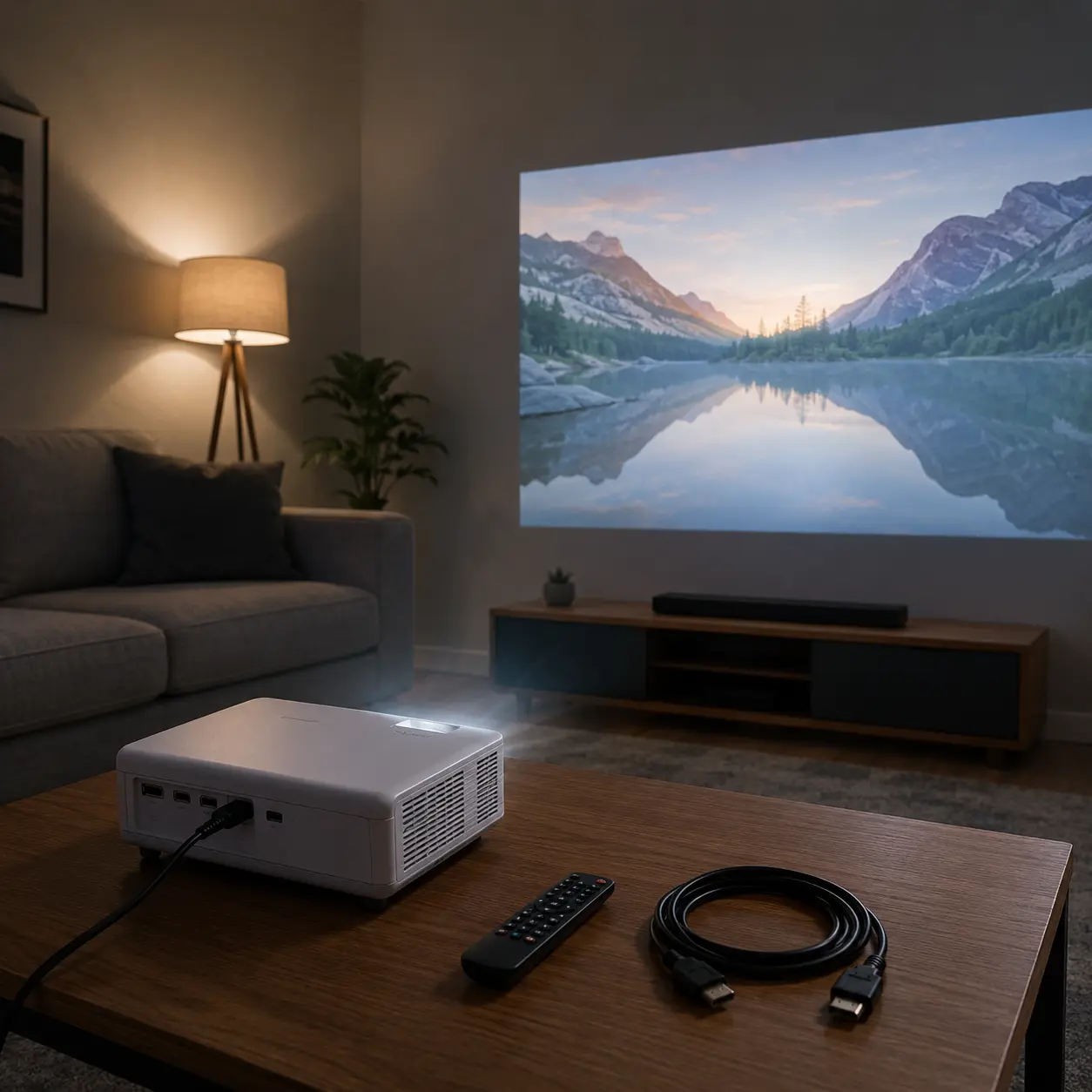
Ignoring Mounting And Cable Routes
A projector needs power, signal cables and stable placement. Ceiling mounting or rear shelf placement may need planning.
Check the full setup, not just the projector.
Buying For Gaming Without Checking Input Lag
A large projected image is great for gaming, but input lag can make fast games feel slow.
Check gaming details where supplied.
Safety And Suitability Caveats
Projectors should be used only as intended and in line with the manufacturer’s instructions. They involve bright light, heat, electricity, ventilation needs and sometimes ceiling mounting, so correct setup matters.
Do not look directly into the projector lens while it is operating. Keep children and pets away from the lens, vents, cables and unstable stands. Place the projector on a stable surface or mount it only as instructed.
Keep ventilation openings clear. Projectors can become hot during use, so allow cooling time before moving or storing where required. Do not cover the projector or place it close to soft furnishings unless the product guidance allows the setup.
Ceiling mounts, wall mounts and permanent installations should be fitted safely and according to the product guidance. Professional installation may be needed depending on the setup.
Do not use a damaged projector, plug, cable or power adapter. Do not modify, dismantle or attempt to repair the appliance.
Always check the individual product page for brightness, resolution, throw distance, inputs, light source, ventilation, mounting guidance, electrical information and intended use before buying.
Maintenance, Storage And Lifespan Considerations
Projectors need basic care to stay practical. Keep vents clear of dust and make sure airflow is not blocked during use.
Some projectors may have filters that need cleaning or replacing where stated. Lamp based models may eventually need lamp replacement if the design supports it. LED and laser models may have different maintenance needs.
Clean the lens only as directed. Do not use harsh cloths or cleaners that may scratch or damage it.
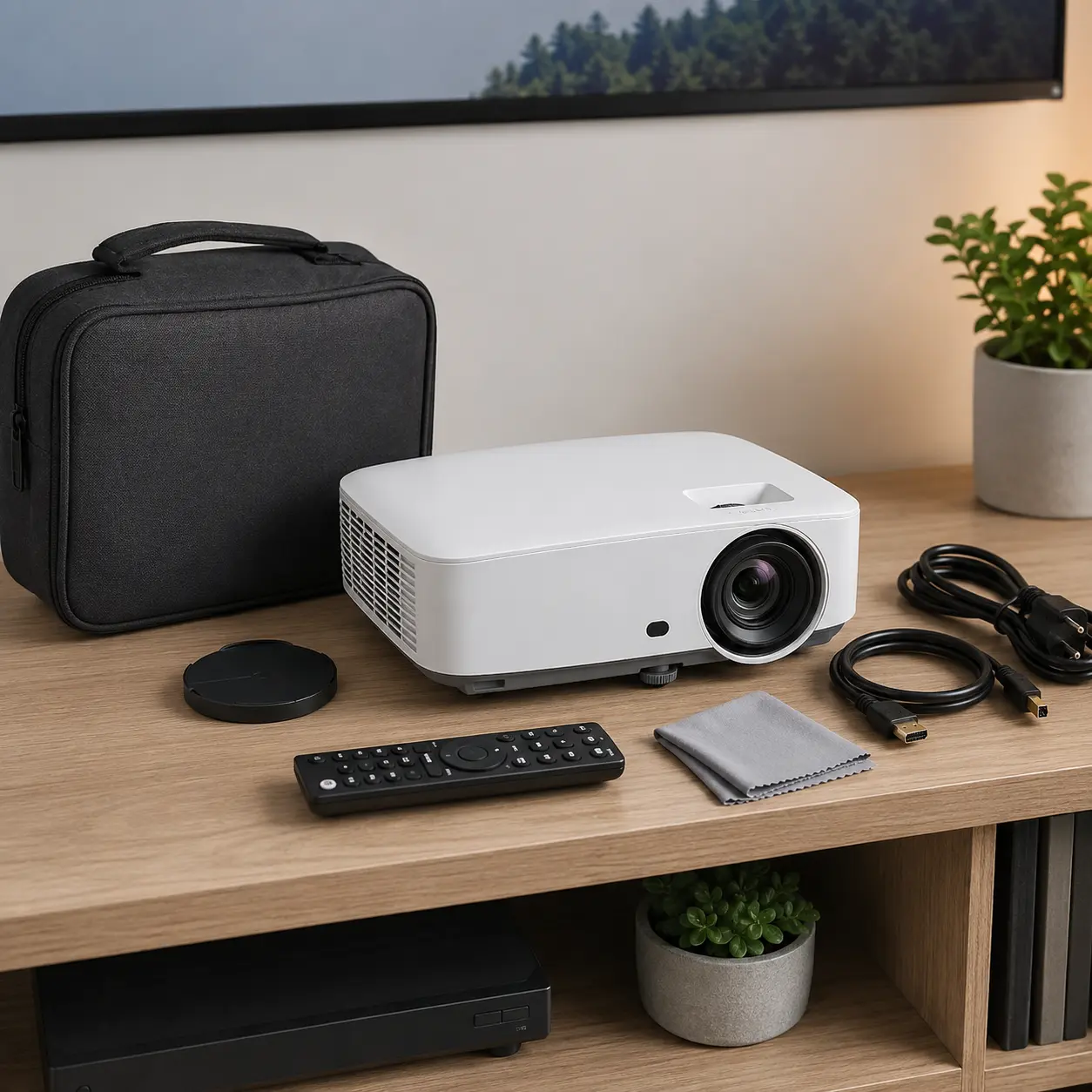
Store portable projectors in a clean, dry place. Keep remote controls, power adapters, cables and lens caps together where supplied.
The lifespan of a projector depends on model, light source, ventilation, dust, usage hours, storage and how carefully it is handled.
How To Compare Models Efficiently
- Decide the main use, such as films, gaming, office or portable viewing.
- Measure the room and planned screen size.
- Check throw distance and throw ratio.
- Compare native resolution.
- Check brightness against room lighting.
- Review inputs and device compatibility.
- Check speaker quality and audio outputs.
- Review keystone, focus and setup features.
- Check light source, noise and maintenance needs.
- Read the individual product page before buying.
Summary Buyer Decision Checklist
Before buying Projectors, check the following:
| Buying Check | Why It Matters |
|---|---|
| Projector type | Home cinema, portable, gaming and office models suit different uses |
| Native resolution | Affects real image sharpness |
| Brightness | Needs to suit room lighting |
| Throw distance | Determines placement and image size |
| Screen size | Should suit room and seating distance |
| Inputs | Must match your devices |
| Audio options | Built in speakers may not be enough |
| Keystone and focus | Affects setup ease |
| Gaming features | Input lag matters for consoles |
| Light source | Affects lifespan and maintenance |
| Noise level | Important in quiet rooms |
| Product page details | Specifications vary by model |
Frequently Asked Questions
For home use, choose based on the room and content. Home cinema projectors suit films and sport, portable projectors suit occasional use, and gaming projectors suit consoles where input lag and refresh rate are important.
Check native resolution first. Full HD may suit many home viewing setups, while 4K models may suit buyers who want more detail and have suitable content. Avoid relying only on supported resolution.
Brightness depends on room lighting and screen size. Dark rooms need less brightness than rooms with daylight or lamps. If the room is bright, check brightness carefully and consider a suitable screen.
Throw distance is the distance between the projector and the screen or wall. It affects how large the image will be. Always check throw ratio and room measurements before buying.
A plain wall may work for casual use, but a projector screen can offer a more consistent surface. If image quality matters, screen choice should be part of the setup.
Portable projectors can be useful for bedrooms, travel, garden use and casual viewing. They may not be as bright or powerful as larger home cinema models, so check expectations carefully.
They can be, but only if the projector suits gaming. Check input lag, refresh rate, resolution support and HDMI compatibility before buying for consoles or fast games.
Some projectors can be used outdoors in suitable conditions, but they still need power, a screen, sound and protection from weather. Outdoor use is usually easier after dark.
Many projectors include speakers, but quality varies. For films, sport or gaming, external speakers or a soundbar may give better sound. Check audio outputs before buying.
Yes, some projectors need vent cleaning, filter care or lamp replacement depending on the model. Check the product guidance for light source and maintenance details.