Quick Summary
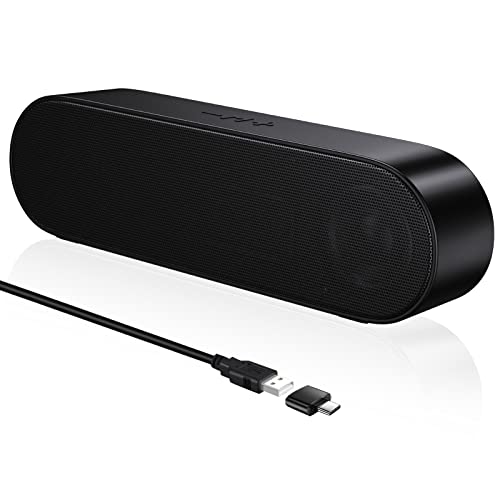
The SOULION R90 is a desktop computer speaker soundbar with USB power, Bluetooth mode and 3.5 mm AUX support. It is set up for use with a PC, laptop, smartphone or tablet, and includes LED light modes.
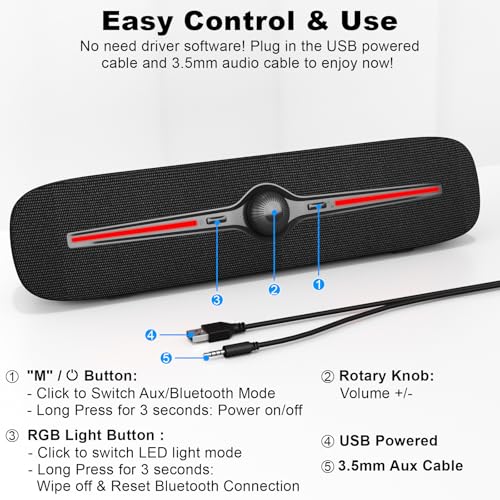
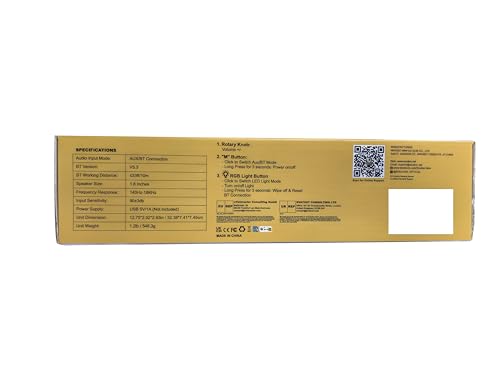
Use the M button to switch between AUX mode and Bluetooth mode, then adjust volume with the rotary control. The light button switches the LED lights on, off or through the available light modes.
Who It Is Best For
This speaker suits buyers who want a compact desktop soundbar for a computer setup and need both wired and Bluetooth listening options. It also suits anyone who wants LED lighting as part of the speaker setup.
Key Details
| Detail | Verified information and buyer relevance |
|---|---|
| Model | R90, which identifies the specific speaker version. |
| Power | USB powered, so it needs USB power in use. |
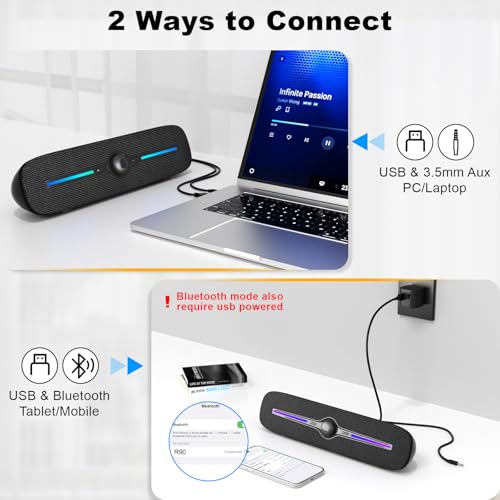
| Connection options | Bluetooth and 3.5 mm AUX are supported for wired or wireless listening. |
| Bluetooth | Built-in V5.3 Bluetooth technology is stated for wireless connection. |
| Controls | M button for mode switching, rotary volume control, and a light button for LEDs. |
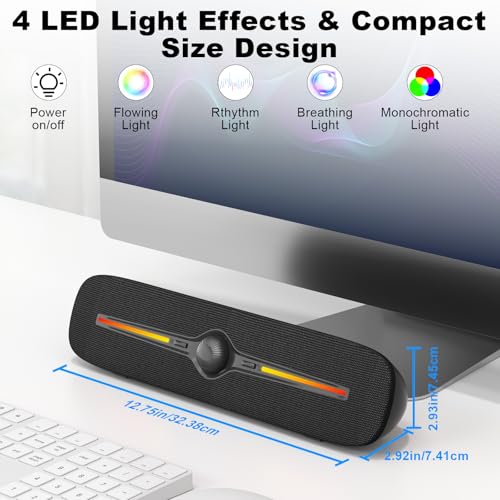
| Lighting | Four dynamic light modes are included, with on and off control. |
| Compatible devices | PC, computer, laptop, smartphones and tablet are named in the description. |
Why Buyers Choose It
- USB power and AUX input give it straightforward desktop use with a compatible device.
- Bluetooth mode adds a second listening option for devices that connect wirelessly.
- Four light modes provide visual variation if you want lighting with your speaker setup.
- The rotary volume control and mode button keep the main controls easy to reach.
How It Works
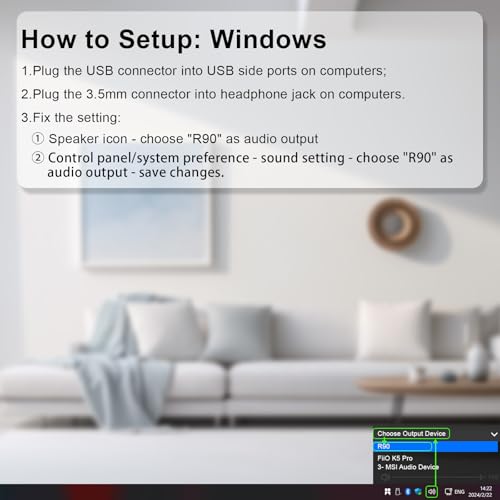
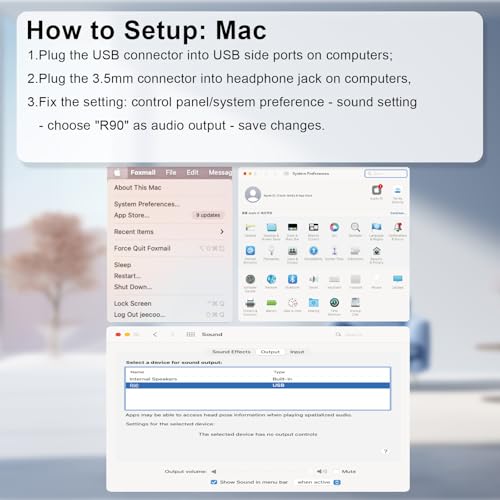
- Connect the speaker to USB power.
- For AUX use, plug in the 3.5 mm audio connection and press the M button to select Aux Mode.
- For Bluetooth use, press the M button to select Bluetooth Mode, then search for R90 on your phone, tablet or other device.
- Use the rotary control to adjust volume.
- Press the light button to switch the LED lights on, off or between light modes.
- Long press for 3 seconds to power on or off, and long press for 3 seconds to wipe off and reset the Bluetooth connection.
Real World Use
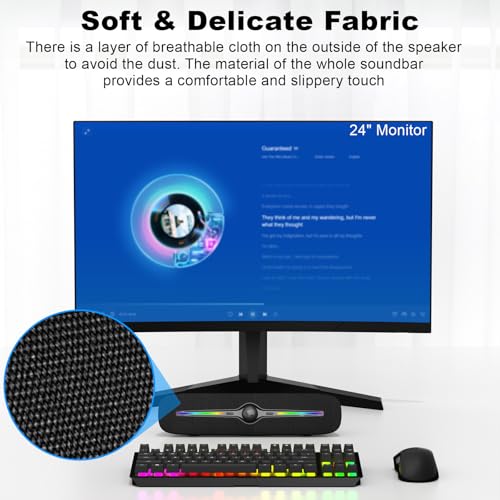
The soundbar is set up for a desk or computer area where USB power is available. It can be used with a PC, laptop, smartphone or tablet, and the LED lights add a visible feature when watching films, listening to music or playing games.
What To Know Before You Buy
Check that you have USB power available, because the speaker needs it even when using Bluetooth. Confirm that your device has a standard 3.5 mm jack if you plan to use AUX mode. If you want Bluetooth use, search for R90 during pairing and review your device setup before ordering.
Common Buyer Questions
Does it need USB power?
Yes. USB power is required.
Can it work with Bluetooth and AUX?
Yes. Both Bluetooth mode and 3.5 mm AUX mode are supported.
What devices are named for use with it?
PC, computer, laptop, smartphones and tablet are all named as compatible devices.
How do I control the lights?
Use the light button to turn the LEDs on or off, or switch through the light modes.
Final Buying View
If you want a USB powered desktop soundbar with both Bluetooth and AUX connection options, the SOULION R90 gives you a simple multi-mode setup. Check your power and connection needs before ordering.